
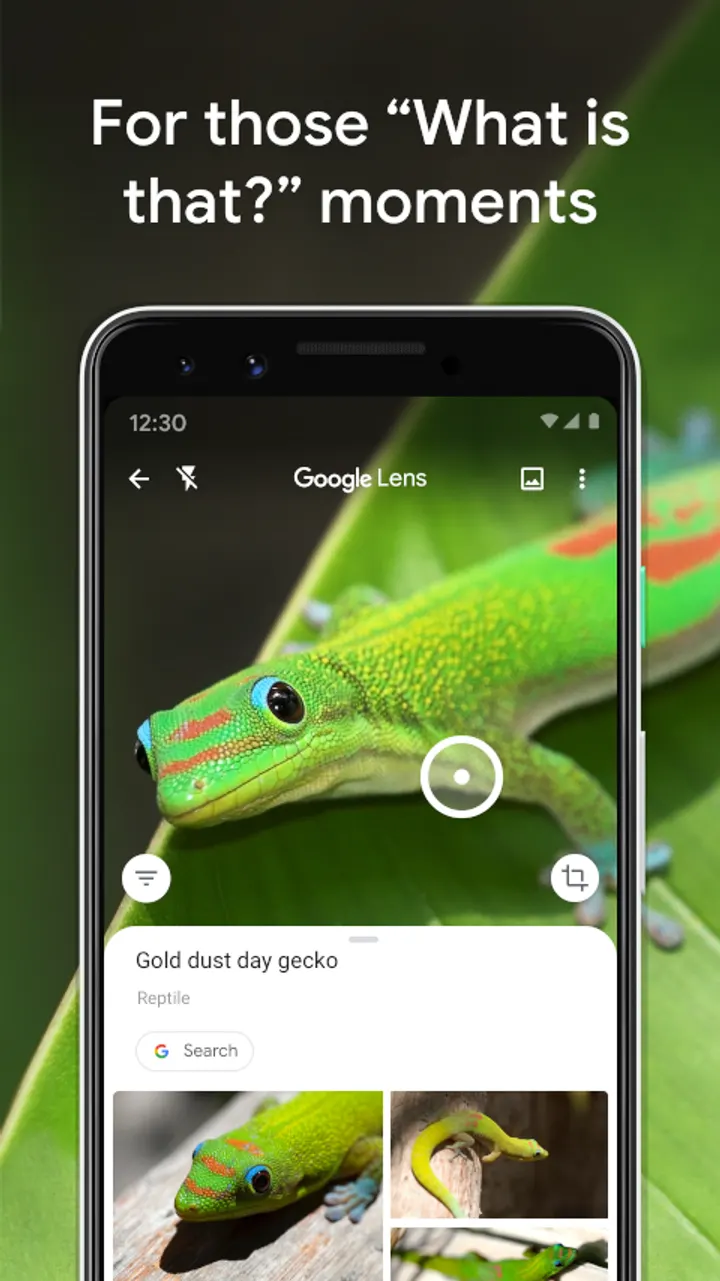
Google Lens suits people who would rather point a camera at something than type a search about it. Install it from Google Play. This page covers what the app does, who makes it and which Android version your phone needs.
Google LLC and a project that dates to June 2018
Google Lens is published by Google LLC, with its project site at lens.google.com. The Android listing shows a release date of June 3, 2018, and the most recent update on record is August 5, 2025.
Google Play lists the package as com.google.ar.lens. The app sits in the Apps category with tags for tools, no ads and an Everyone content rating.
Translate, identify, scan and shop from one camera view
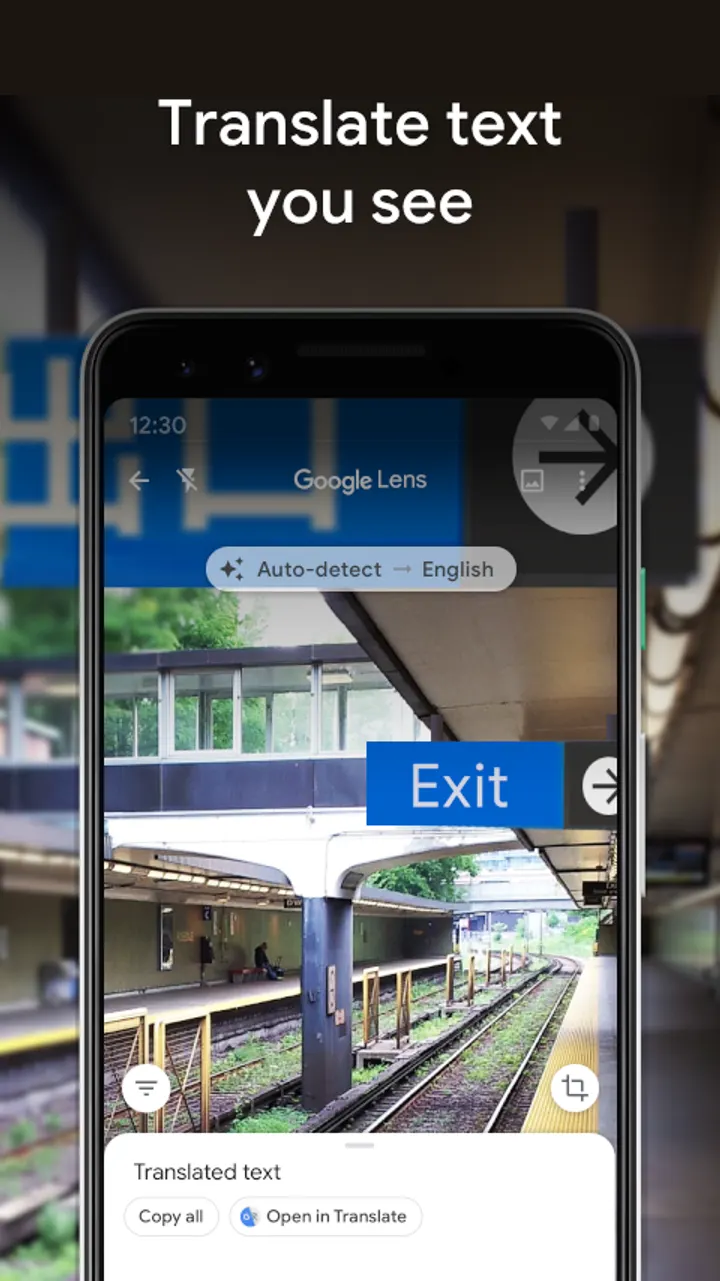
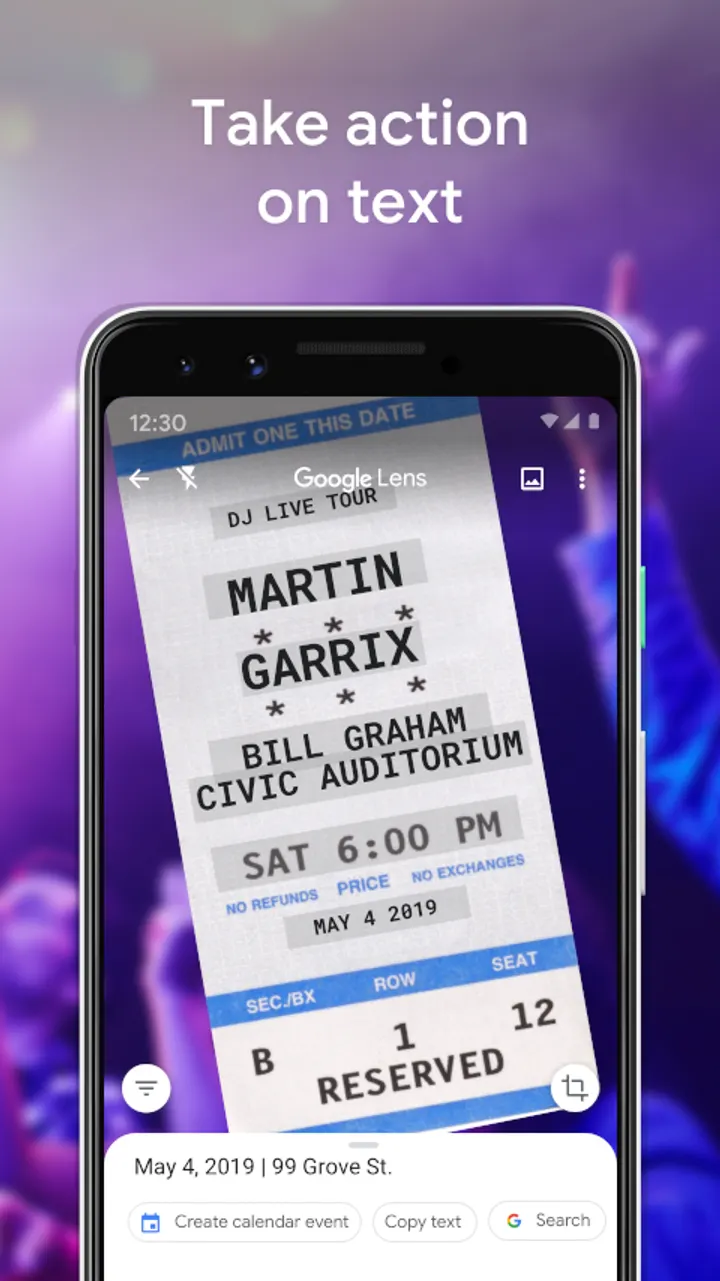
Text is the first use the description names. You can translate words you see, save a business card to your contacts, add an event from a poster to your calendar, or copy long paragraphs and complicated codes into your phone.
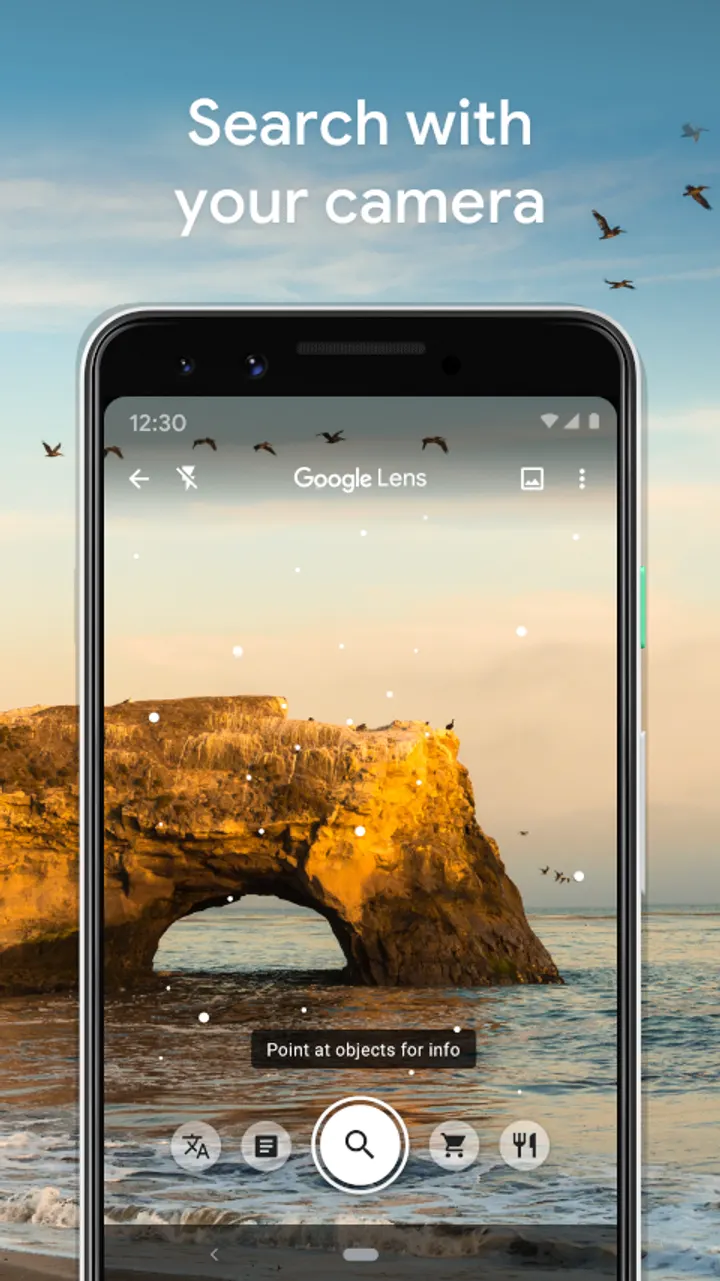
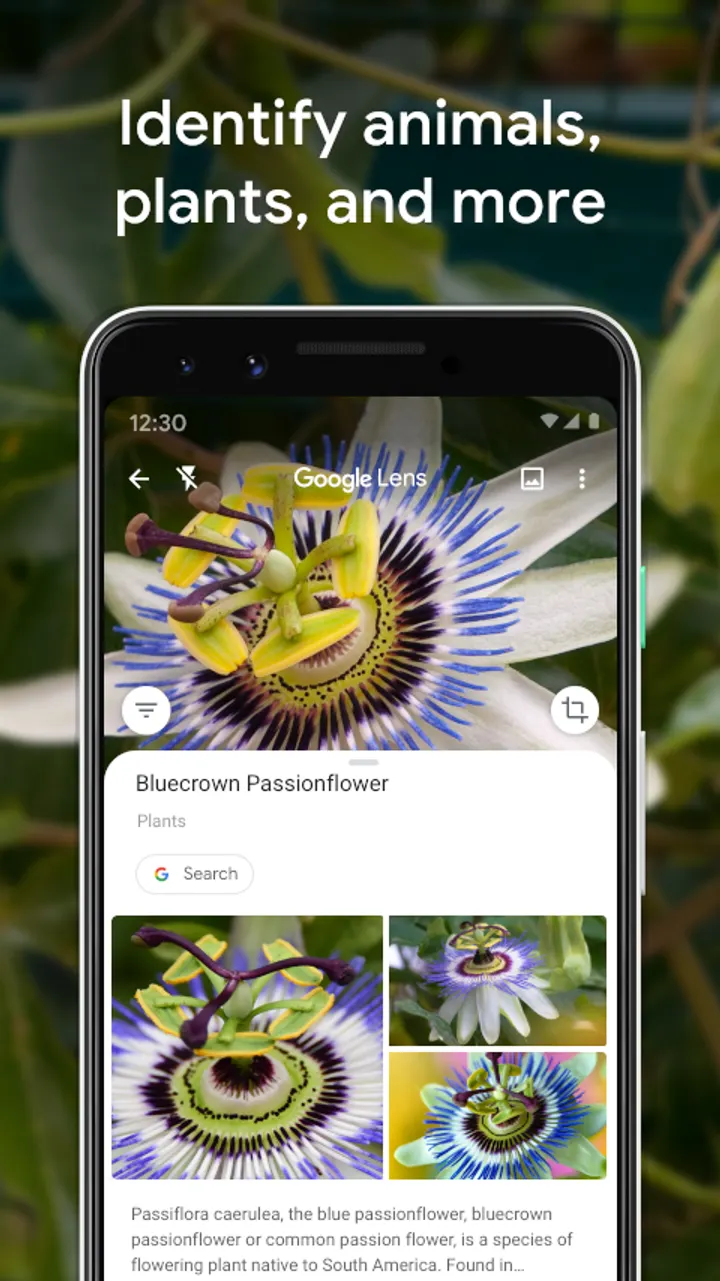
The camera also names plants and animals, such as a plant in a friend's apartment or a dog in the park. For places, it identifies landmarks, restaurants and storefronts, and can show ratings, opening hours and historical facts.
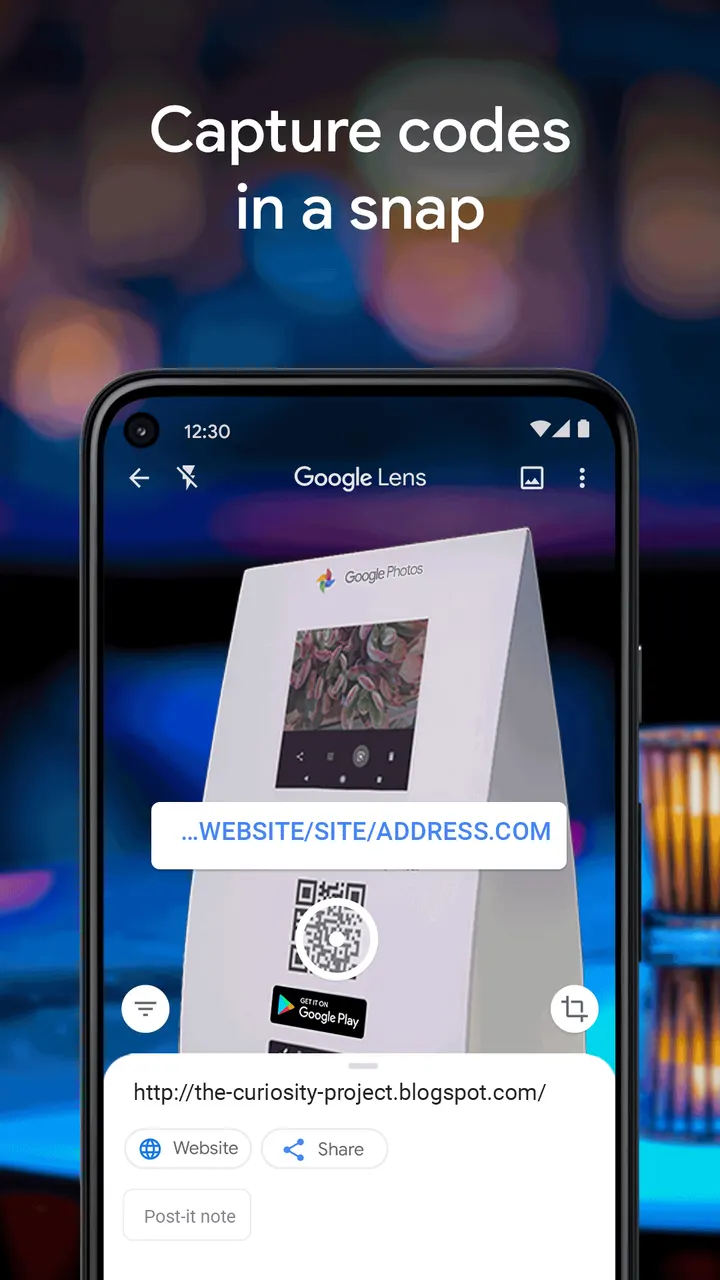
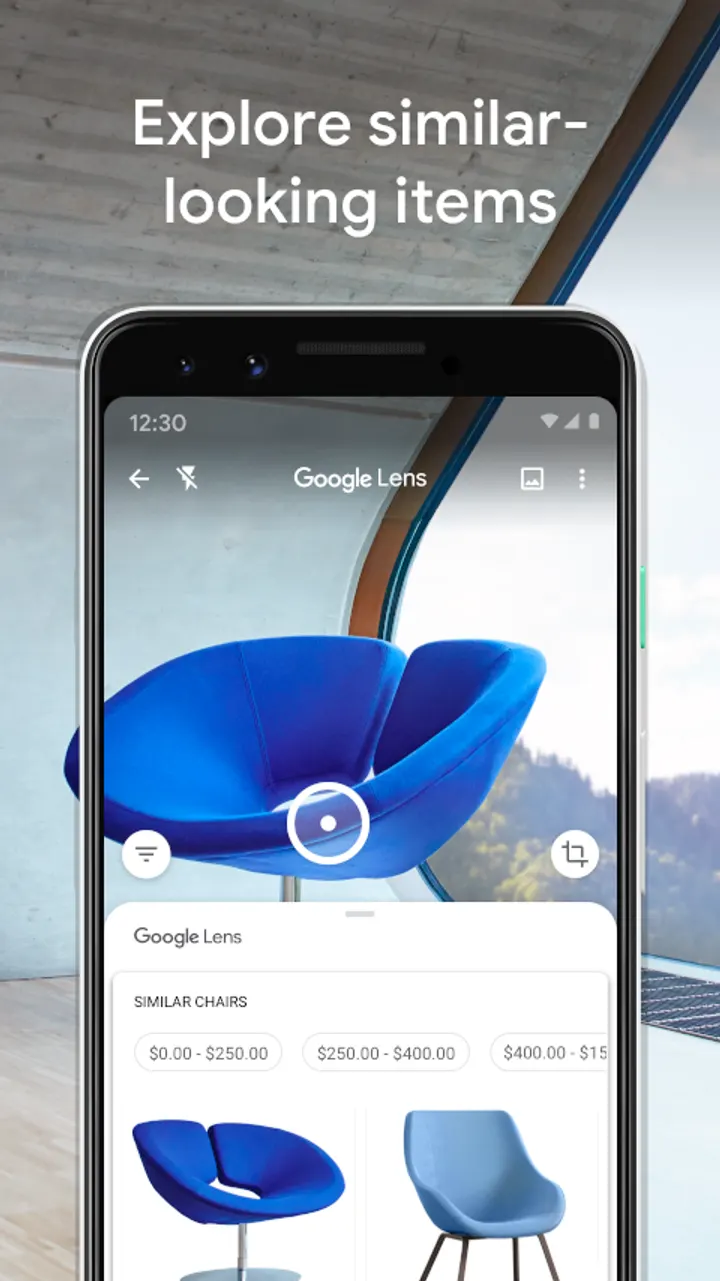
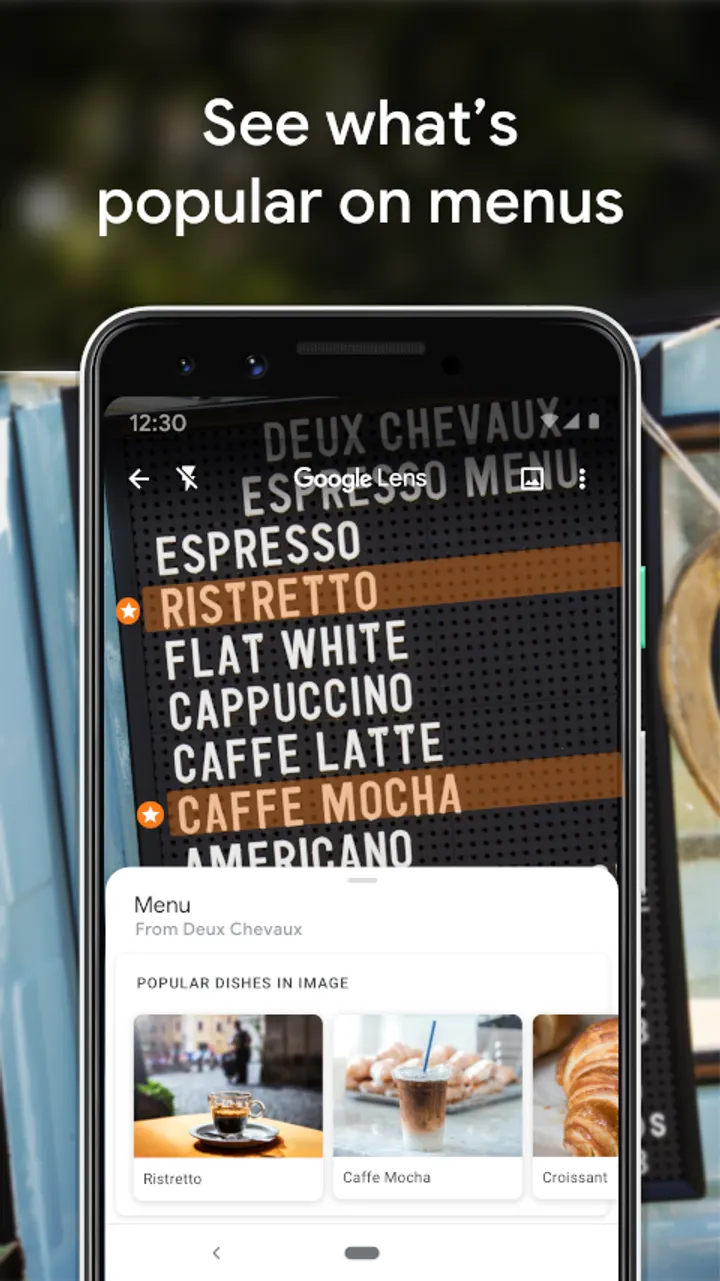
Shopping is covered too. Point it at an outfit, a chair or a piece of home decor and it looks for similar items. On a restaurant menu, it can highlight popular dishes based on Google Maps reviews. QR codes and barcodes can be scanned quickly as well.
Android 6.0 minimum and regional limits
The minimum Android version is 6.0. The installed version number varies by device.
Availability is limited, and some languages and regions are not supported. Some features need an internet connection. Google points to g.co/help/lens for details.
Google Lens pros and cons
Pros
- Free, with no ads and no in-app purchases
- Covers text translation, plant and animal identification, place lookup, shopping and code scanning
- Rated 4.7 on Google Play from about 2.9 million ratings
- Over 1 billion installs on Google Play
- Runs on Android 6.0 and later
Cons
- Limited availability, and not all languages or regions are supported
- Some features need an internet connection
- The version number varies by device
- Not available in all languages and regions
Is Google Lens safe?
Google LLC publishes Google Lens, rated Everyone. It is free, with no ads and no in-app purchases. Because it works through your camera and photos, check the permission list on its store listing to see what access it asks for.
How to install Google Lens
- Press the Google Play button on this page.
- Check the listing in the Play Store and press Install.
- Open Google Lens when the install finishes. Updates arrive through Google Play.


