
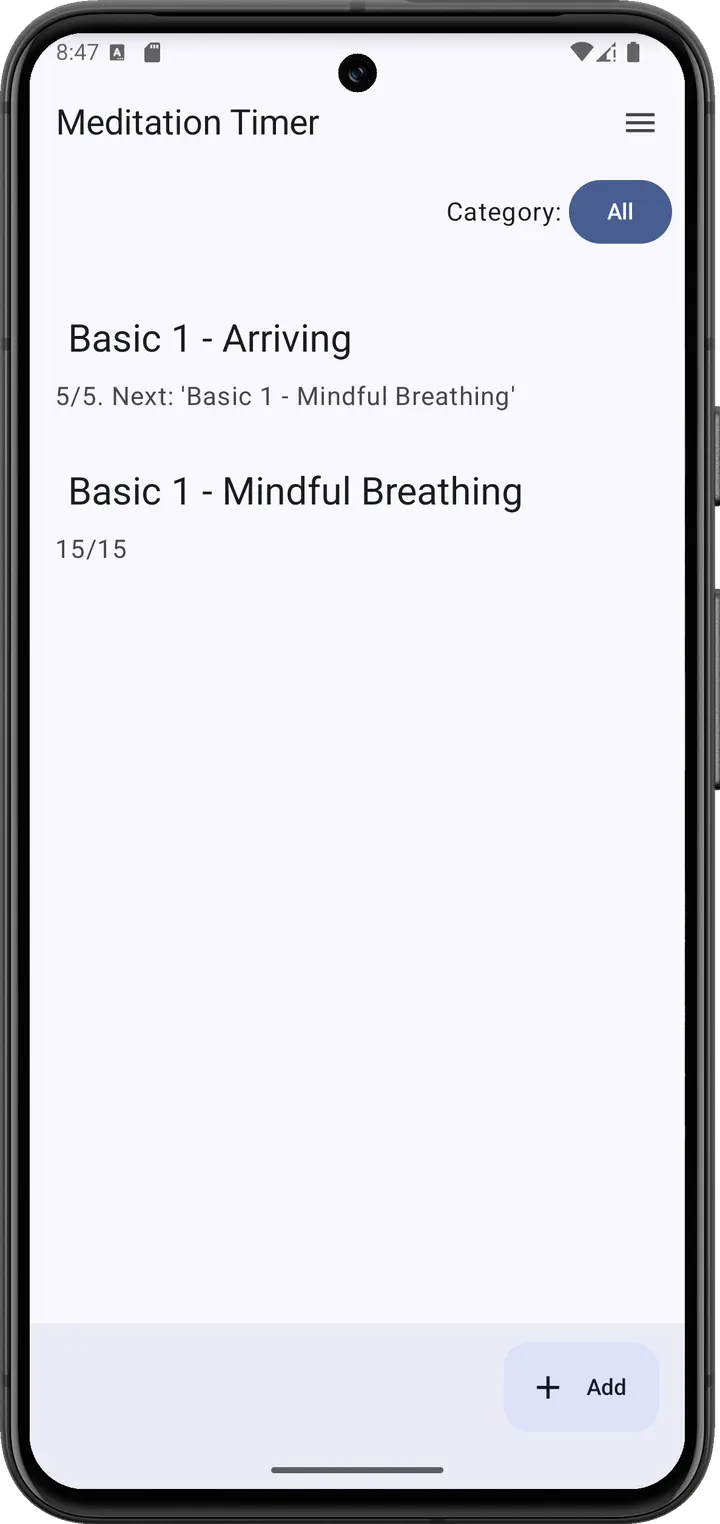
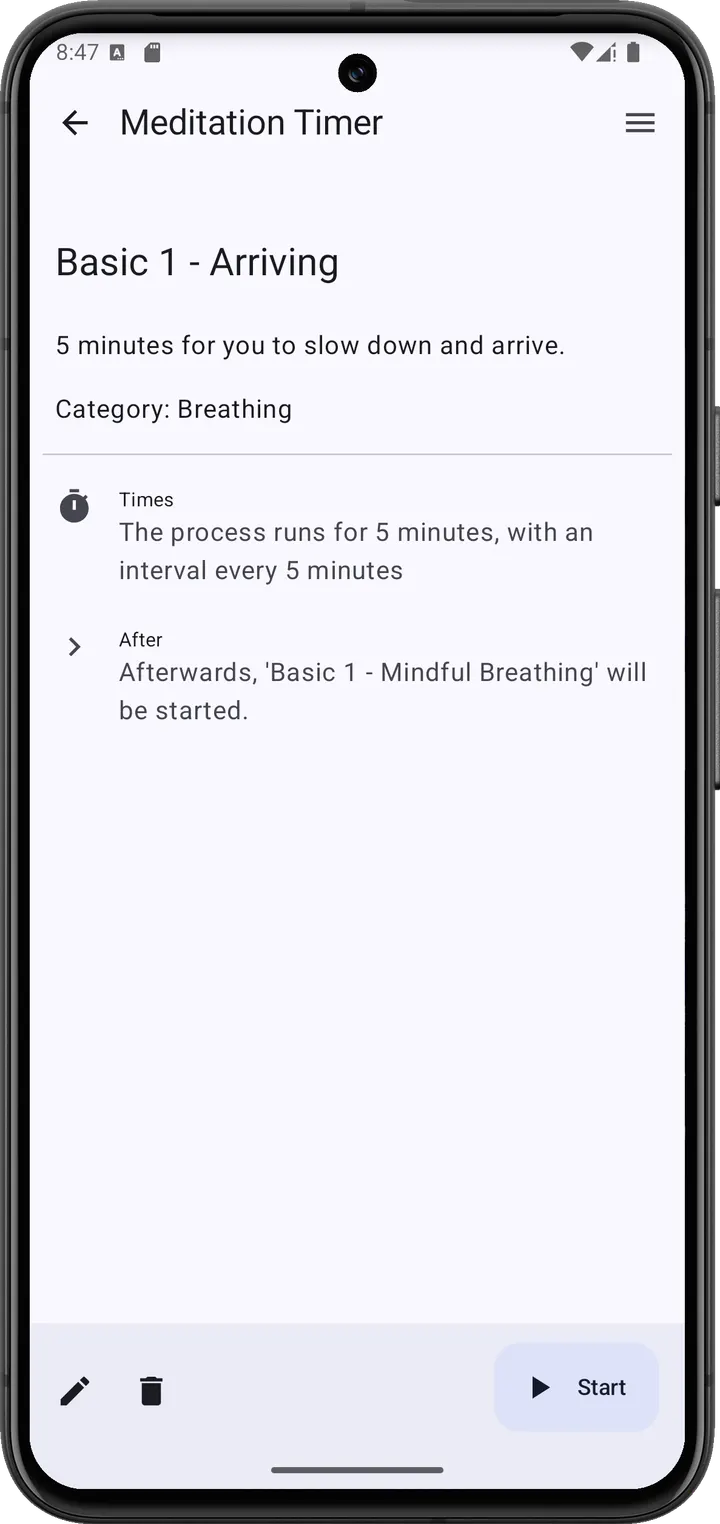
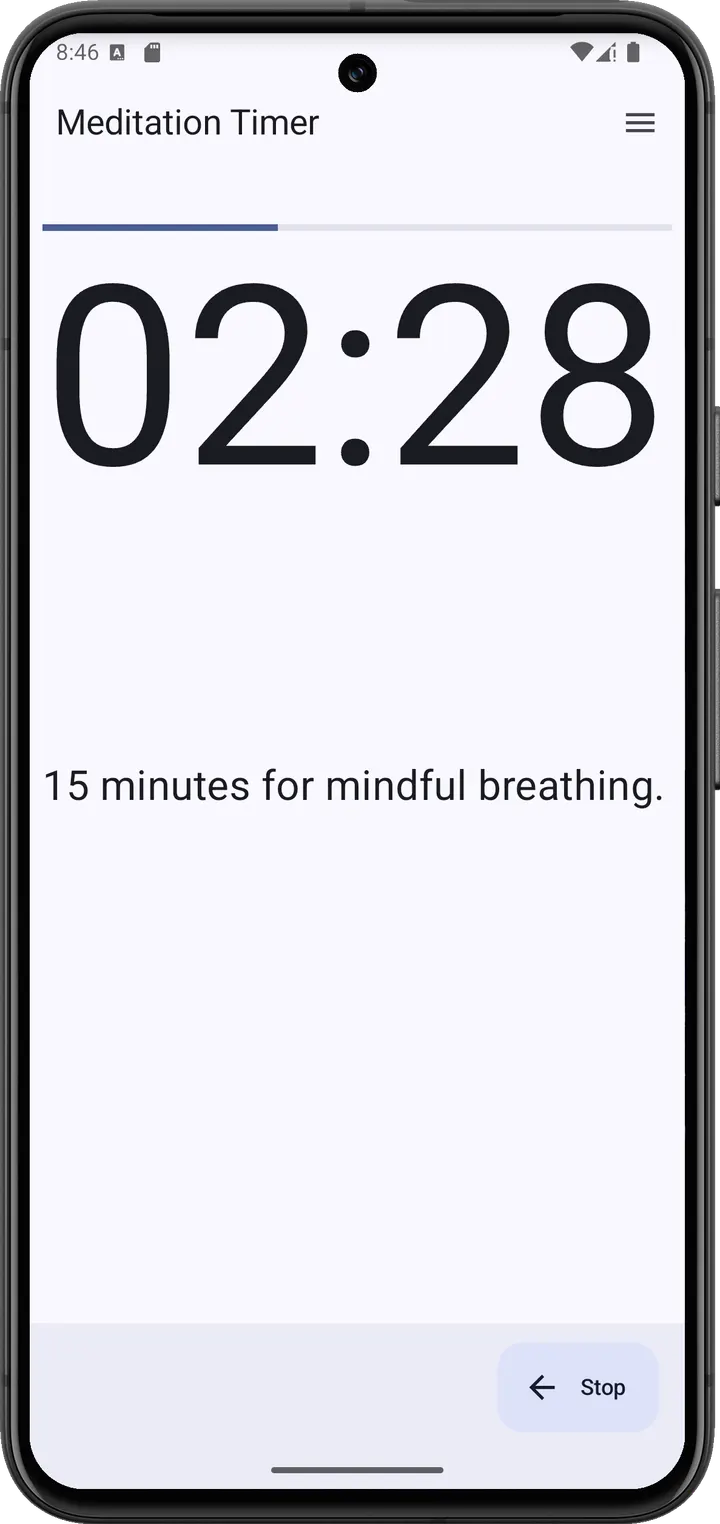
You sit down for a session, set a count, and want a soft beep at the right moments without a screen full of ads. Meditation Timer, version 1.2.0, does that job and little else. It is free, carries no ads, and the source code is public.
A PalmOS idea rewritten by Jan Exner
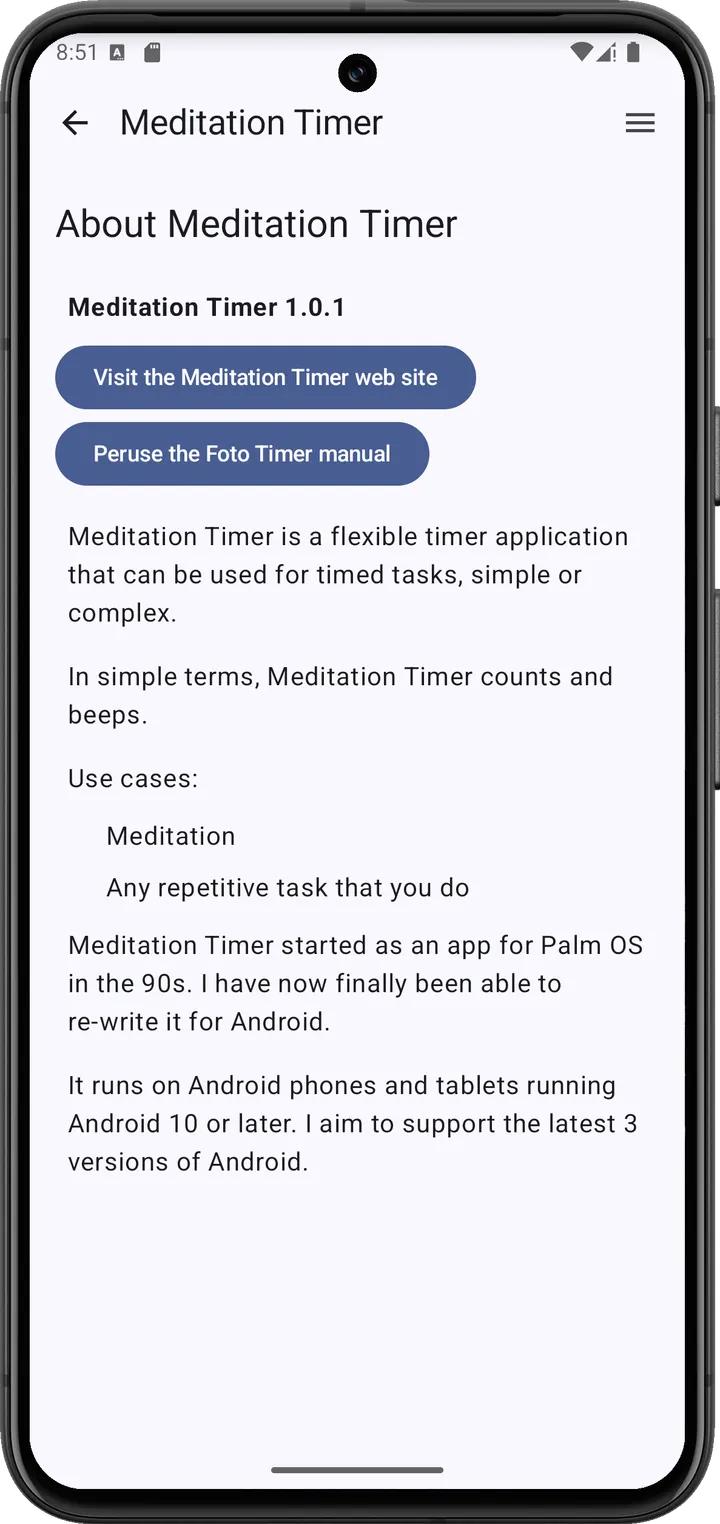
Jan Exner develops the app, offers it on his own website and keeps the code on Codeberg. The store description calls it a rewrite of the original Meditation Timer for PalmOS from about 20 years ago, and a simpler take on Foto Timer.
It is licensed under EUPL-1.2. The package ID is com.exner.tools.meditationtimer, and the first release date on record is June 9, 2024.
Processes and chaining instead of one fixed timer
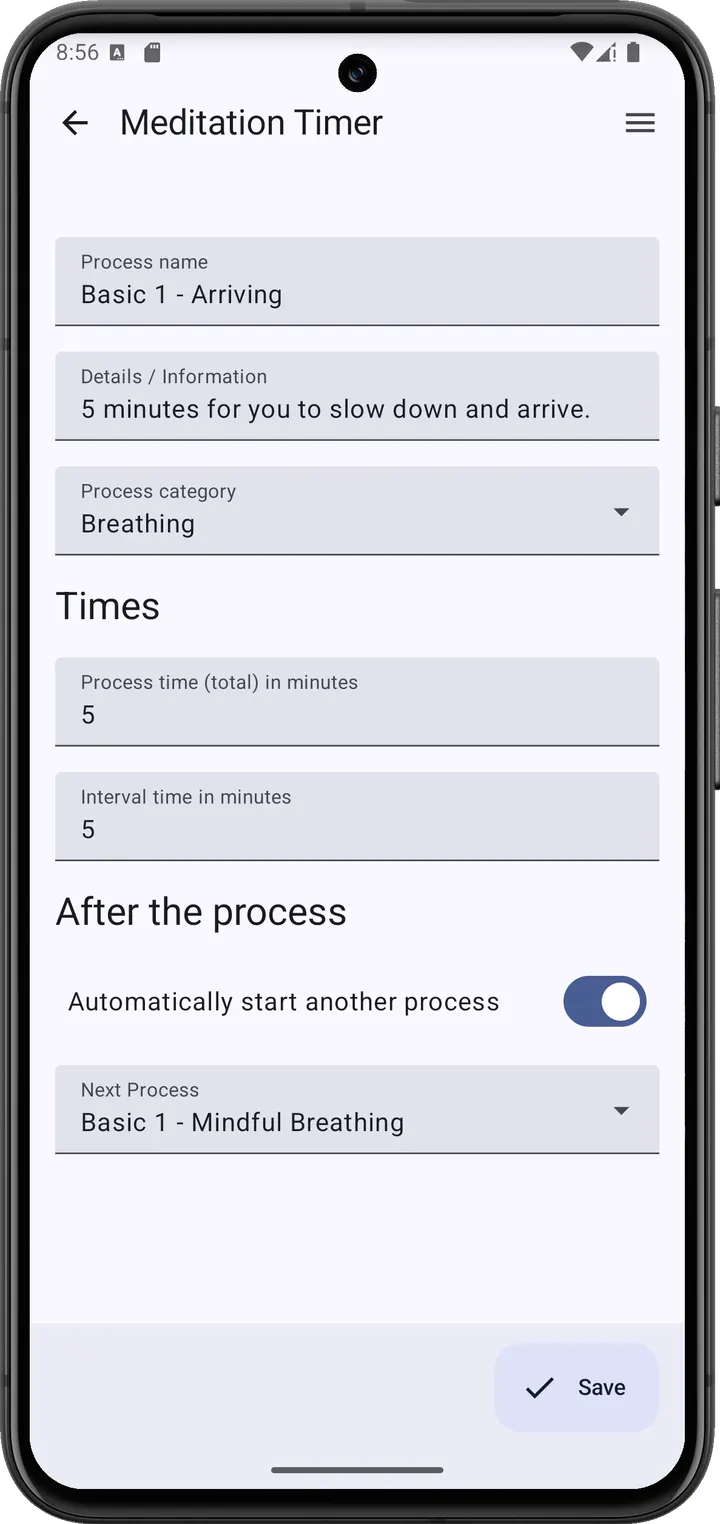
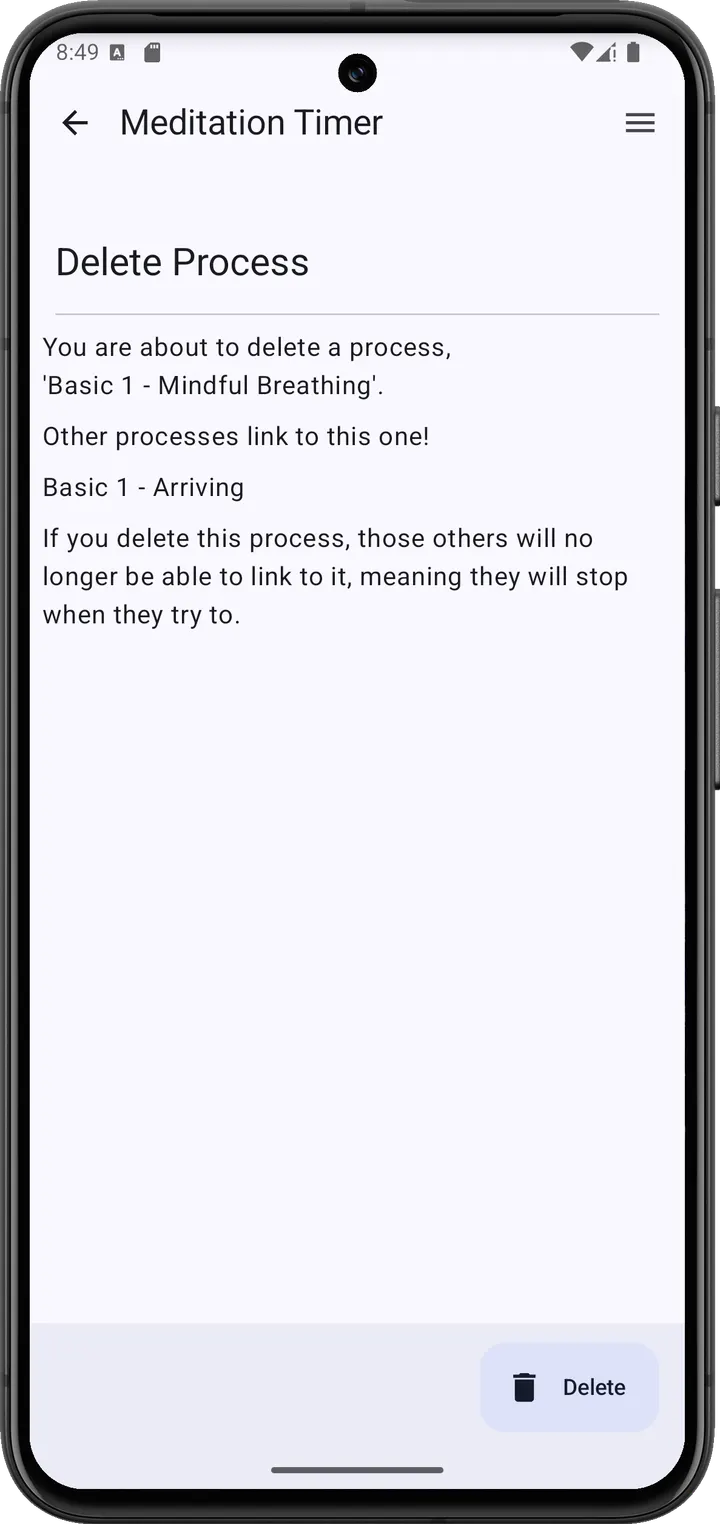
The app works with processes. Each process defines how it counts and how often it beeps. Processes can be chained, so one can start another automatically.
That suits meditation, and it also fits other repeating tasks. The developer says the app contains no AI.
Android 10 and a 3.9 MB download
Meditation Timer runs on Android 10 or newer and takes up 3.9 MB, so it fits on nearly any phone. Version 1.2.0 was last updated on June 16, 2026.
There is no price and no advertising, and the source code is published under the EUPL-1.2 license.
Meditation Timer pros and cons
Pros
- Free, with no ads
- Open source under EUPL-1.2, code on Codeberg
- Chained processes can run one after another
- Small 3.9 MB package
- Developer states it contains no AI
Cons
- Requires Android 10 or newer
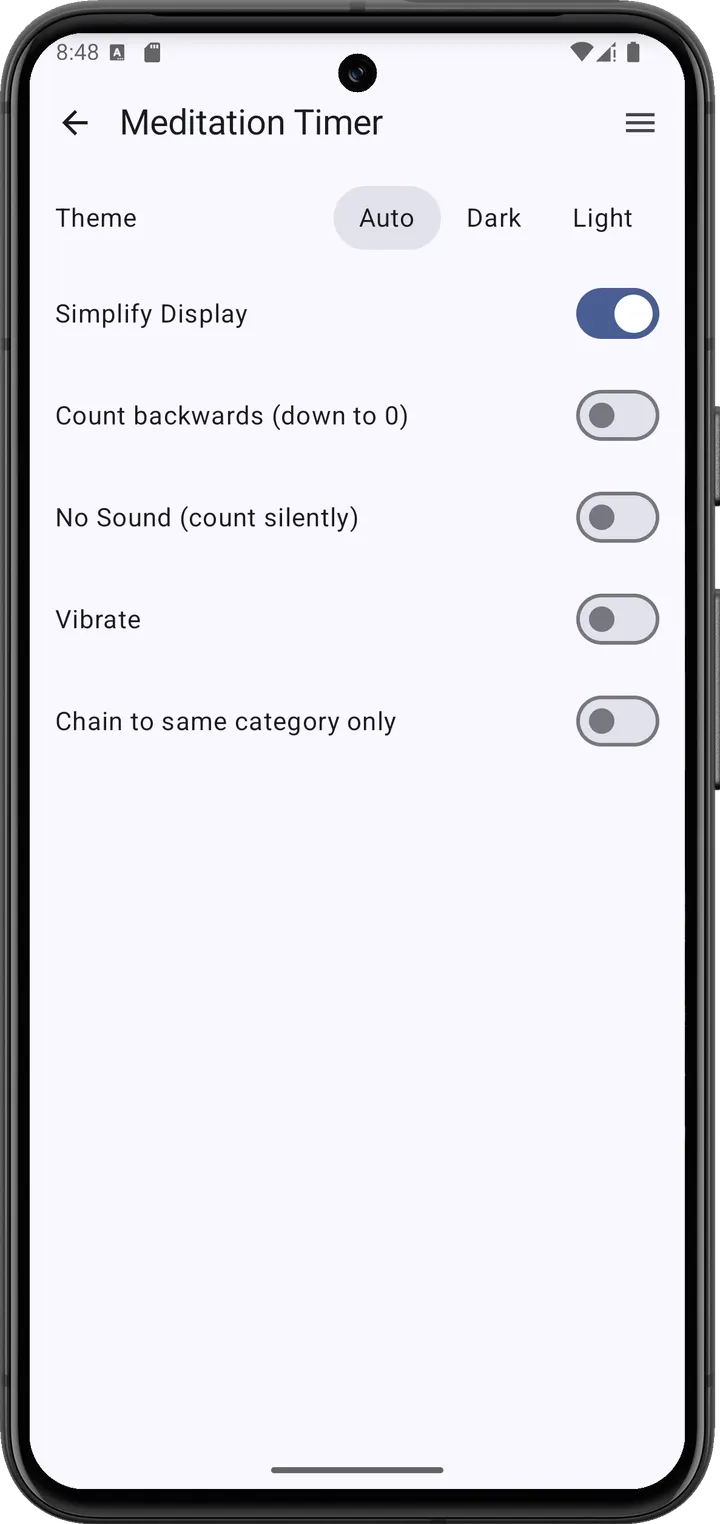
- Feature set is narrow, with few options beyond processes
- No independent security review is available
Is Meditation Timer safe?
The APK is the unmodified file from the developer. Compare its SHA-256 checksum, 50a463f1b486dd9136841445b7a5e03c4e6dc5b3b72cb9ae15d445b52ad90b21, with your download to confirm the file matches. Jan Exner publishes the source code under EUPL-1.2, so anyone can read how the timer counts and beeps, and the app shows no ads.
How to install Meditation Timer
- Download the APK with the button on this page and wait for it to finish.
- Compare the file with the SHA-256 checksum shown here if you want to confirm it arrived intact.
- Open the file on your phone and allow installs from this source when Android asks.
- Finish the install, then open Meditation Timer from your app drawer.


