
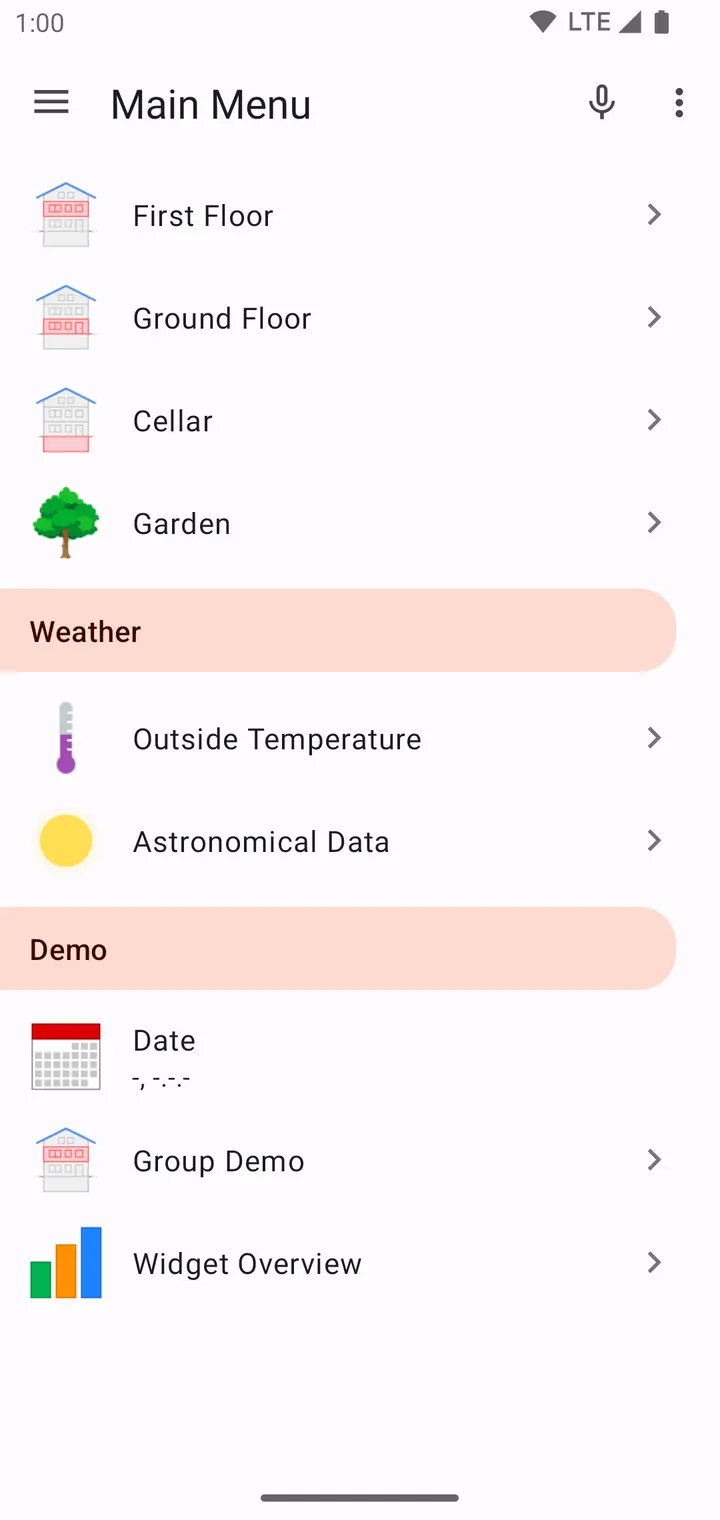
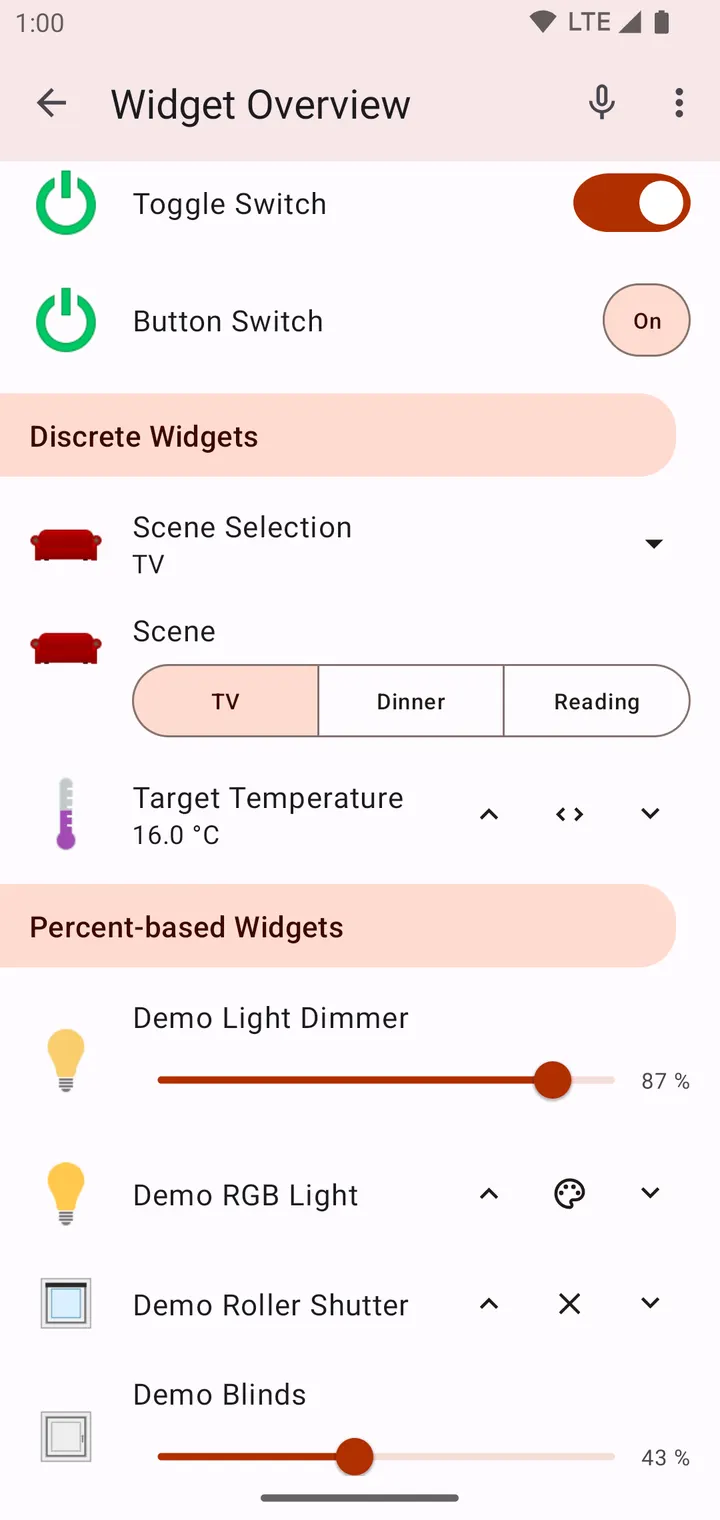
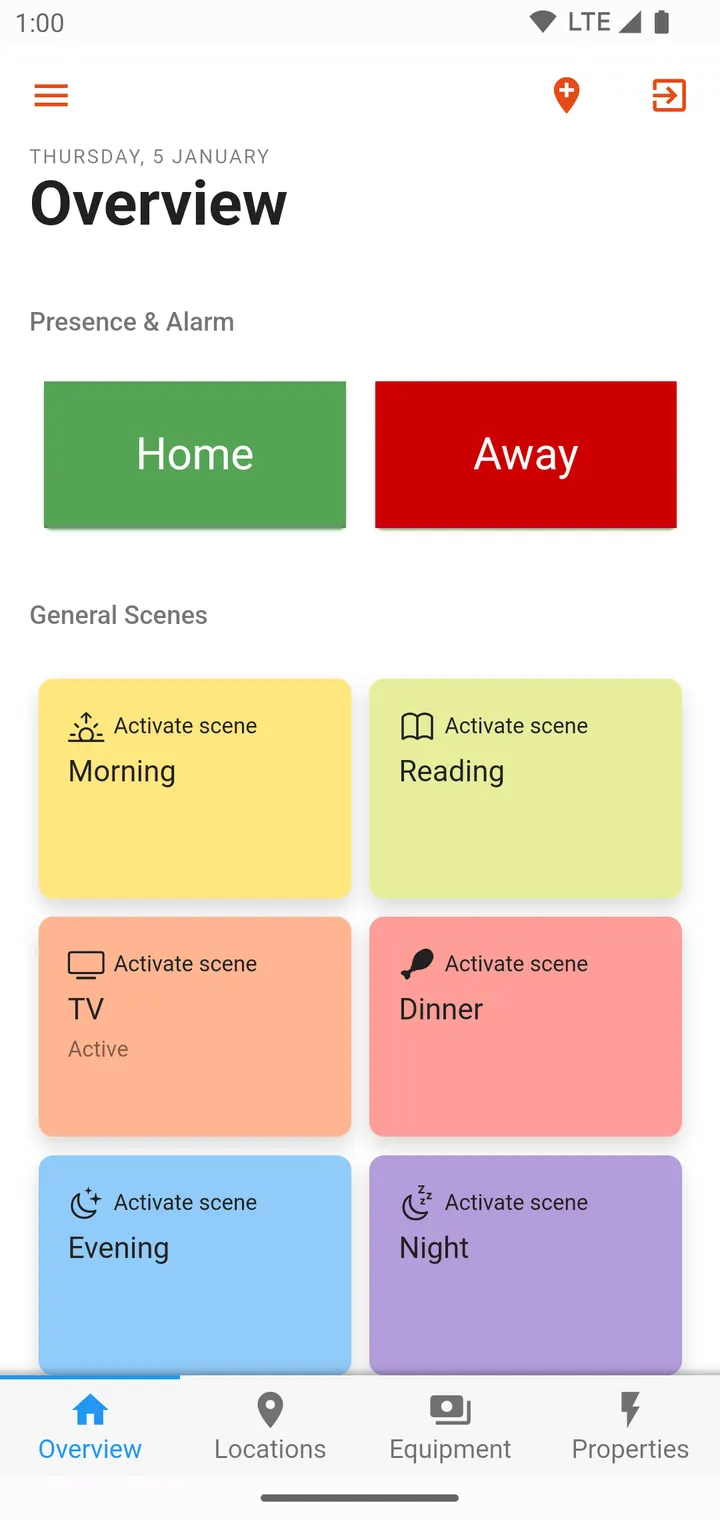
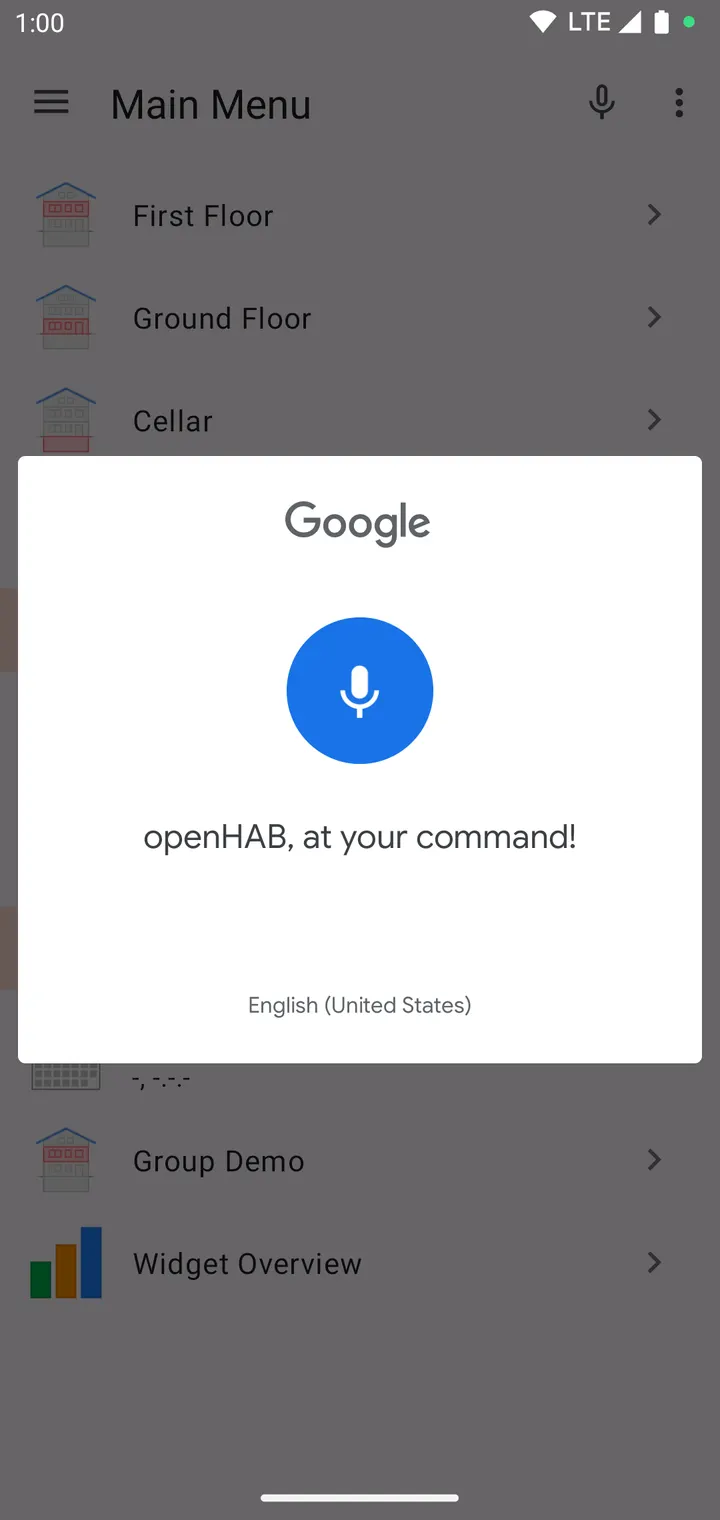
This page is for people who already run, or plan to run, an openHAB server at home and want the Android client for it. The app is published by the openHAB Foundation, costs nothing and shows no ads. The current version is 3.21.1, last updated on August 3, 2026, and it needs Android 5.0 or newer. The first release dates back to March 15, 2018.
First steps after installing openHAB 3.21.1
The most important thing to know: the app does nothing useful without an openHAB server. The publisher says so plainly, so set up or locate your server before you open the app. The package is small at 7.9 MB, and the package ID is org.openhab.habdroid.
Here we host the unmodified APK, and you can compare its SHA-256 checksum against the one on this page: 15465bc845560bd14bee0e47fc59dc4ed70fa522dc7c94306e2ba4fd89bf40a1. Matching the hash confirms the file is the one we verified.
Once the app is connected to your server, your devices appear in the interface that the server provides. The app also includes an action plugin for Tasker and Locale, which suits anyone who already automates the phone itself. One detail concerns push messages. The builds distributed on F-Droid have FCM removed, so they cannot receive push notifications from openHAB Cloud and poll for notifications at regular intervals instead.
One client for Z-Wave, Hue, Sonos and 200 add-ons
openHAB is a Java-based open-source home automation platform. It joins many smart home systems under one abstraction layer, so every connected device can be reached by the rule engines and by the different user interfaces. The Android app is one of those interfaces.
Over 200 add-ons cover brands, devices, technologies and protocols. Examples include Z-Wave, Philips Hue, Amazon Echo, Chromecast and Sonos. A full list of supported devices lives on the project website at openhab.org/addons, and that list matters more than this page when you check whether your own hardware works.
The project is licensed under EPL-2.0, and the source code for the Android app is public on GitHub. Bug reports go to the forum or the GitHub issue tracker. The forum has over 13,000 registered users, and translators can contribute through the Crowdin project. The app contains no ads.
Who should look at other apps instead
Anyone without an openHAB server can skip this one. The app is a client for a home automation system you run yourself, not a standalone smart home product.
The alternatives listed in our catalog are WhatsApp, Facebook, Messenger, Google Photos, X and Aegis Authenticator. None of them controls a home, so they are not real substitutes. For a different smart home platform, you would need to research that separately.
The openHAB Foundation runs the project and publishes the code under EPL-2.0, which suits people who prefer open systems.
openHAB pros and cons
Pros
- Free to use, with no ads
- Open source under EPL-2.0, with public code on GitHub
- Over 200 add-ons, including Z-Wave, Philips Hue and Sonos
- Includes an action plugin for Tasker and Locale
- Small download at 7.9 MB, with a published SHA-256 checksum
Cons
- Requires your own openHAB server, so it is useless on its own
- F-Droid builds poll for notifications because FCM is removed
- Version 3.21.1 has no published changelog
Is openHAB safe?
The file is the unmodified build, and its SHA-256 checksum is listed so you can compare it with your download. The code is public under EPL-2.0, the openHAB Foundation develops it, and the app carries no ads. Check the permissions yourself before installing.
How to install openHAB
- Download the APK with the button on this page and wait for it to finish.
- Compare the file with the SHA-256 checksum shown here if you want to confirm it arrived intact.
- Open the file on your phone and allow installs from this source when Android asks.
- Finish the install, then open openHAB from your app drawer.


