
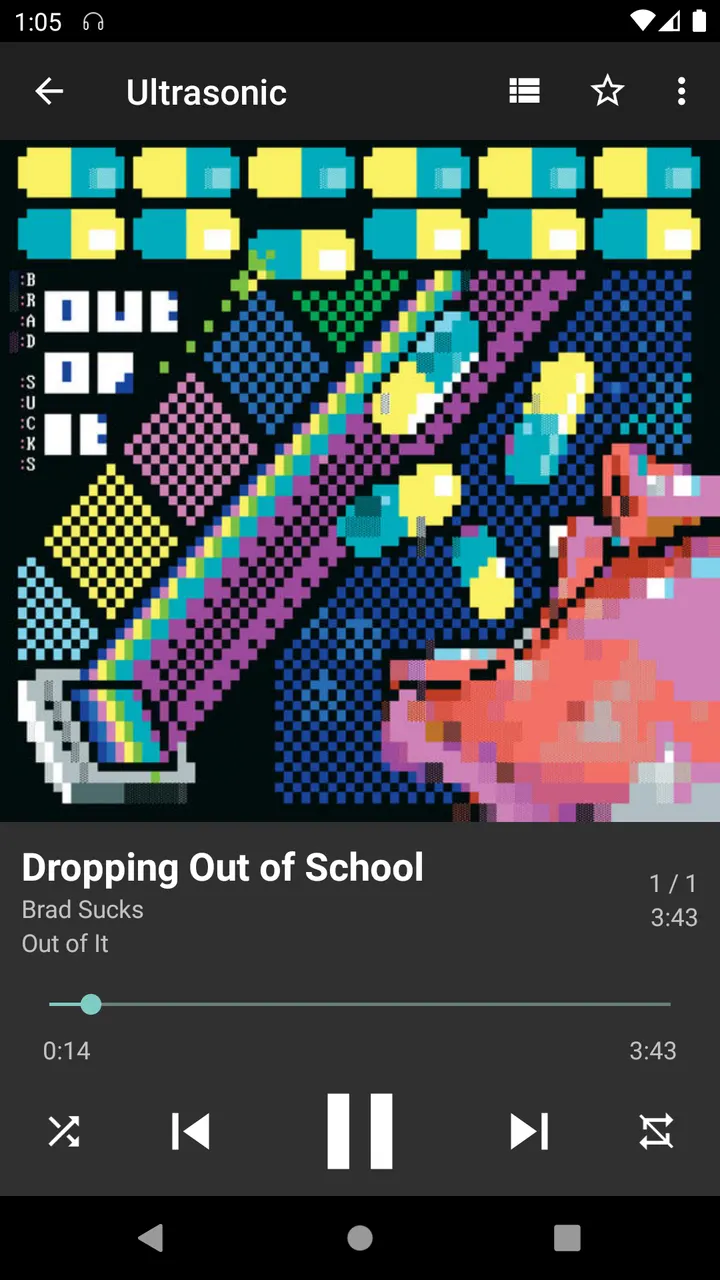
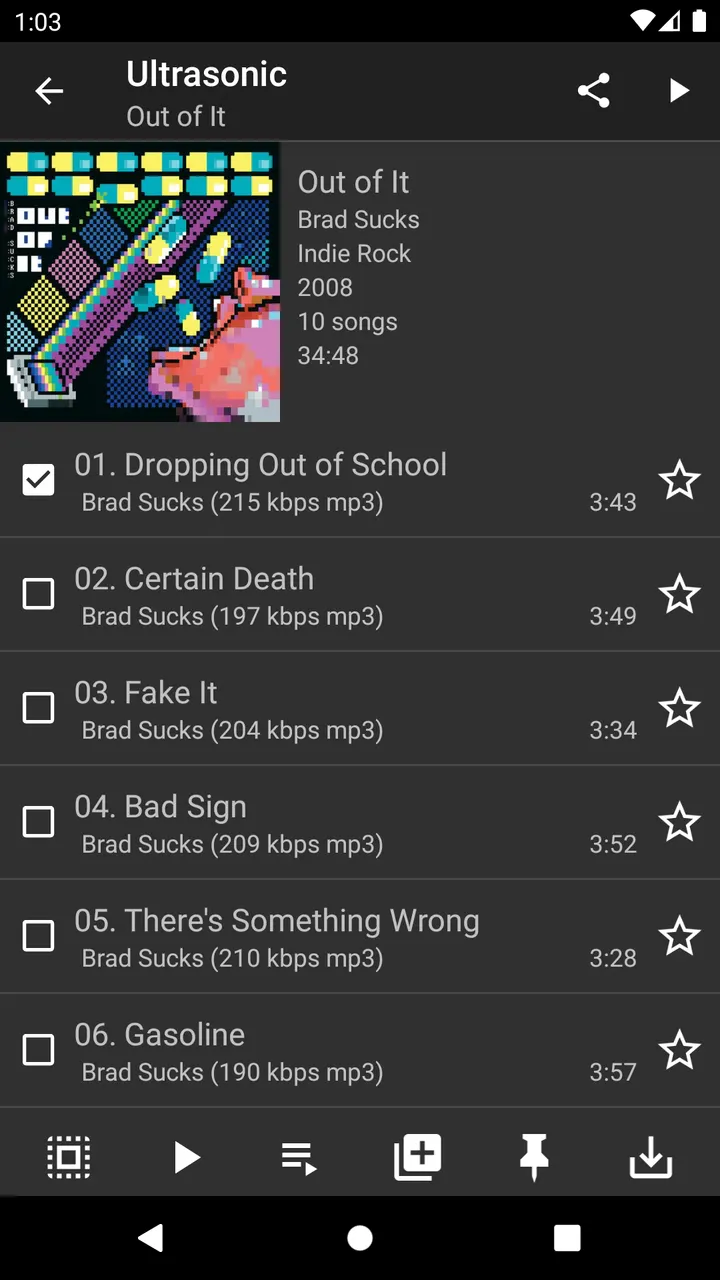
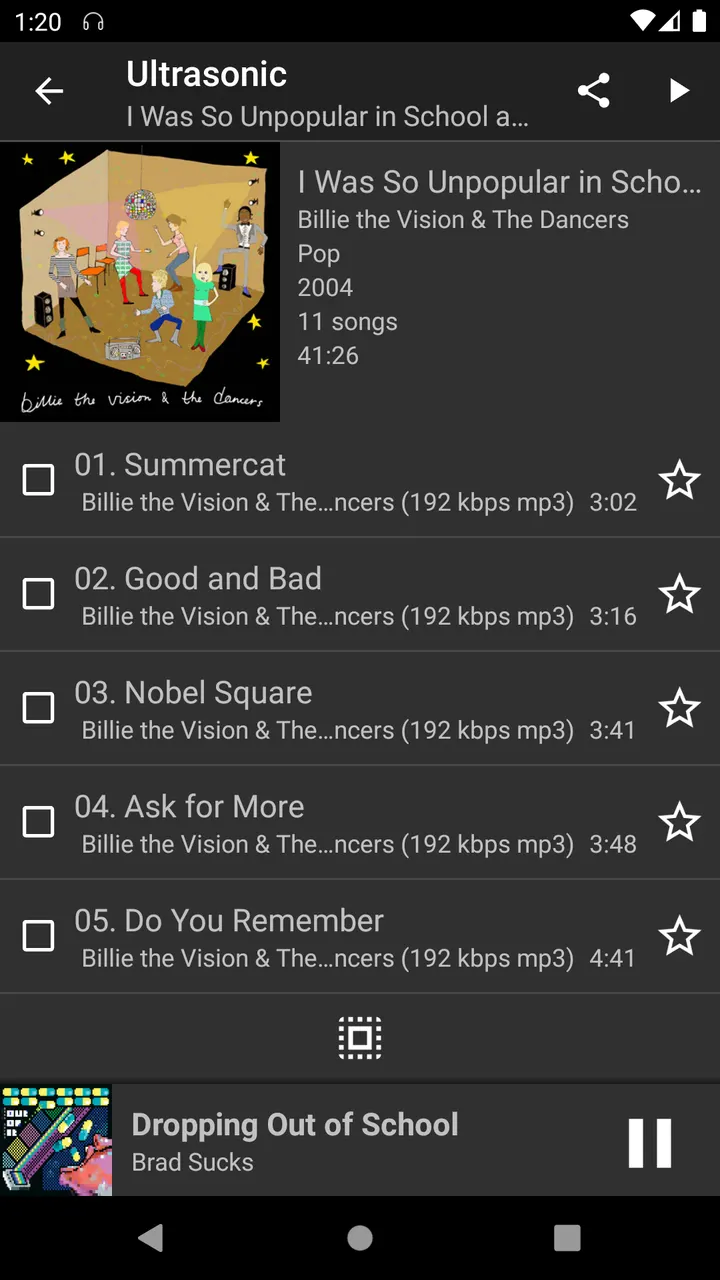
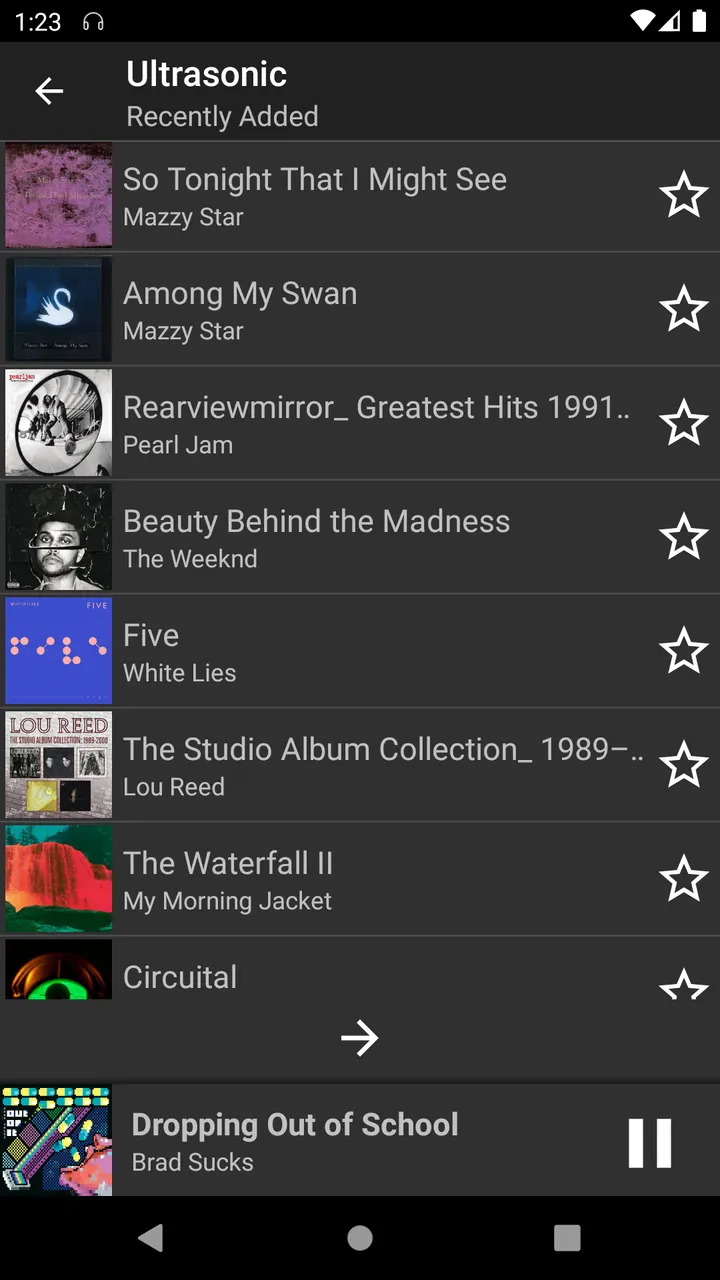
You have a personal music library on a home server and want to play it on your phone during a commute, without a subscription service in between. Ultrasonic is built for that job. It is a client for Subsonic servers and compatible ones, and it needs your own server to be of any use.
Who needs a Subsonic client on Android
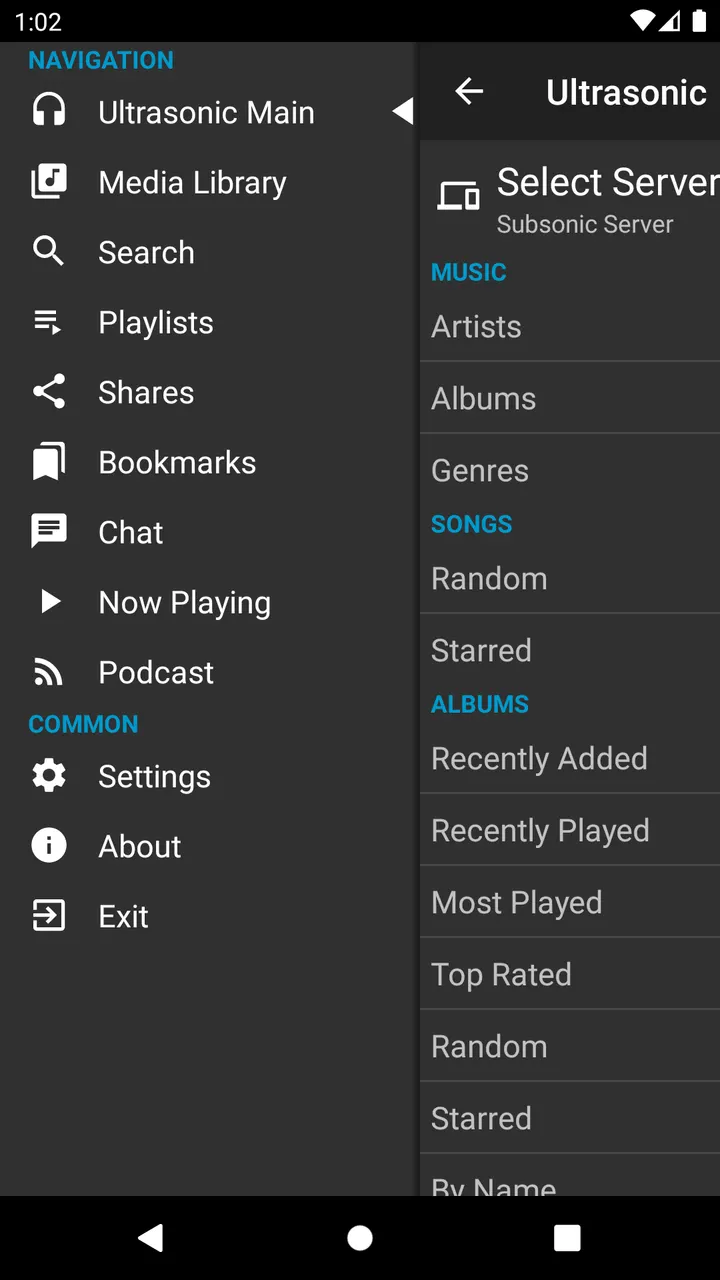
Ultrasonic suits people who already run a Subsonic or compatible server and keep their music there. The app connects to that server and plays what it holds. It does not supply music of its own.
A project website exists at ultrasonic.gitlab.io. The app requires Android 8.0 or newer, so very old phones are out.
Offline tracks, server playlists and jukebox mode
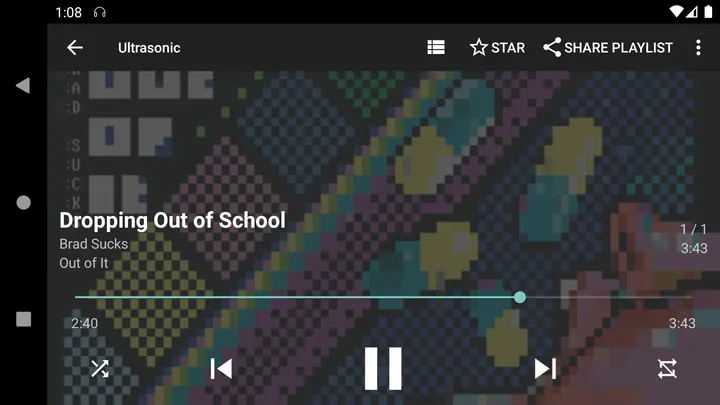
The feature list is short and practical. You can download tracks for offline playback, which matters when the connection to your server drops or you are away from Wi-Fi. Playlists are stored on the server, so they stay with your library rather than on one device.
Multiple server support lets you keep more than one library in the app. Shuffled playback is included, and so is jukebox mode. Bookmarks are also supported.
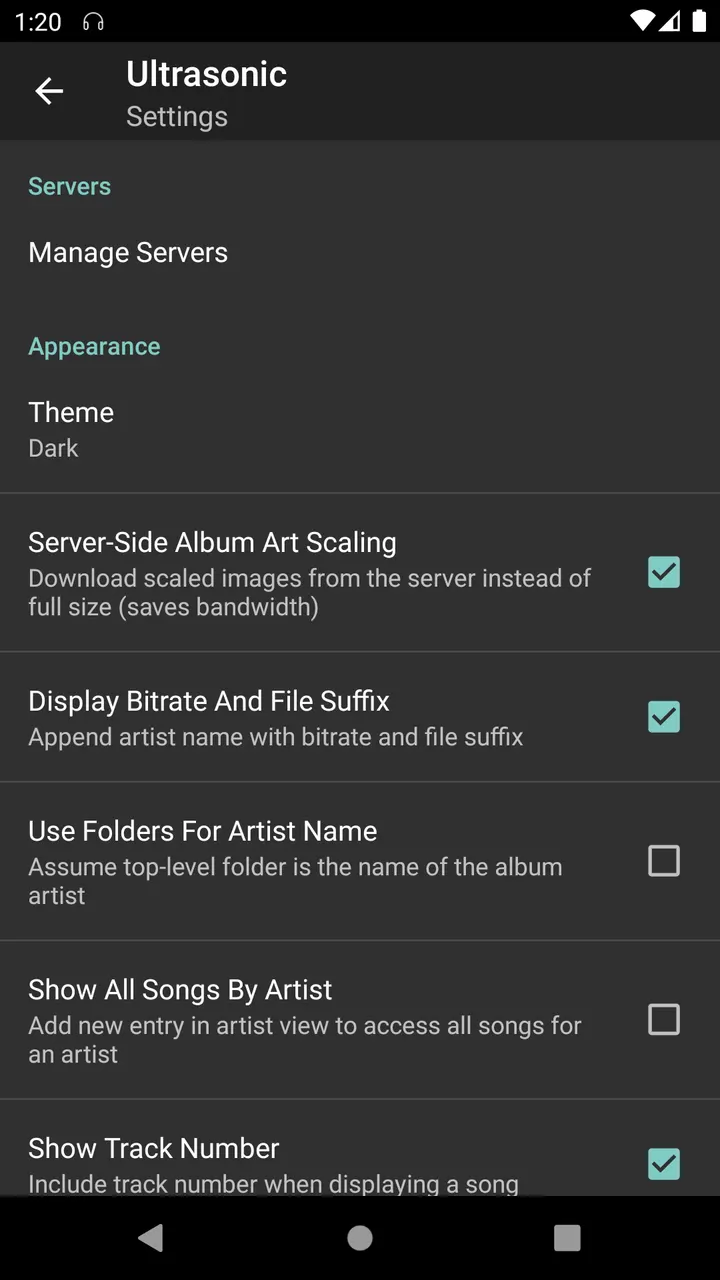
The look follows a Material You theme, with dark and light variants.
A 5.4 MB, free app with no ads
At 5.4 MB, the download fits the app's small and fast goal. It is free and shows no ads. The code is open under GPL-3.0-only and lives on GitLab.
Setup is the real hurdle: you need a Subsonic-compatible server of your own, or there is nothing to stream.
What's new in 4.9.0
The current version is 4.9.0, updated on March 11, 2026. The developer says releases ending in zero bring new features or notable changes, while other releases fix bugs.
Ultrasonic pros and cons
Pros
- Free, with no ads
- Small download at 5.4 MB
- Offline downloads for tracks
- Supports multiple servers
- Open source under GPL-3.0-only
Cons
- Requires your own Subsonic or compatible server
- Needs Android 8.0 or newer
- Developer name is not published
Is Ultrasonic safe?
The unmodified APK for org.moire.ultrasonic is stored with its SHA-256 checksum, b06e4958e3f6040228e06e270729b2363358d1e2ba8348ad07a7ebc6a0f85daa. Compare it with the file you download. The source is public on GitLab under GPL-3.0-only, so anyone can read how the client talks to a Subsonic server. The developer is listed as unknown.
How to install Ultrasonic
- Download the APK with the button on this page and wait for it to finish.
- Compare the file with the SHA-256 checksum shown here if you want to confirm it arrived intact.
- Open the file on your phone and allow installs from this source when Android asks.
- Finish the install, then open Ultrasonic from your app drawer.


