
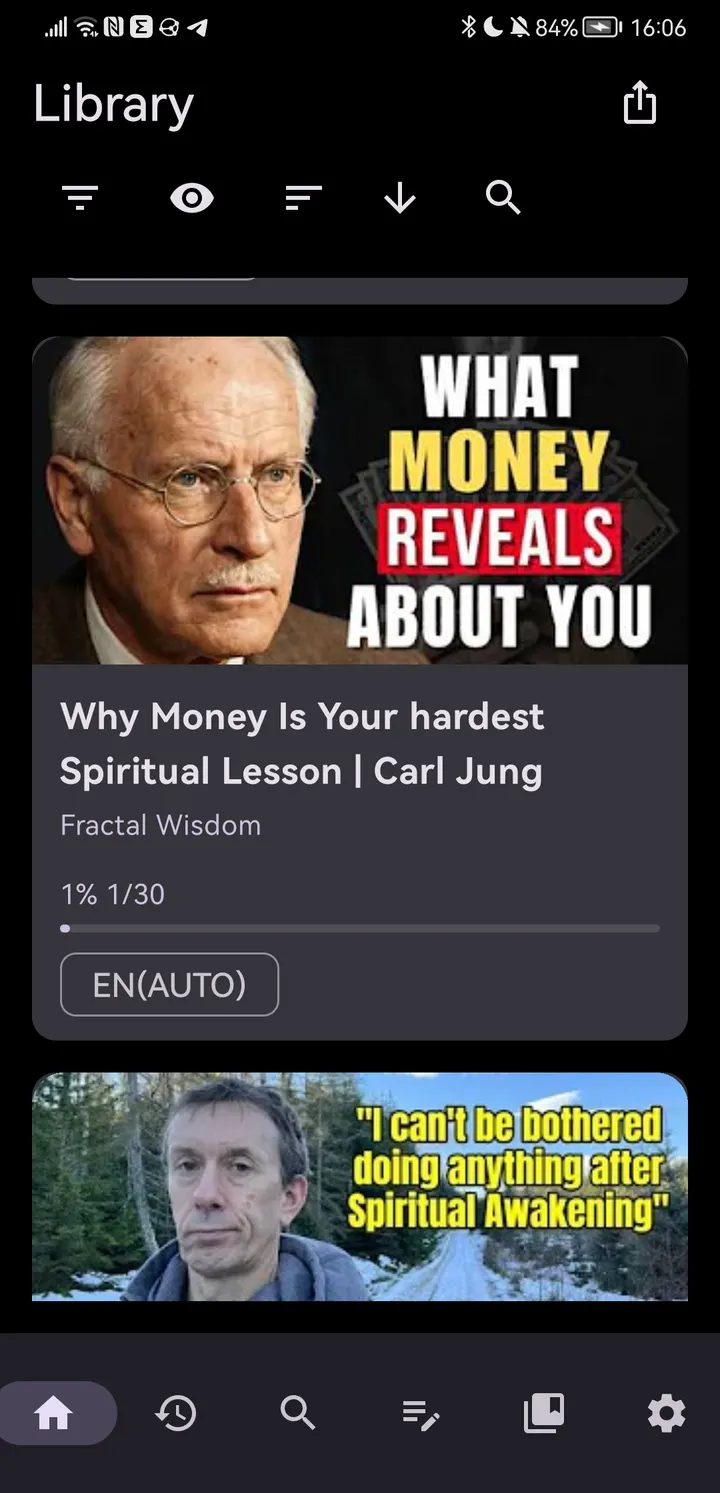
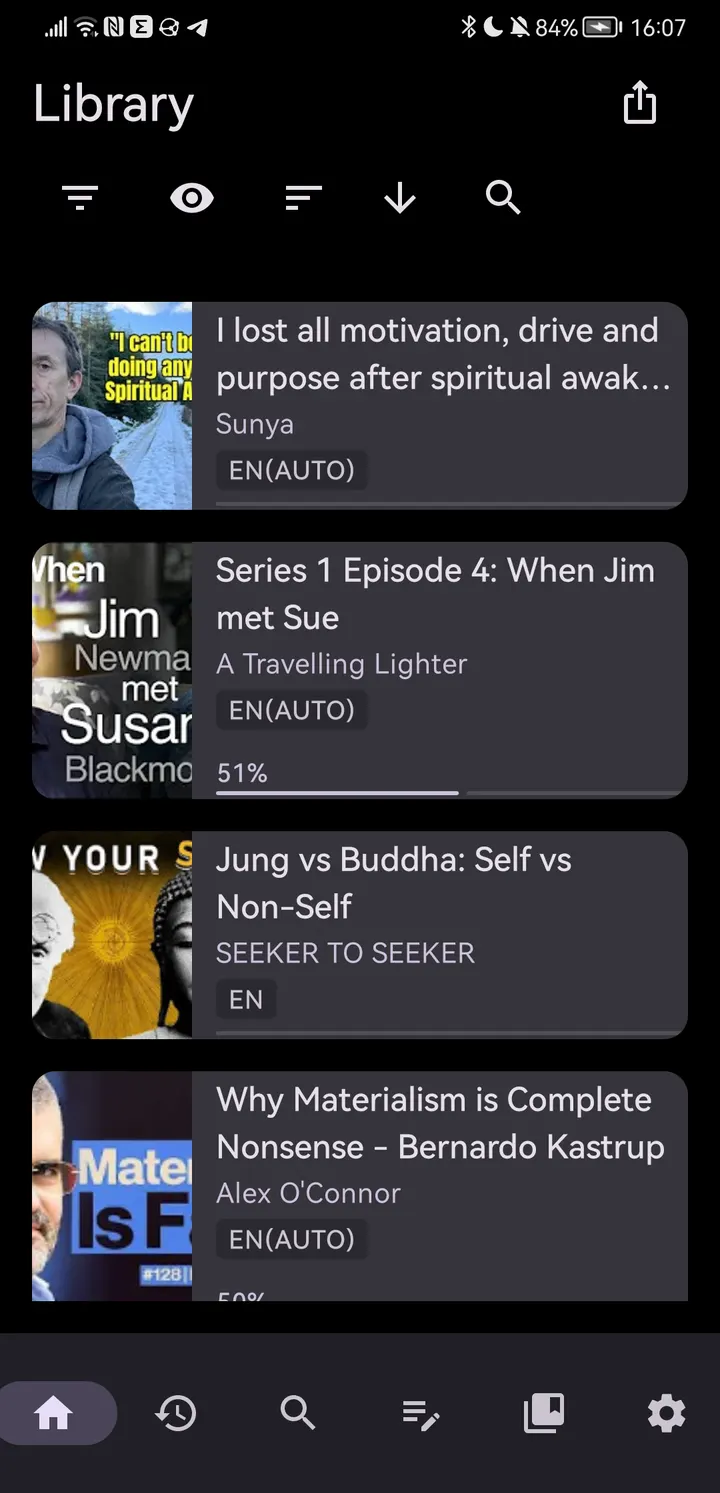
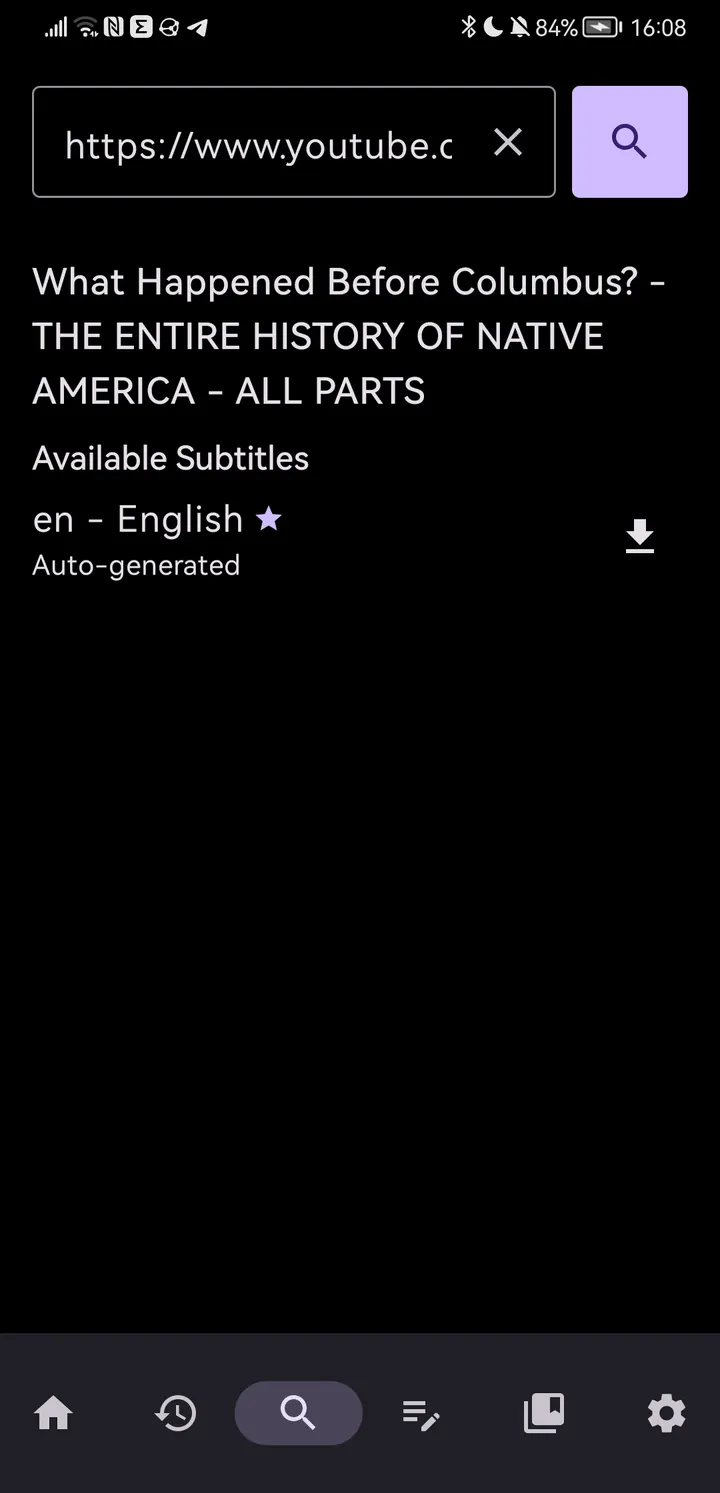
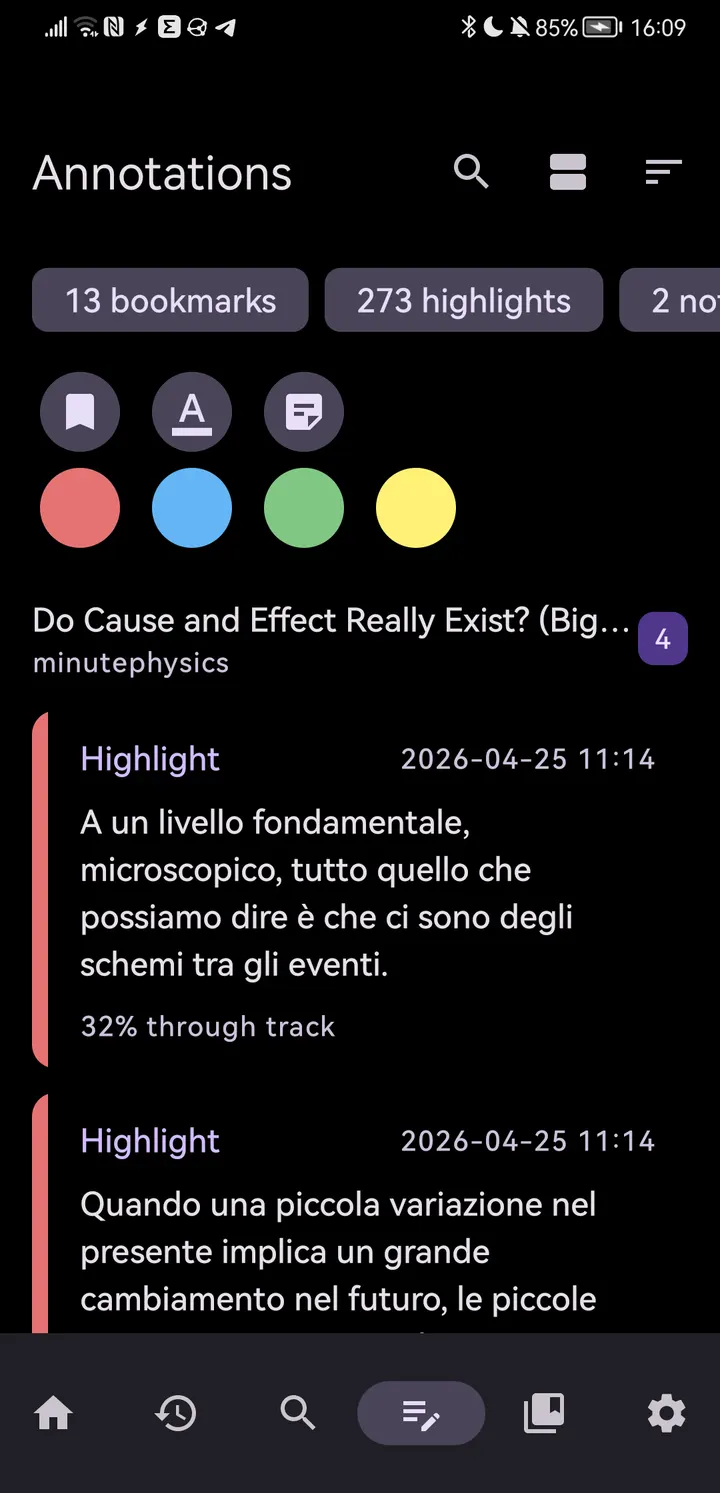
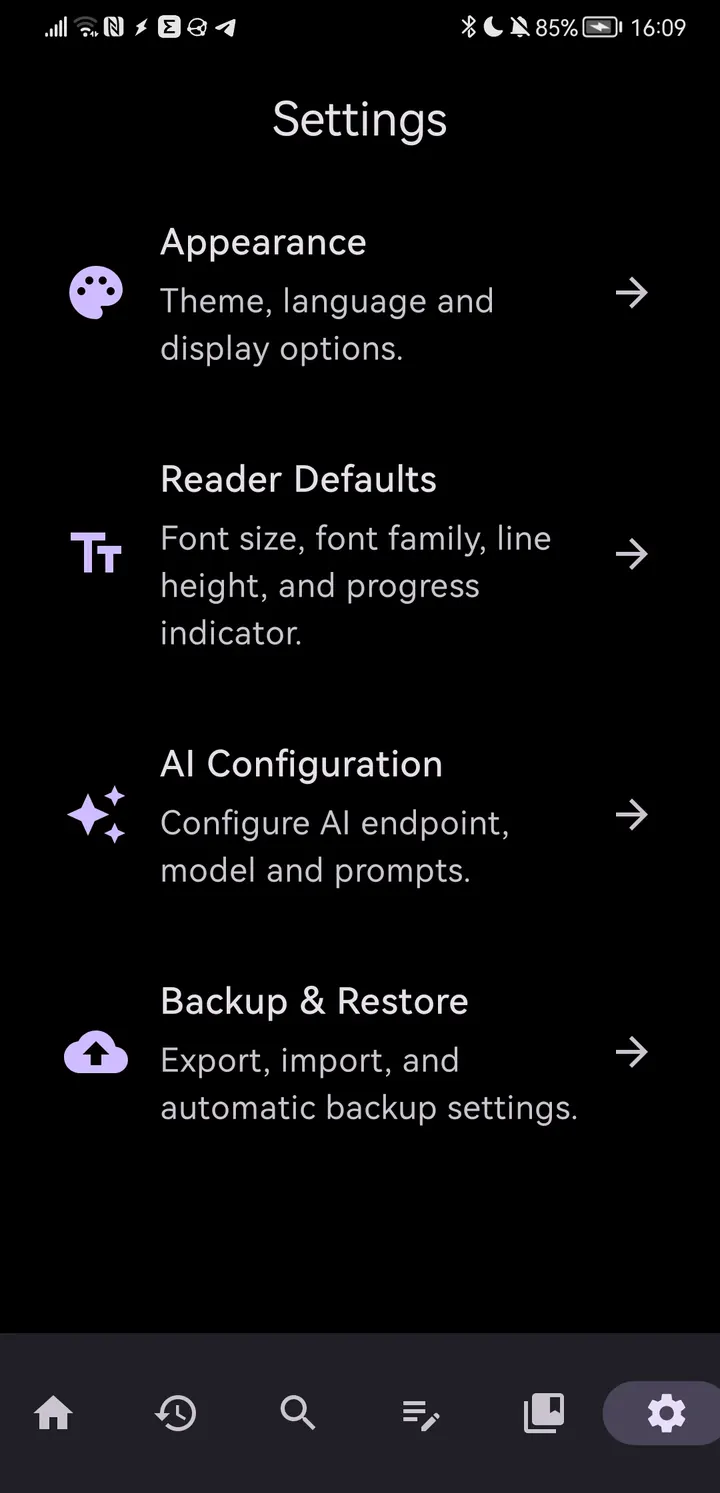
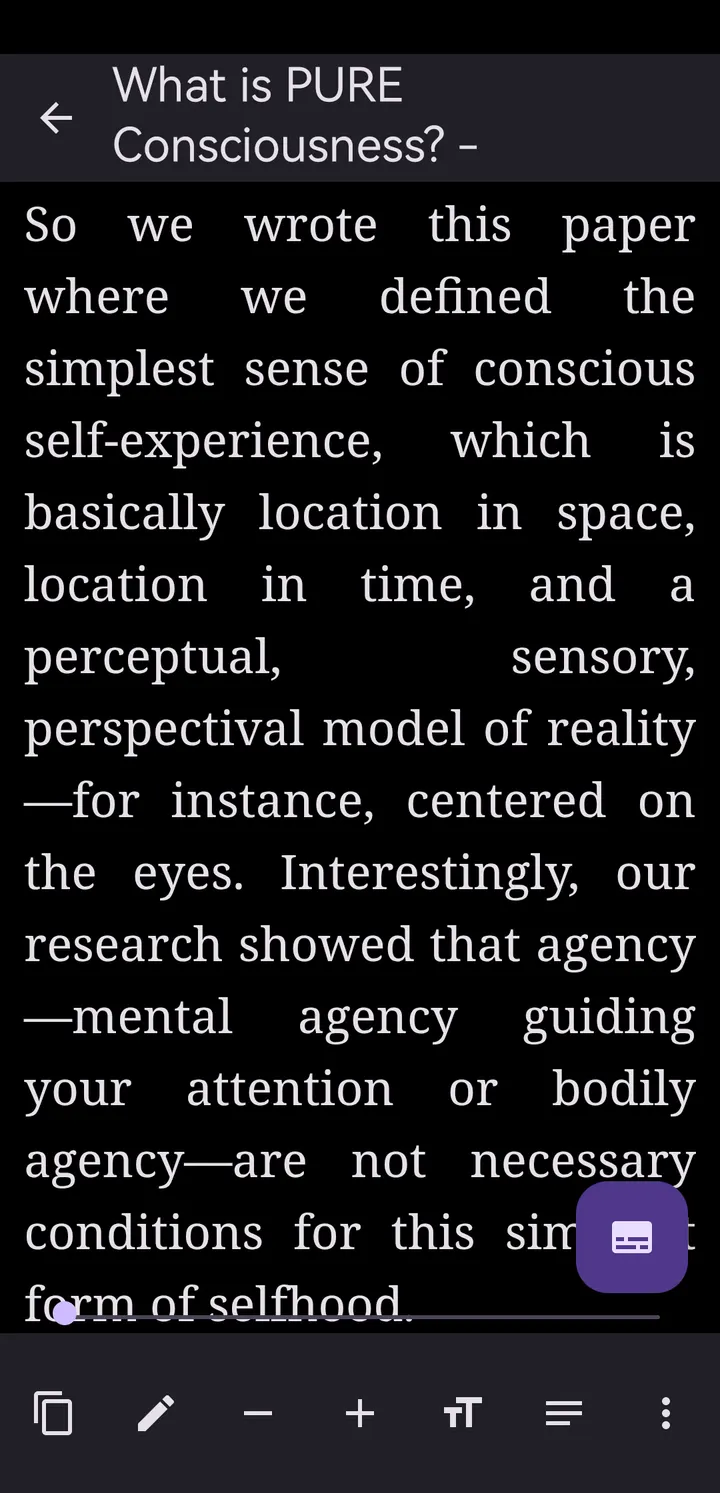
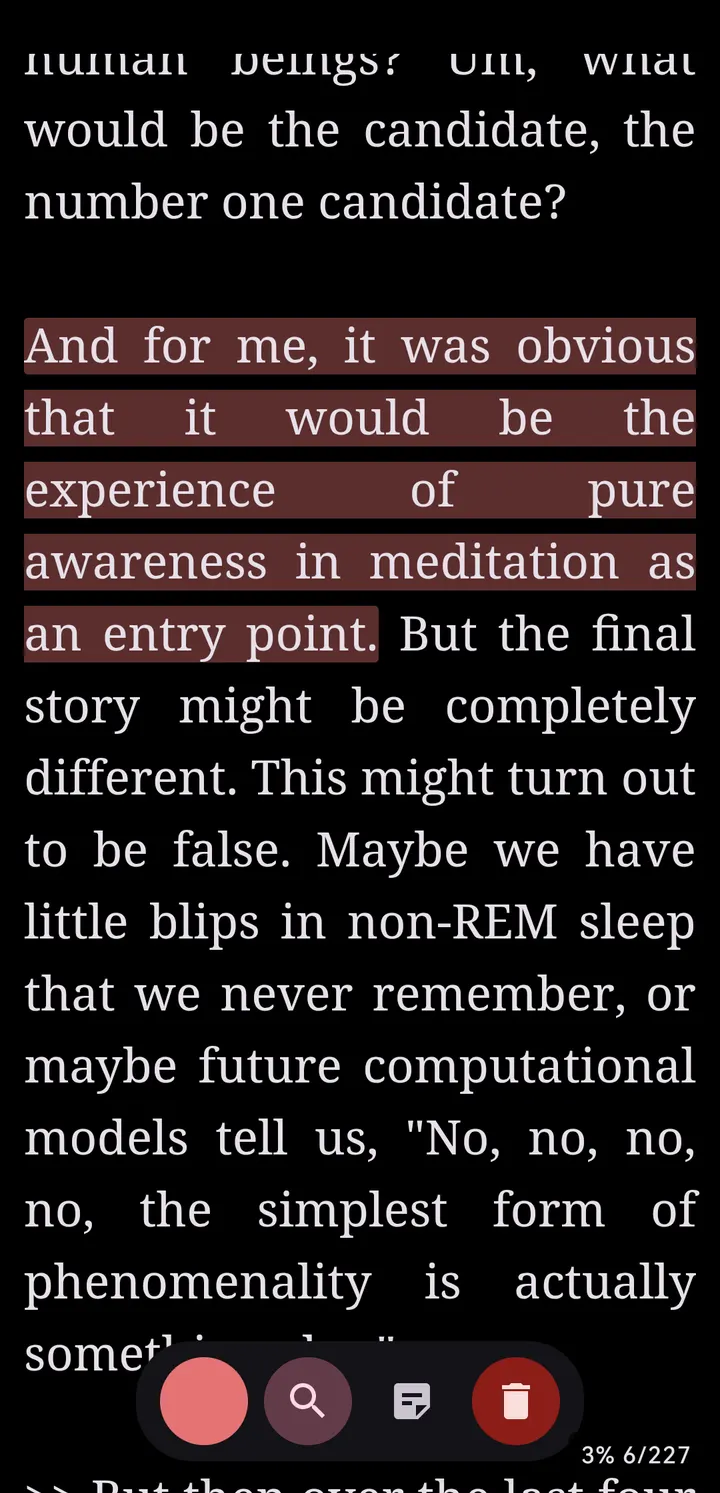
Picture a long YouTube lecture waiting in your queue while you ride a train without headphones. YtReader lets you search for the video and read its subtitles as text instead of watching, with words highlighted in sync. The app is free, shows no ads and is released under the GPL-3.0-or-later licence. You can sort videos into collections, highlight and annotate passages, and adjust font, size and line height. It needs Android 8.0 or newer and takes up 3.2 MB.
An open-source project with an unnamed developer
The app has a public source repository on GitHub at deedeedev/YtReader, and the package ID is com.deedeedev.ytreader.
The first release dates to July 26, 2026, and the latest update arrived on November 4, 2026. The app is tagged as open-source, multimedia and reading, and it sits in the general apps category.
Subtitle reading, collections and optional AI cleanup
The core feature is reading YouTube subtitles. You can browse and search for videos, then follow the text with word highlighting synchronized to the video. Text can be highlighted and annotated, and videos can be sorted into collections.
The AI feature cleans up subtitle text. It works through an OpenAI-compatible API and requires your own key, and it is opt-in. Reading comfort is covered by adjustable font, size and line height, plus light, dark and system themes. A home screen widget gives quick access to your library.
The developer says no account is needed, that there is no tracking or analytics, and that all data stays on the device.
Android 8.0 and a 3.2 MB install
YtReader needs Android 8.0 or newer. The APK is 3.2 MB, which is small for an app with search, annotation and a widget.
The APK on this page is the original file, with a SHA-256 checksum of 0f829146b1e742d2239b767f7fb0e3d7b21a30211e1616722ab8c96543435ce3. You can compare it against your downloaded copy before installing. The app is free, and no in-app purchases are listed.
YtReader pros and cons
Pros
- Free, with no ads
- Open source under GPL-3.0-or-later, with the code on GitHub
- Subtitles are highlighted in sync with the video
- No account, tracking or analytics, per the description
- Small 3.2 MB download
Cons
- The developer is listed as unknown
- AI cleaning needs your own OpenAI-compatible API key
- Requires Android 8.0 or newer
- The current release is version 0.8.7, which is still an early, pre-1.0 build
Is YtReader safe?
The SHA-256 checksum is published on this page so you can compare it with your download. The code is open under GPL-3.0-or-later and can be read on GitHub. The developer says the AI text cleaning is opt-in and works only with an OpenAI-compatible API key you supply yourself. The developer also says no account is required and there is no tracking or analytics.
How to install YtReader
- Download the APK with the button on this page and wait for it to finish.
- Compare the file with the SHA-256 checksum shown here if you want to confirm it arrived intact.
- Open the file on your phone and allow installs from this source when Android asks.
- Finish the install, then open YtReader from your app drawer.


