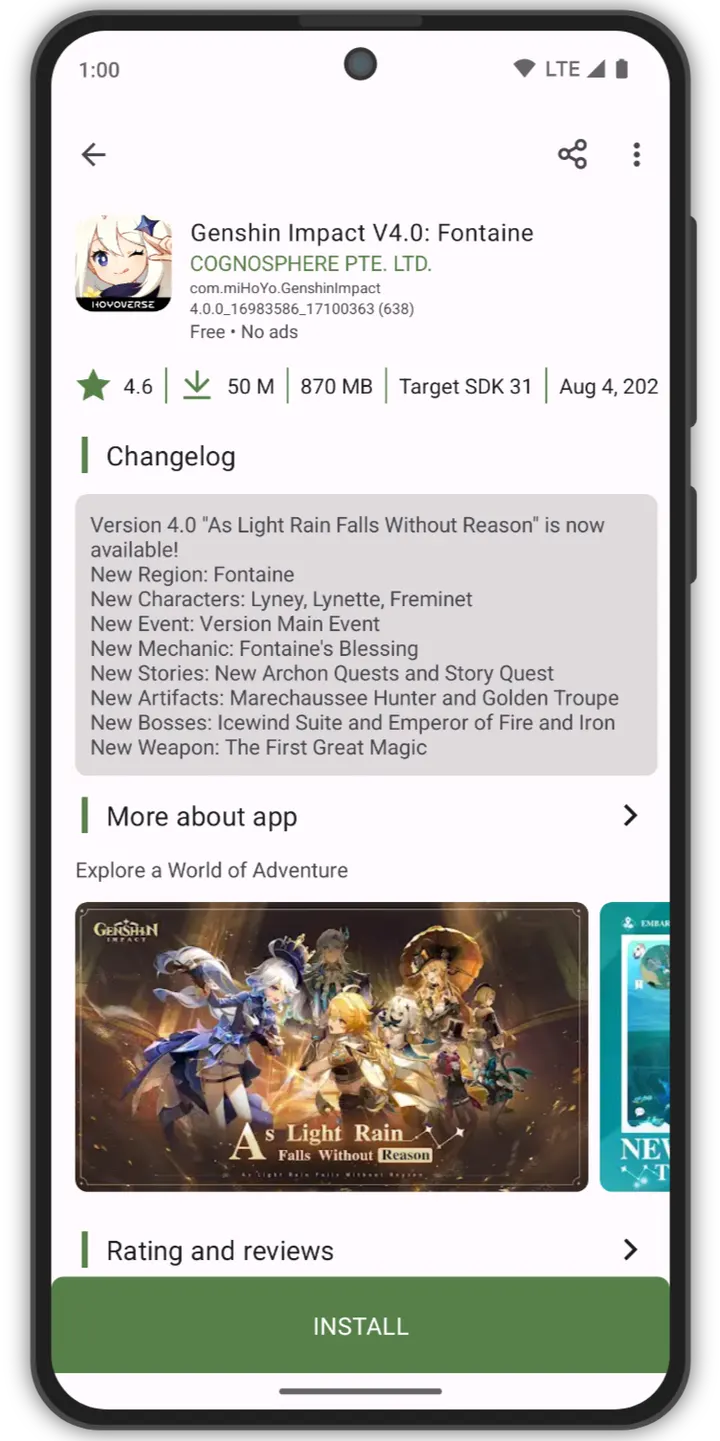
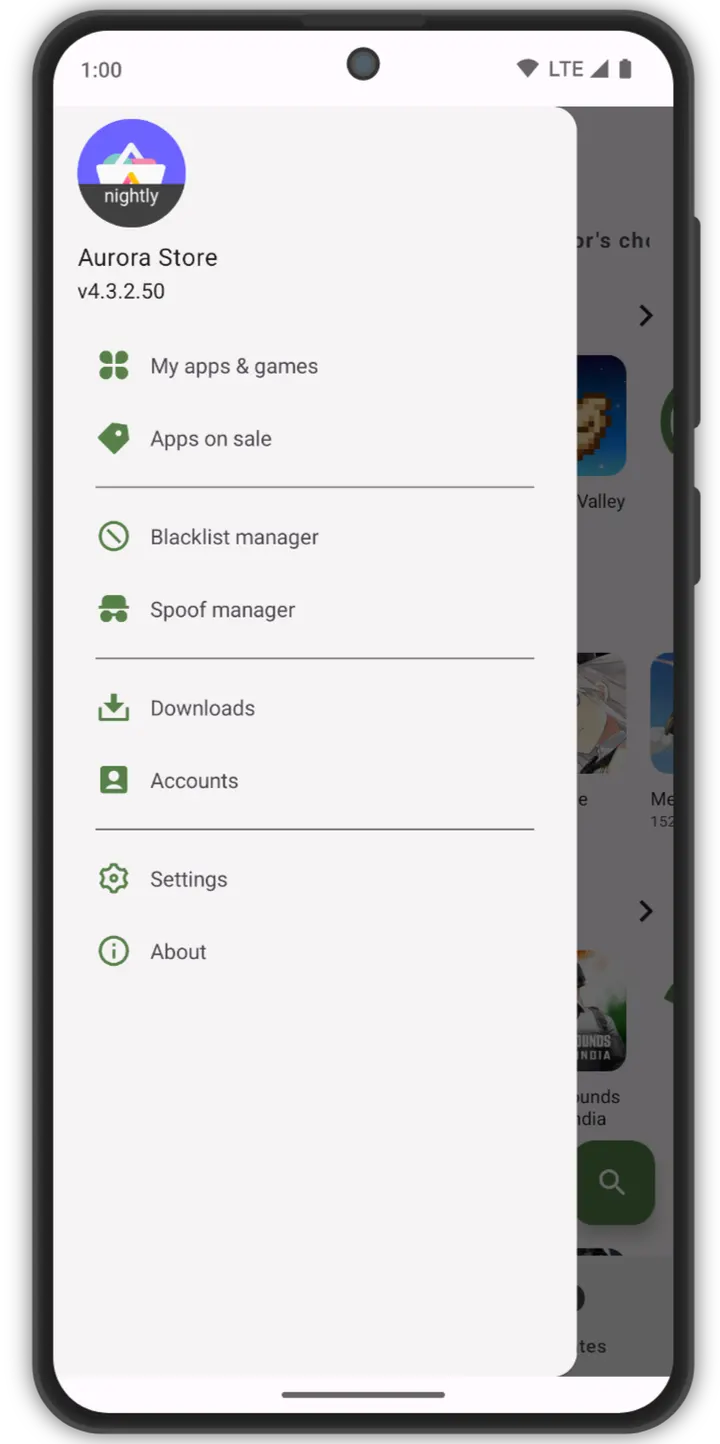
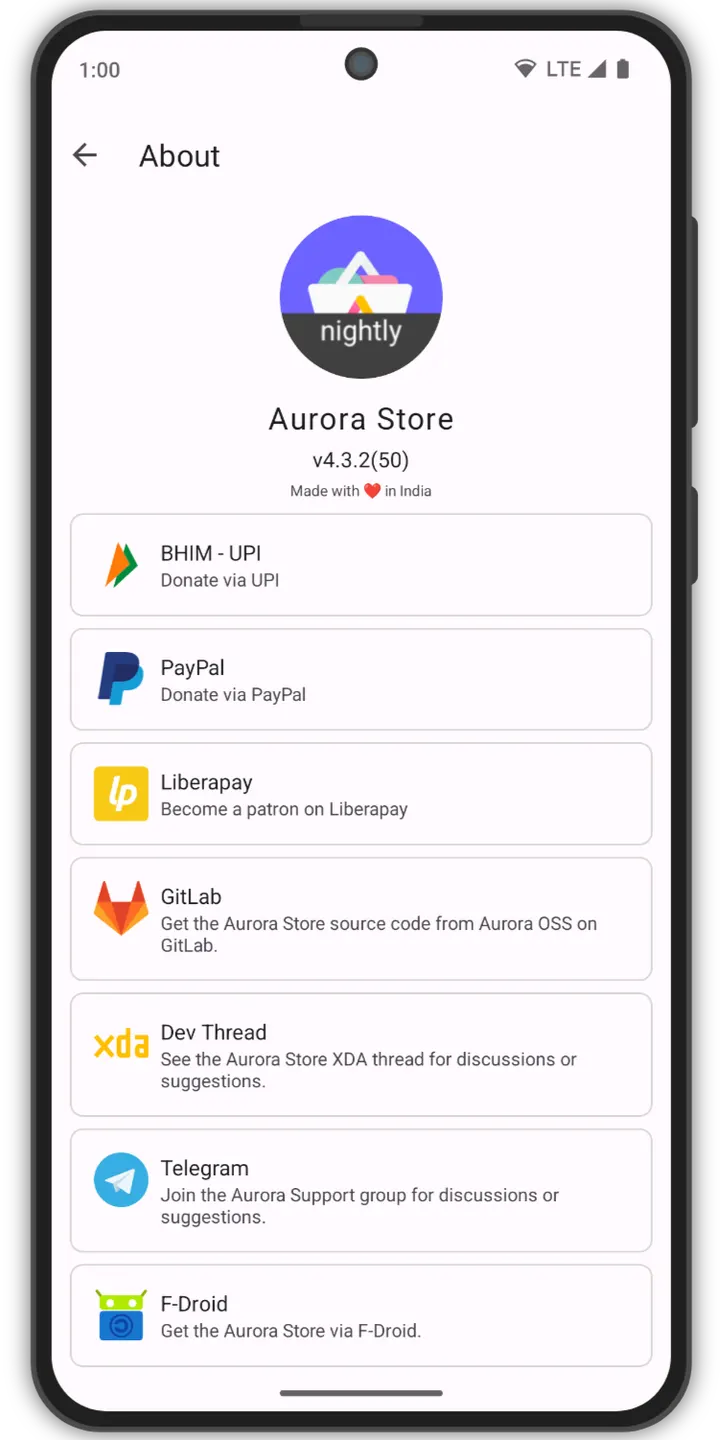
Aurora Store is a free, open-source client that lets you search, download and update apps from Google Play without the official Play Store app. The version listed here is 4.8.4, updated on July 31, 2026, and it runs on Android 6.0 or later. The developer is Rahul Kumar Patel, and the project describes itself as unofficial. TopDown APK hosts the unmodified APK, with a verified file and a SHA-256 checksum for comparison.
Free, no ads and GPL-licensed
Aurora Store is free and has no ads, so there is no paid tier or ad-supported version to weigh up. The app sits in our app-stores category and carries the tags open-source, system and no-ads.
The license is GPL-3.0-or-later, and the source code is public on GitLab under the AuroraOSS project. The package ID is com.aurora.store, and the download is 8.9 MB. That is small for a full store front end.
Anonymous login, spoofing and tracker checks
You can sign in with a personal Google account or use an anonymous account. The anonymous route suits people who want to fetch apps without tying the store to their own identity.
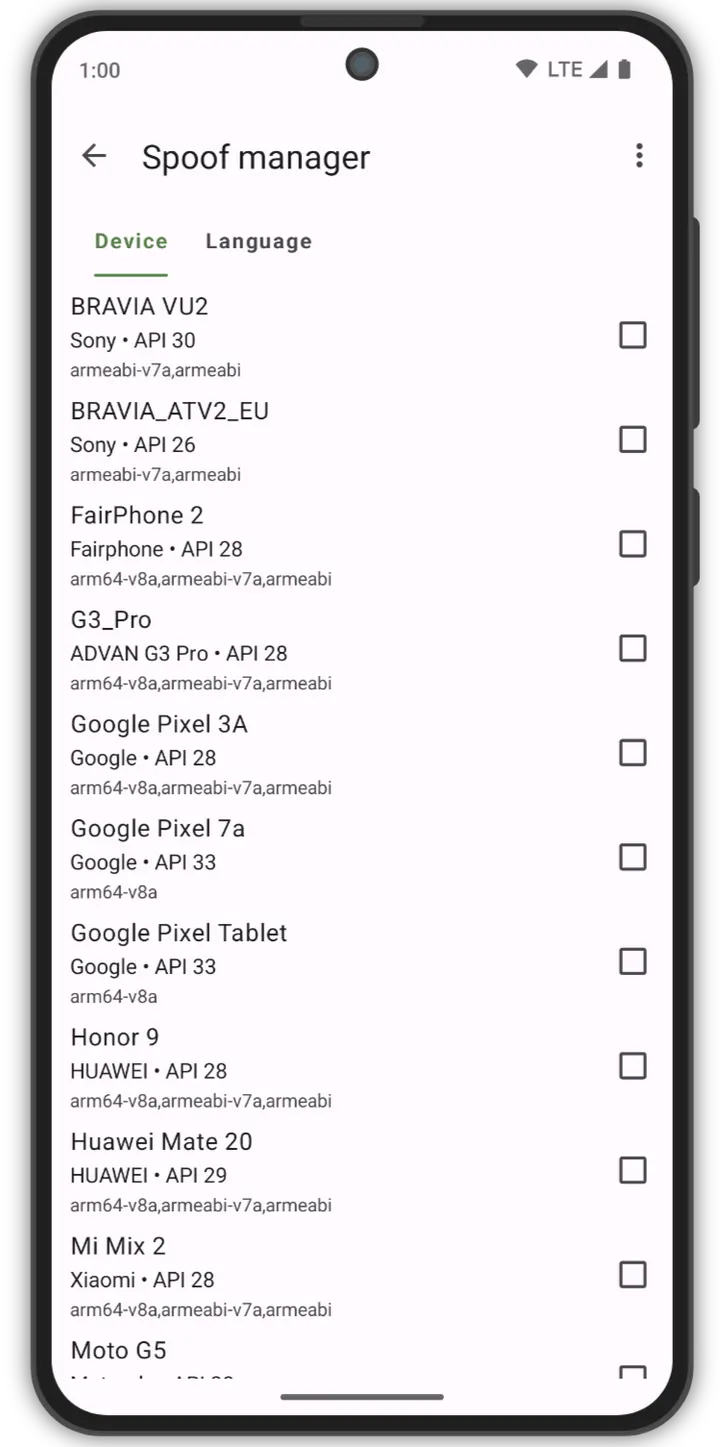
Device and locale spoofing lets you change the reported device or region, which is how the app gets around geo-locked listings. Exodus Privacy integration shows the trackers inside an app before you install it. Plexus integration reports how an app behaves without Google Play Services or with microG.
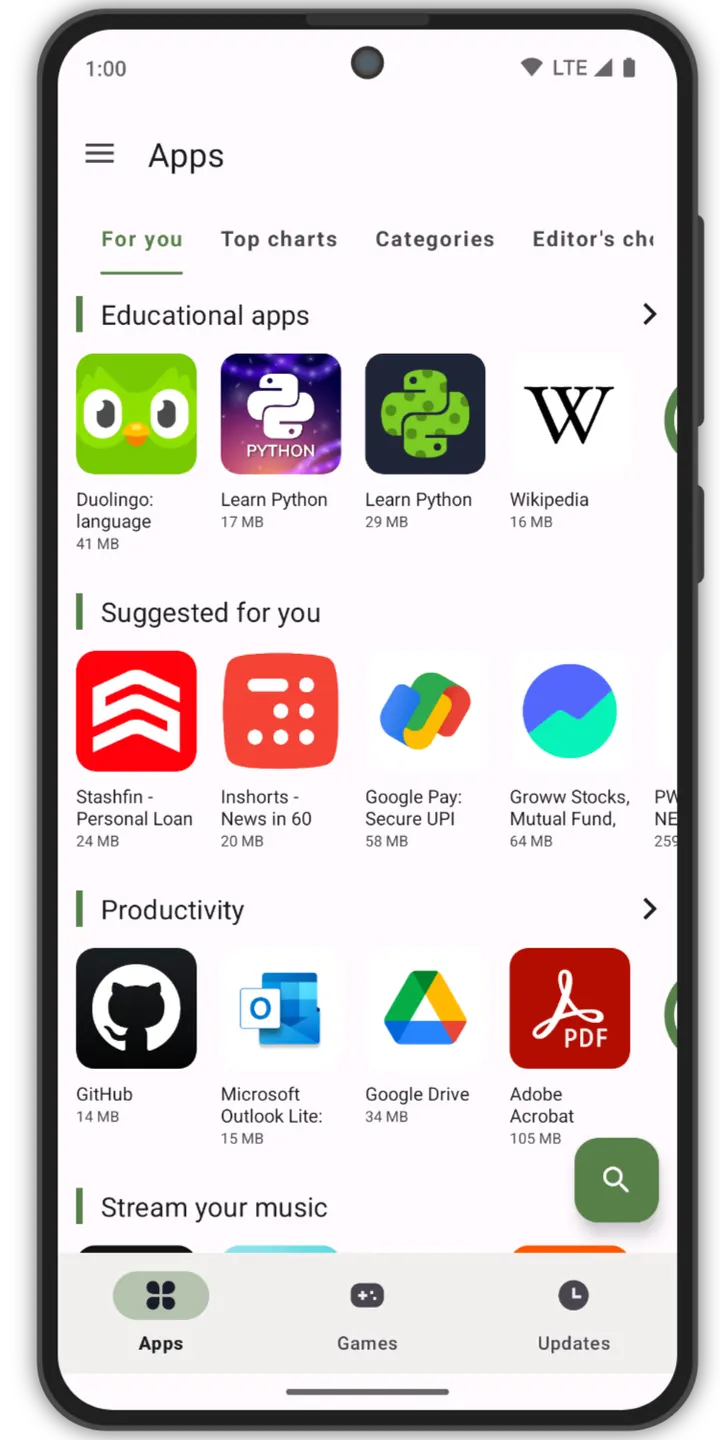
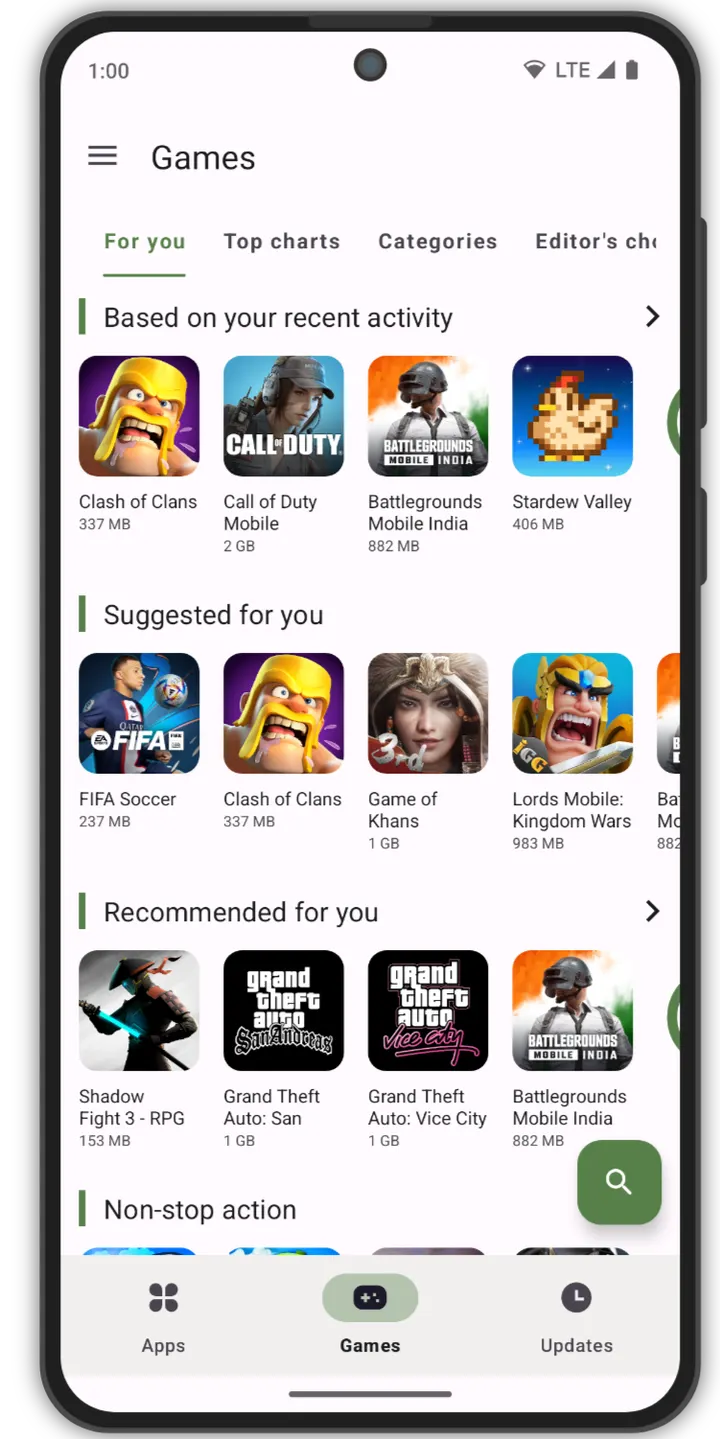
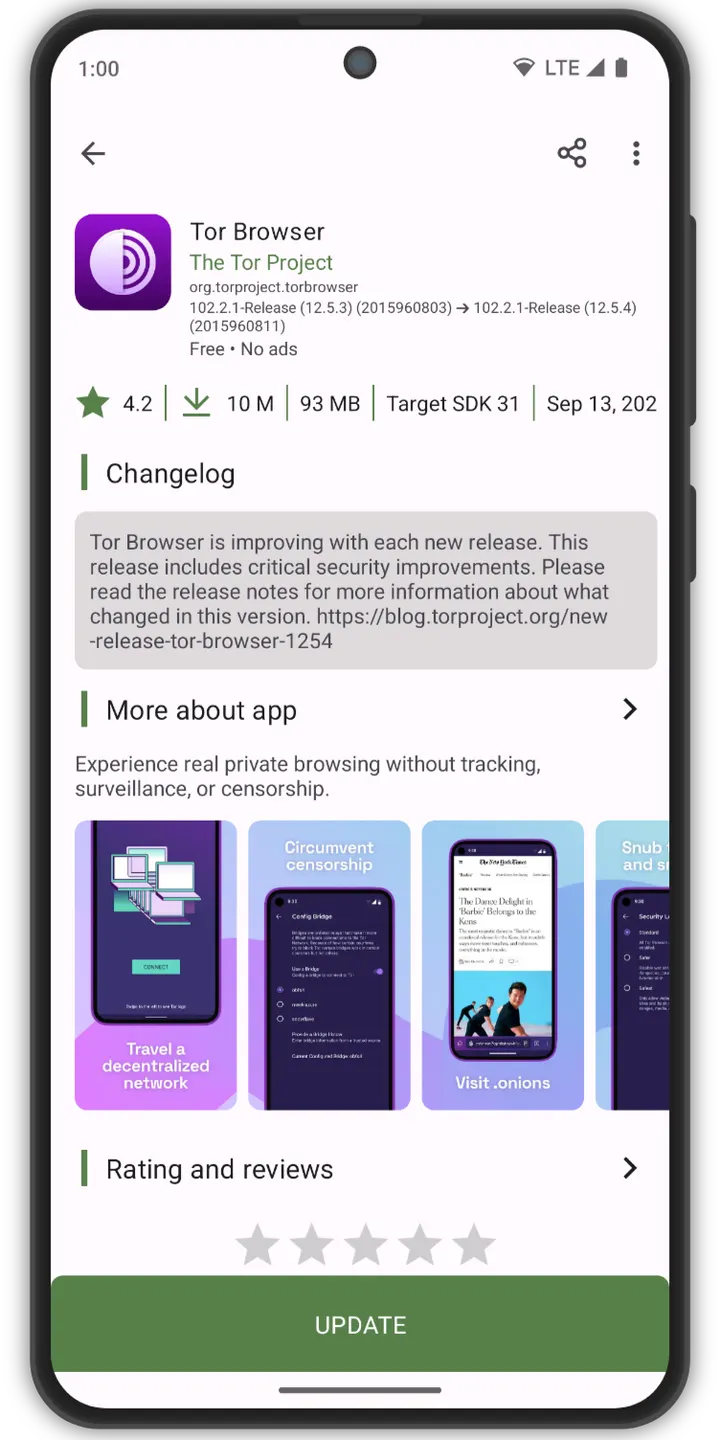
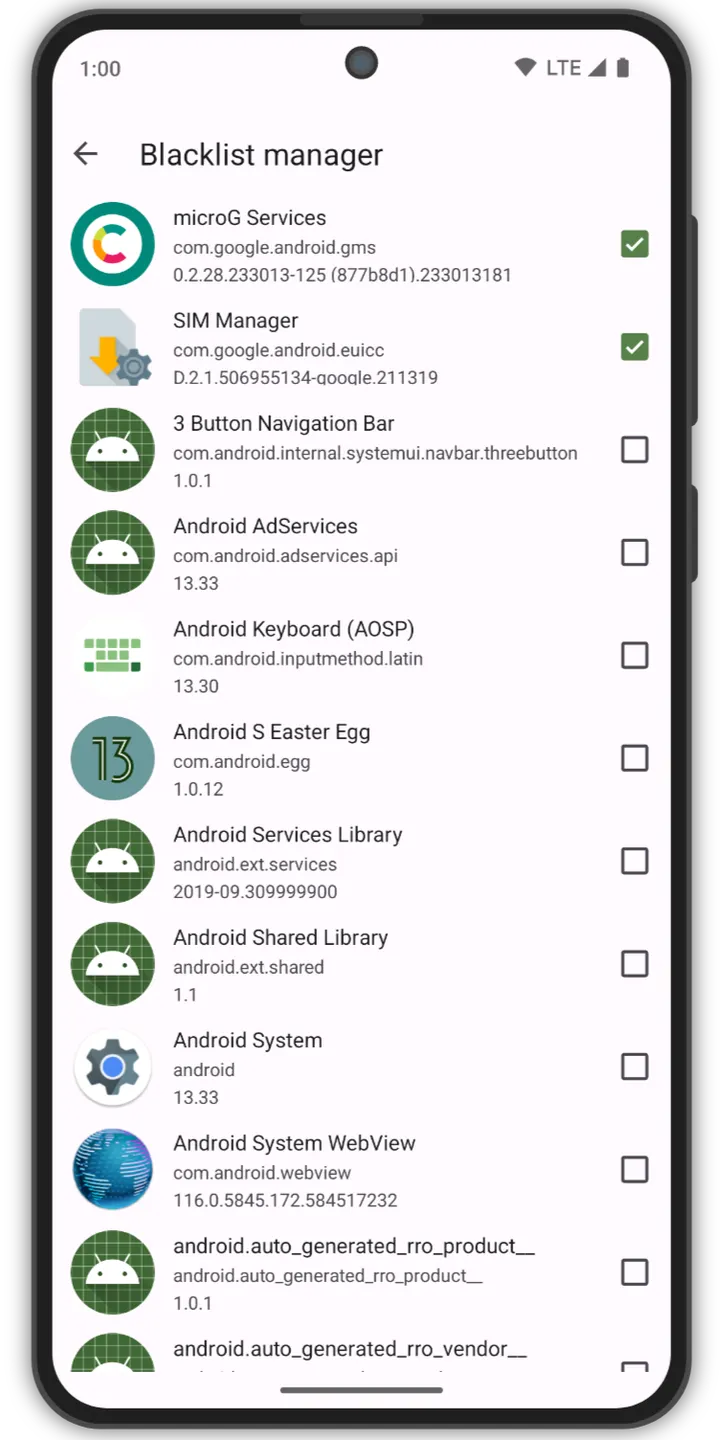
Updates blacklisting lets you skip updates for chosen apps. The interface follows Material 3 guidelines, and the listing carries 8 screenshots.
Maintenance since the 2019 release
The first release dates to April 13, 2019, so the project has been around for several years. The most recent update is July 31, 2026, which shows it is still maintained.
The developer links a website at auroraoss.com.
Aurora Store pros and cons
Pros
- Free with no ads
- GPL-3.0-or-later license with public source on GitLab
- Anonymous login as an alternative to a personal account
- Exodus Privacy integration shows trackers in apps
- Small 8.9 MB download
Cons
- Described as an unofficial client to Google Play
- Version 4.8.4 has no published changelog
- Requires Android 6.0 or later
Is Aurora Store safe?
This is a Tier A listing, so TopDown APK hosts the unmodified APK and publishes a SHA-256 checksum, fd9c75d90d0f4a7c132b9b4a5a2cf1992a45e03b8d8ff988b7dcfbc0db2c4d11. The code is open under GPL-3.0-or-later, which allows public inspection. The app is unofficial and downloads apps from Google Play, and Google does not endorse it. Check the checksum after downloading.
How to install Aurora Store
- Download the APK with the button on this page and wait for it to finish.
- Compare the file with the SHA-256 checksum shown here if you want to confirm it arrived intact.
- Open the file on your phone and allow installs from this source when Android asks.
- Finish the install, then open Aurora Store from your app drawer.


