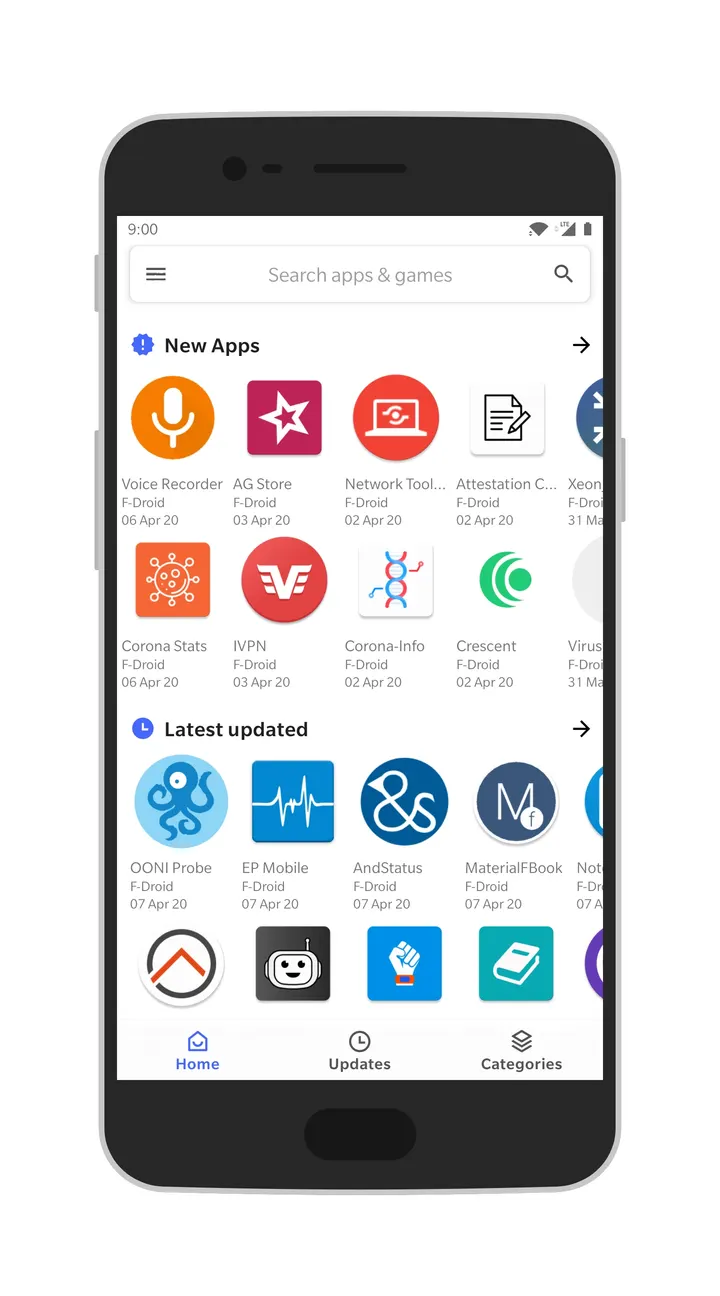
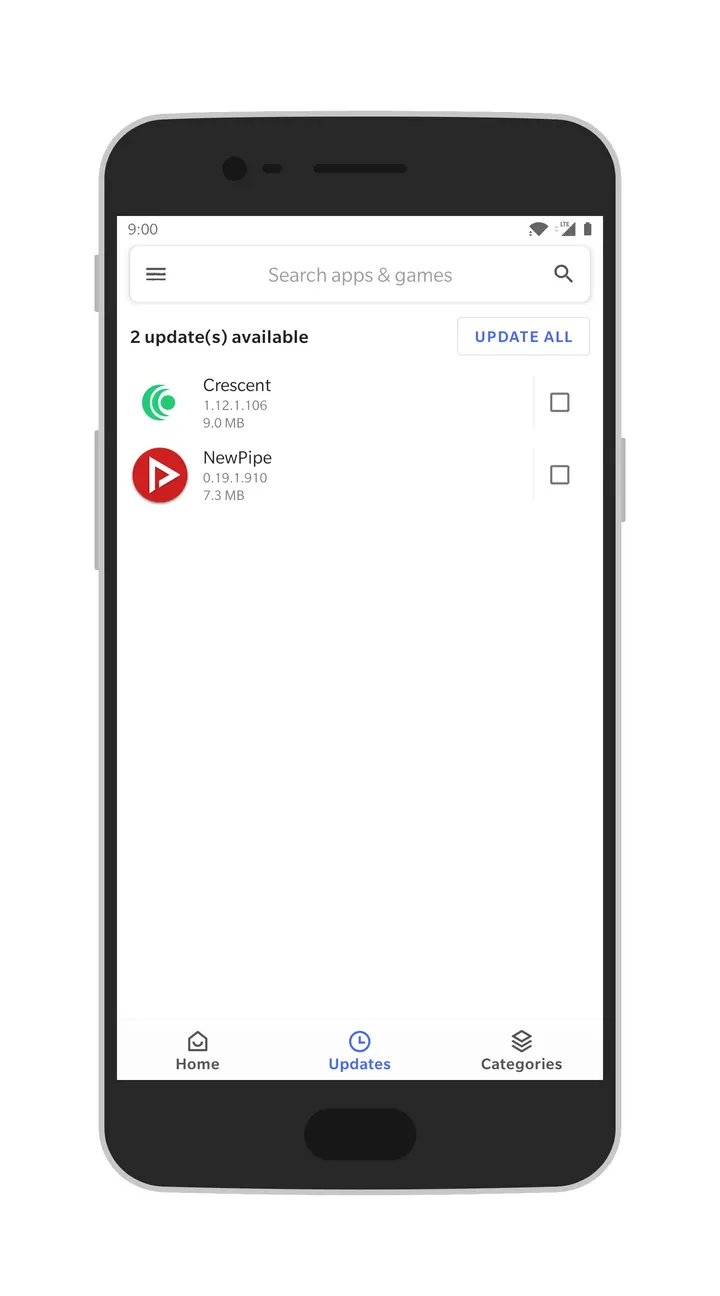
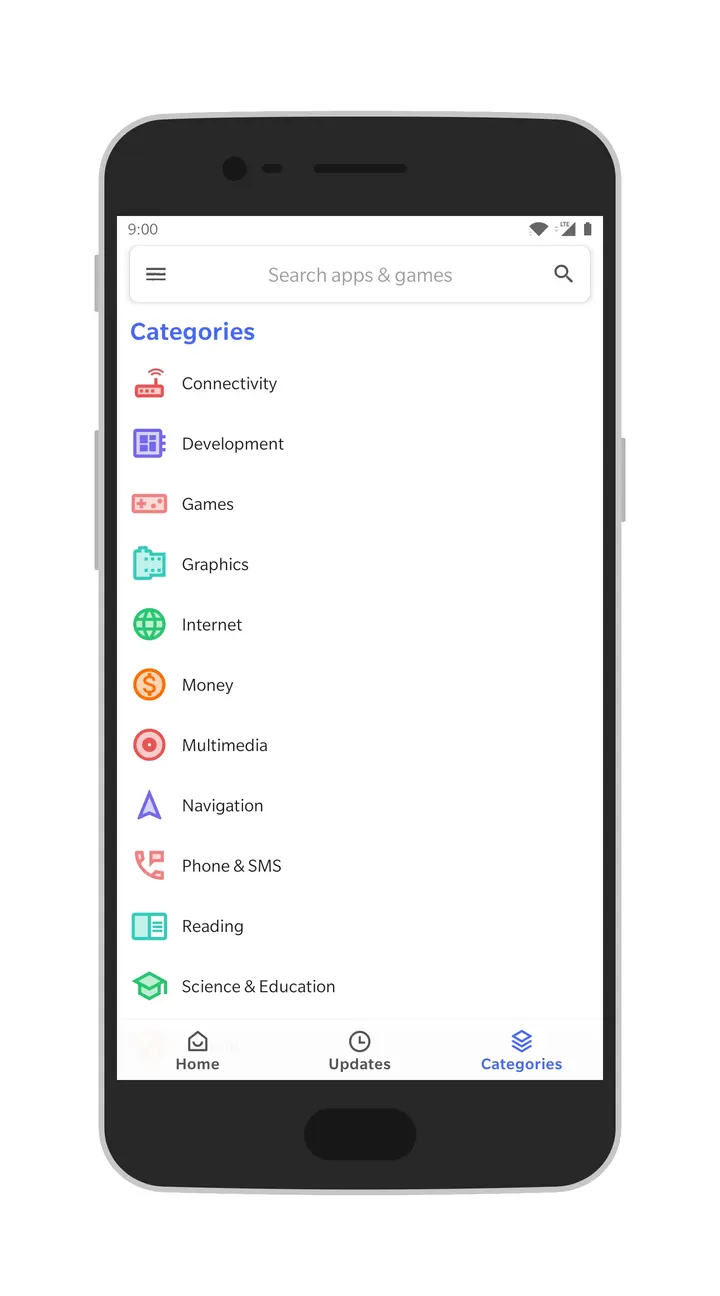
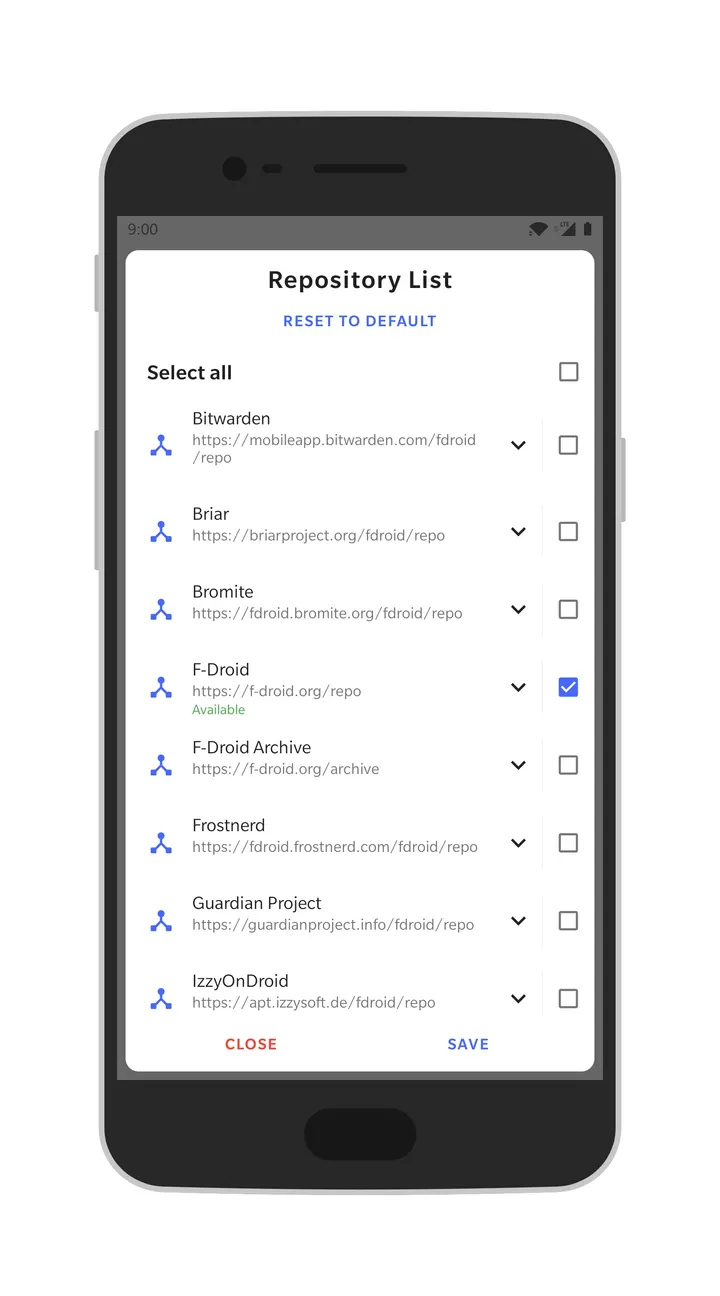
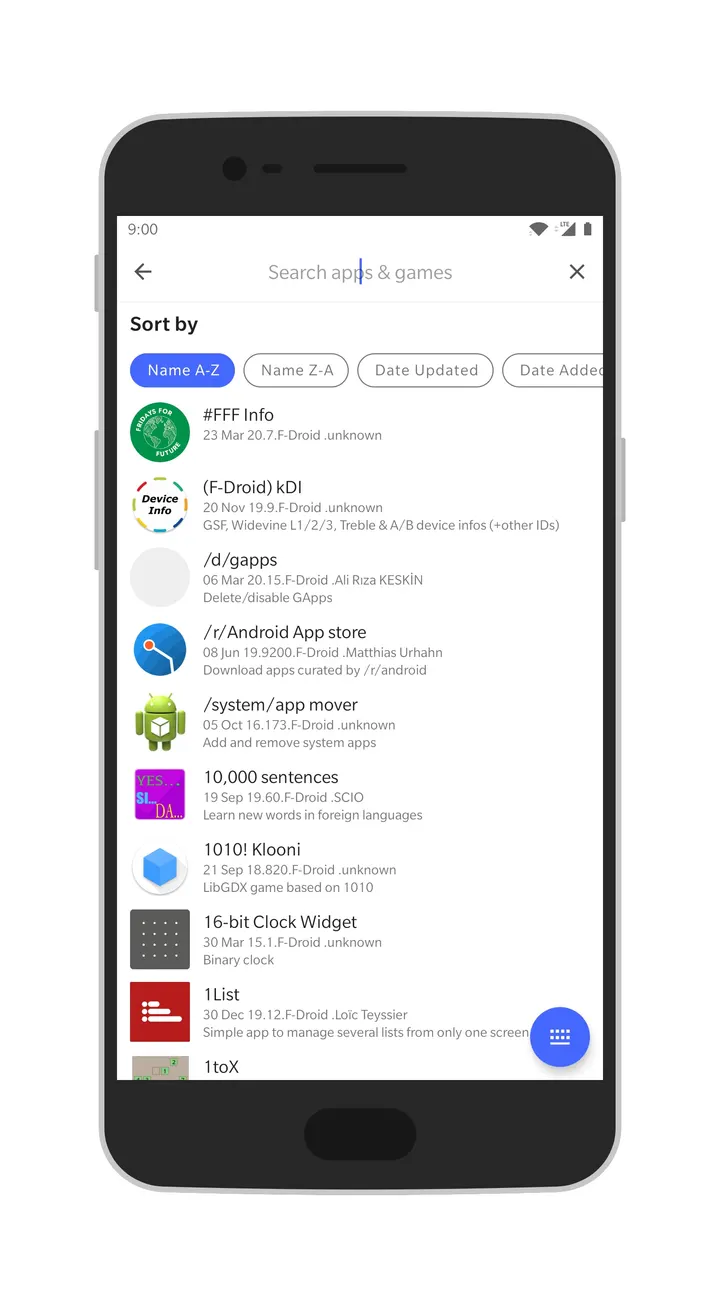
Where the default F-Droid app is the official client, Aurora Droid is an unofficial alternative that reads the same kind of repositories with its own interface. Version 2.0.1 comes from developer Rahul Kumar Patel, costs nothing and shows no ads. It needs Android 7.0 or newer and takes up 7.7 MB.
Who wants an F-Droid client with Shizuku and root installs
Aurora Droid fits people who already use F-Droid repositories and want more control over how apps get installed. The install options are session, native, root and Shizuku, so users with a rooted phone or a Shizuku setup can pick the route that matches their device.
It also suits anyone who prefers free software. The code is published under GPL-3.0-only, and the source is on GitLab at AuroraOSS/auroradroid.
Repo manager and download manager in daily use
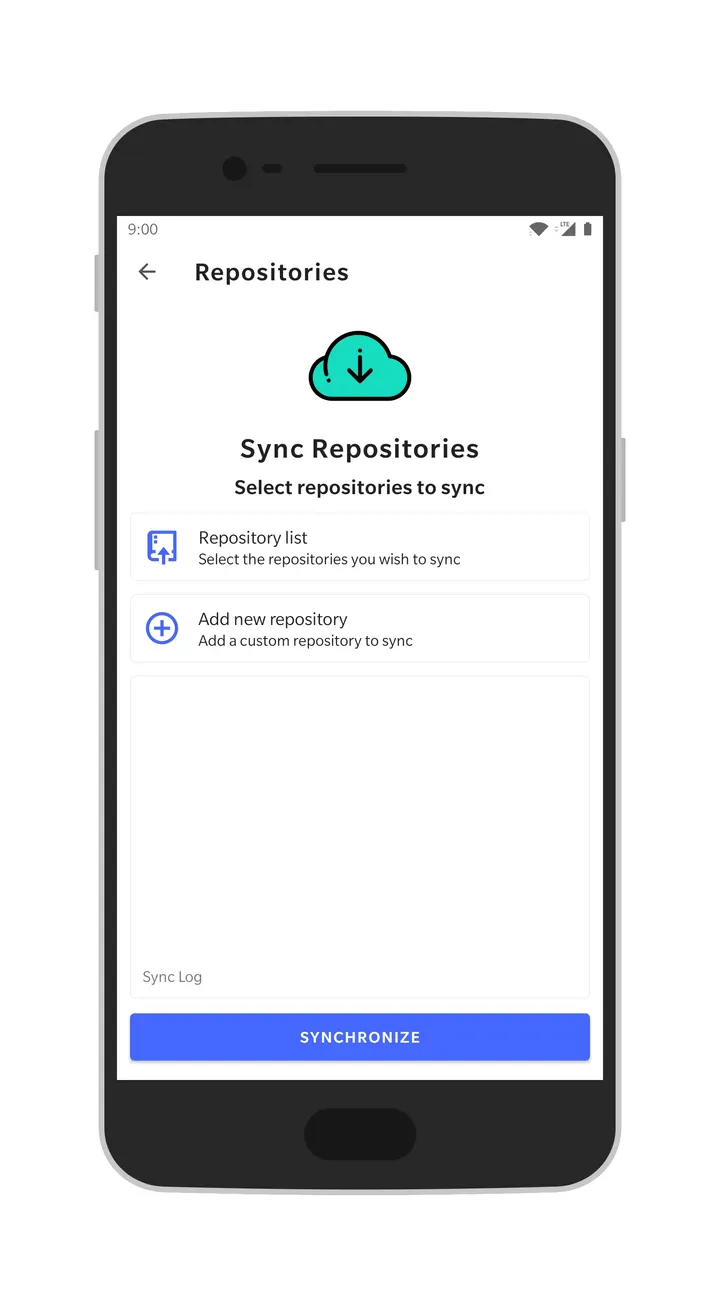
The repo manager handles several F-Droid repositories in one place, which is the main reason to choose this client over a basic one. A dedicated download manager sits alongside it, so app downloads are handled separately from browsing.
The interface is built with Jetpack Compose and Material 3. The app sits in the app-stores category with open-source, system and no-ads tags.
Limits: unofficial status and thin release data
Aurora Droid is not the official F-Droid app. It was last updated on August 10, 2026, and the first release dates to August 1, 2019. The current version is 2.0.1.
The app is free, with no ads and no in-app purchases. Similar tools include Droid-ify, Neo Store, ObtainX and RepoStore, plus Aurora Store from the same project family.
Aurora Droid pros and cons
Pros
- Free, with no ads listed
- GPL-3.0-only licence with public source on GitLab
- Session, native, root and Shizuku install methods
- Repo manager for several F-Droid repositories
- Small download at 7.7 MB
Cons
- Unofficial client, not the default F-Droid app
- Version 2.0.1 has no published changelog
- Requires Android 7.0 or newer
Is Aurora Droid safe?
TopDown APK hosts the unmodified APK for this app at tier A, and a verified file with a SHA-256 checksum is available for comparison. The publisher is Rahul Kumar Patel, and the code is open under GPL-3.0-only, so anyone can inspect it. No independent security review is available.
How to install Aurora Droid
- Download the APK with the button on this page and wait for it to finish.
- Compare the file with the SHA-256 checksum shown here if you want to confirm it arrived intact.
- Open the file on your phone and allow installs from this source when Android asks.
- Finish the install, then open Aurora Droid from your app drawer.


