
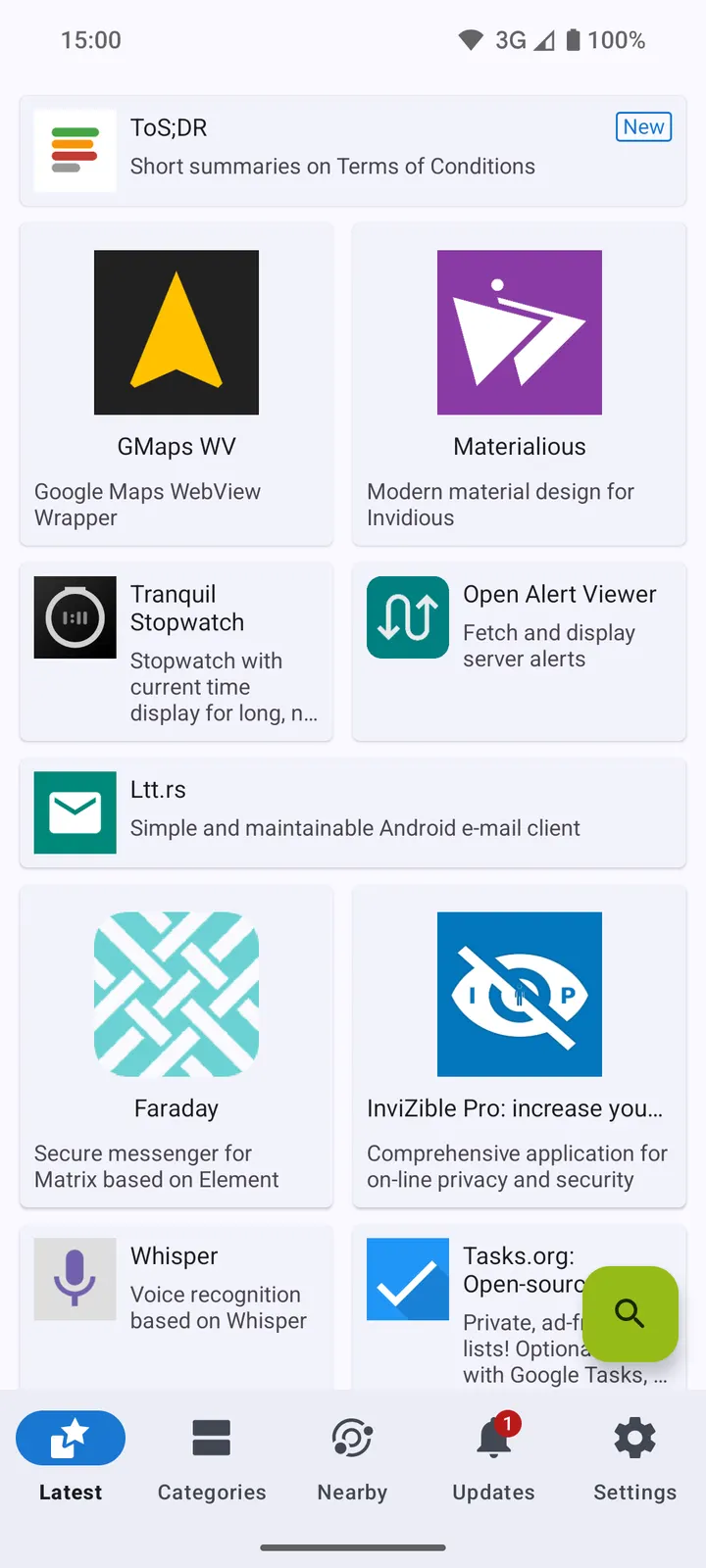
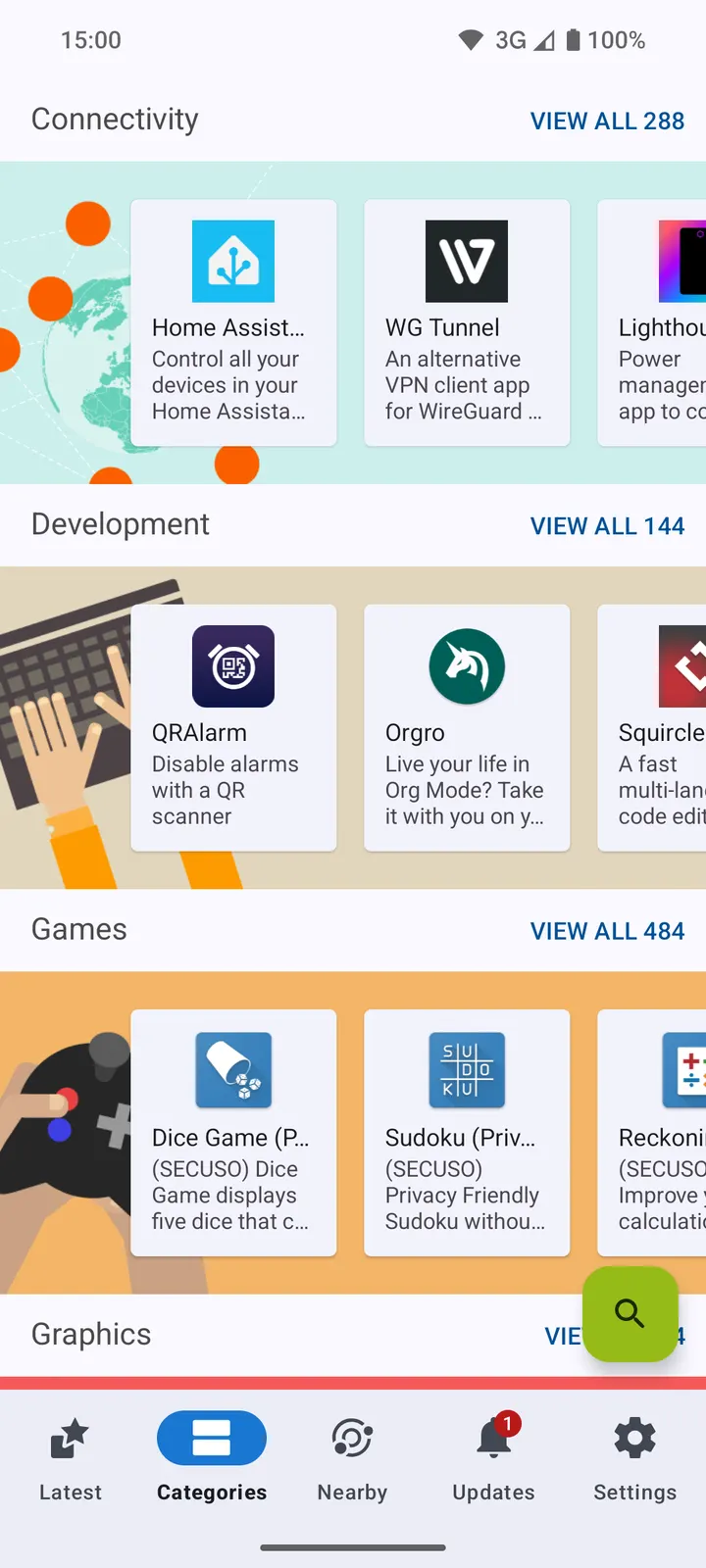
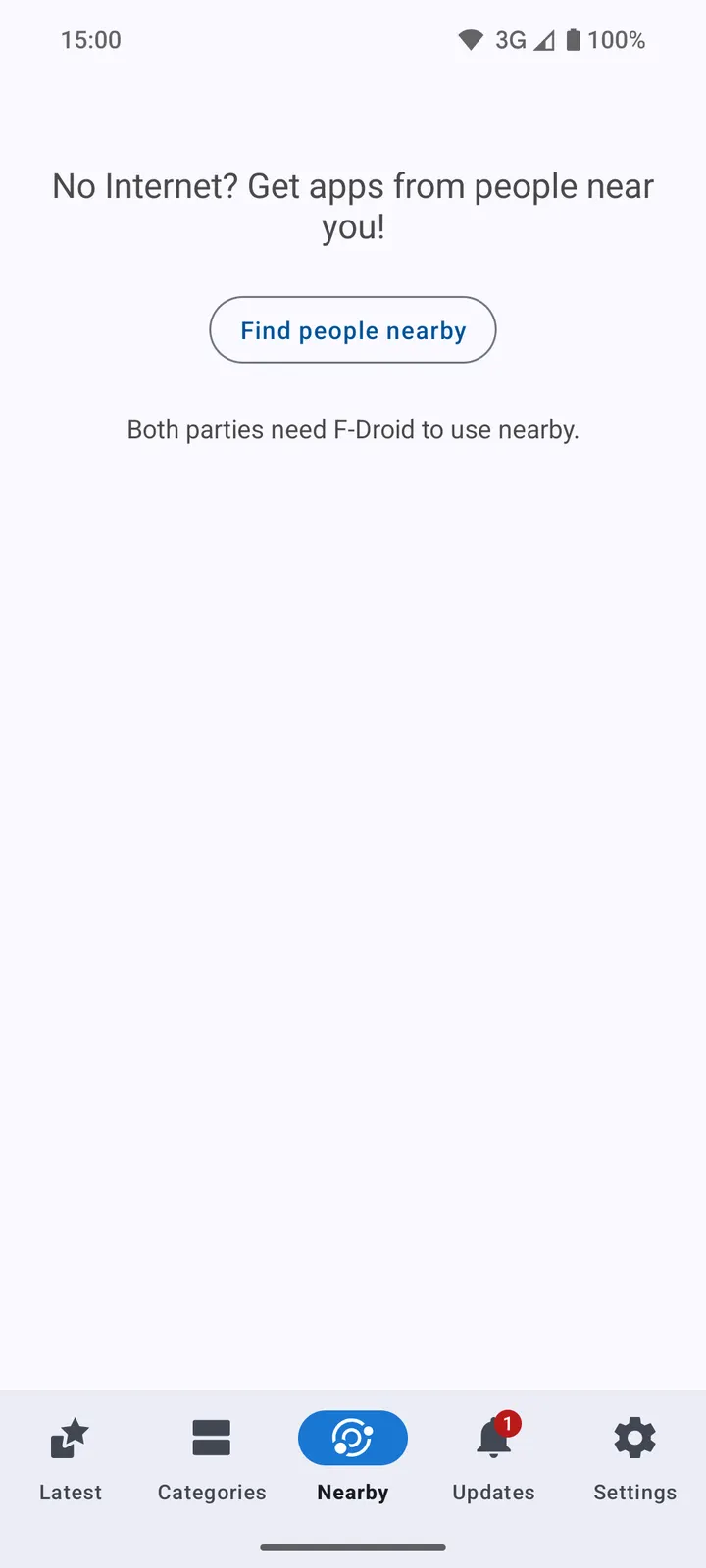
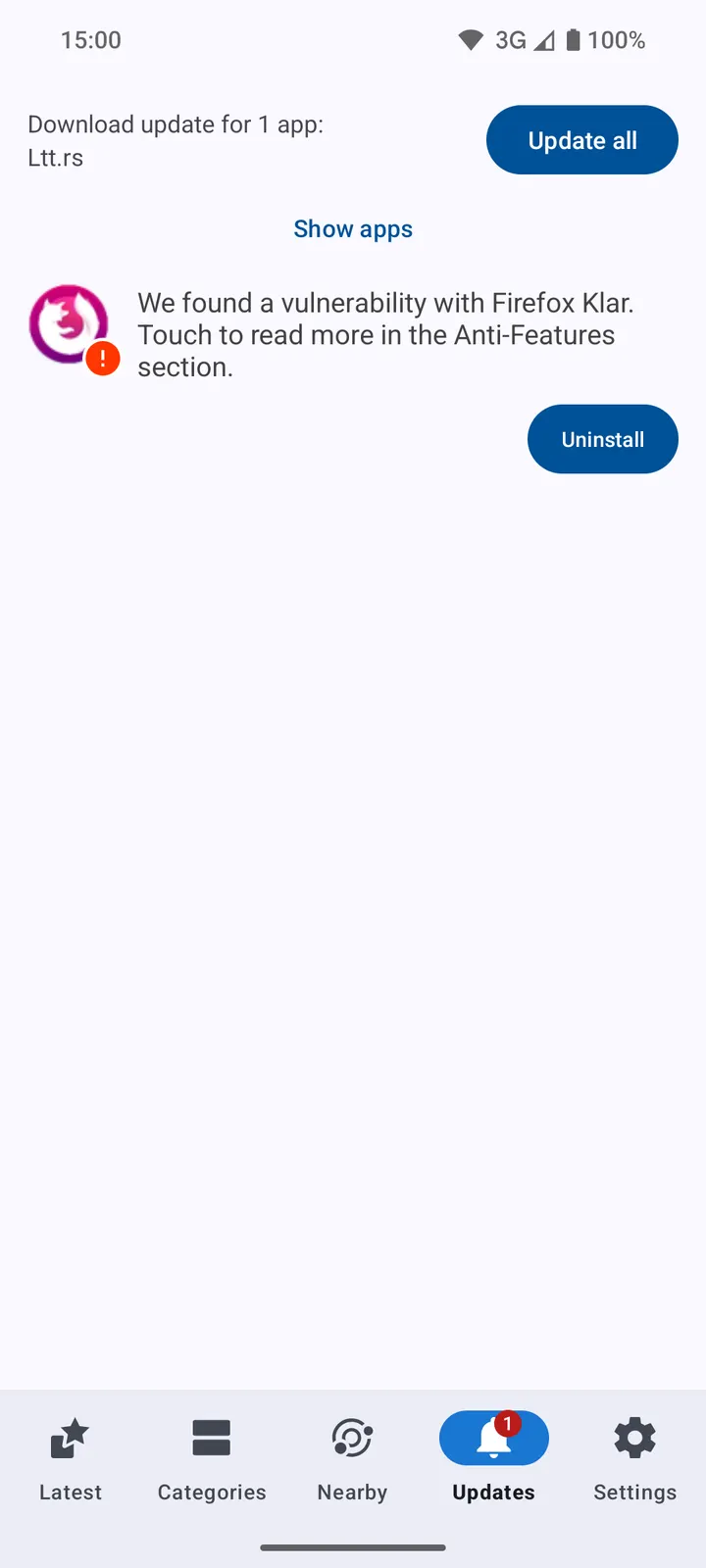
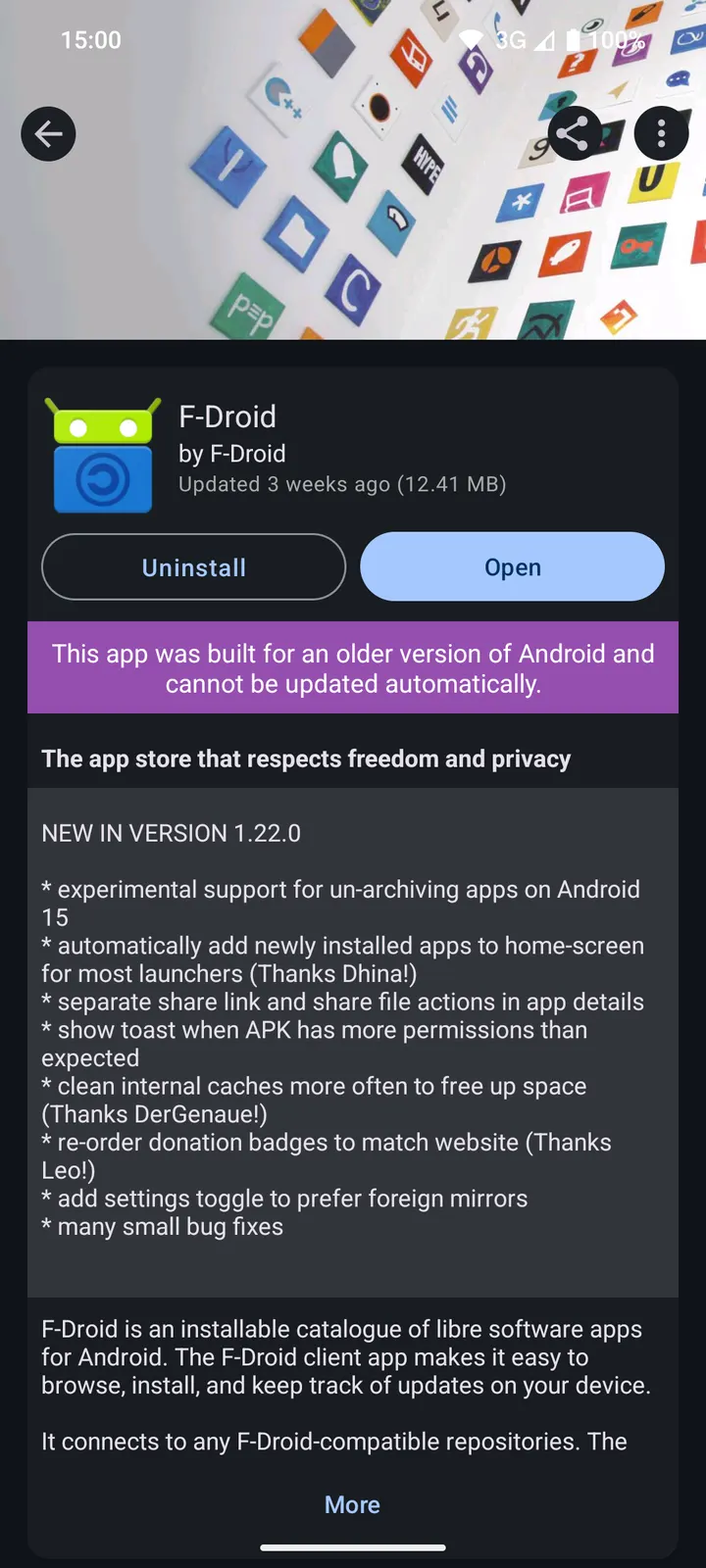
F-Droid is a free, open-source app store for Android that carries only libre software. Version 2.0.2 needs Android 7.0 or newer. The project dates back to January 17, 2011, and the client shows no ads. The APK is the unmodified file, and its SHA-256 checksum is published below so you can compare it with your download.
Why an open-source store exists next to Android's openness
Android lets you install APKs from anywhere, but that freedom leaves you to track every app and every update yourself. F-Droid fills that gap for libre software. It works as a catalogue you can browse, install from, and keep up to date from one place.
The default repository is hosted at f-droid.org and holds only libre software. The client can also connect to other repositories that are compatible with F-Droid, so it is not tied to a single source.
Update alerts, beta tracking and device filtering
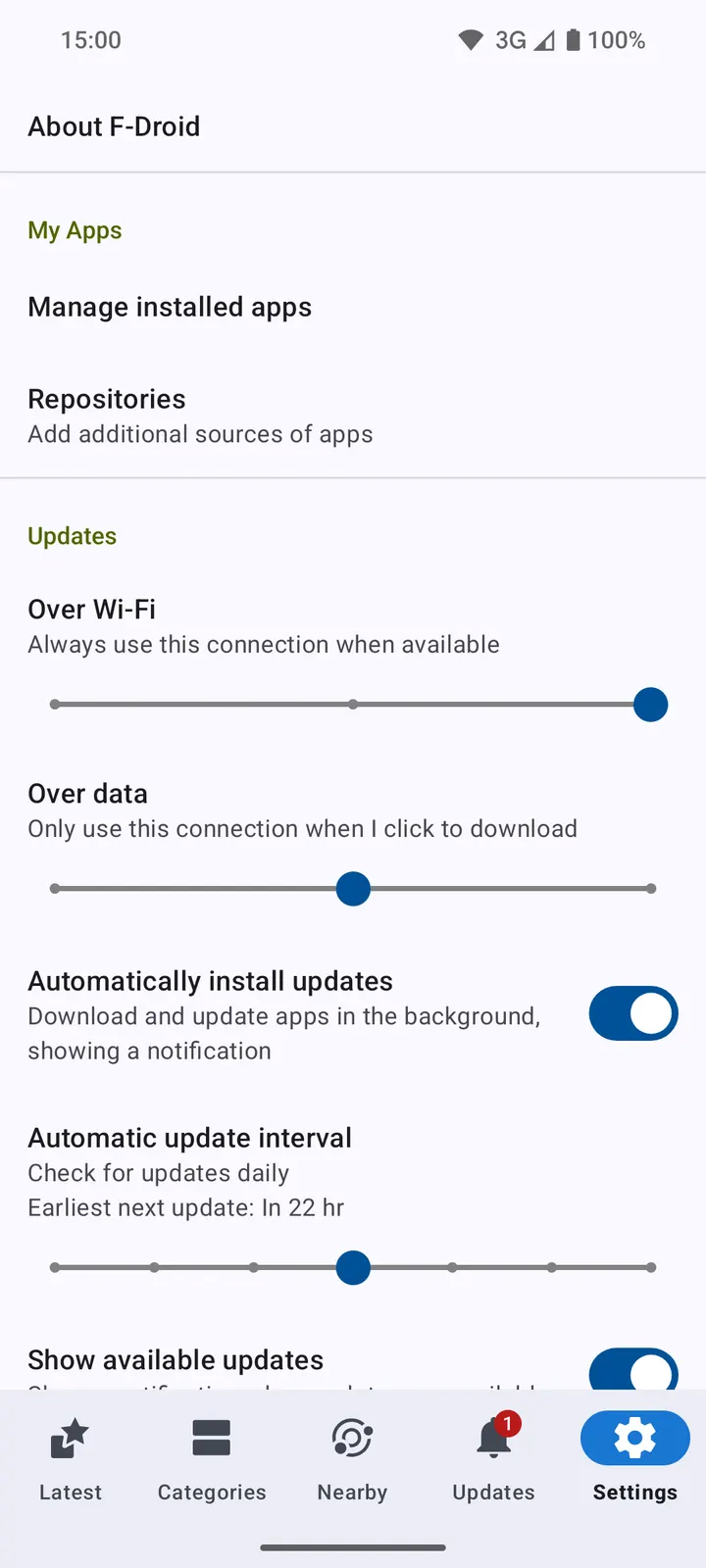
The client notifies you when an update is available. If you prefer, you can switch on automatic downloads and installs for updates. Older versions and beta releases are tracked as well, which helps when a newer build causes trouble.
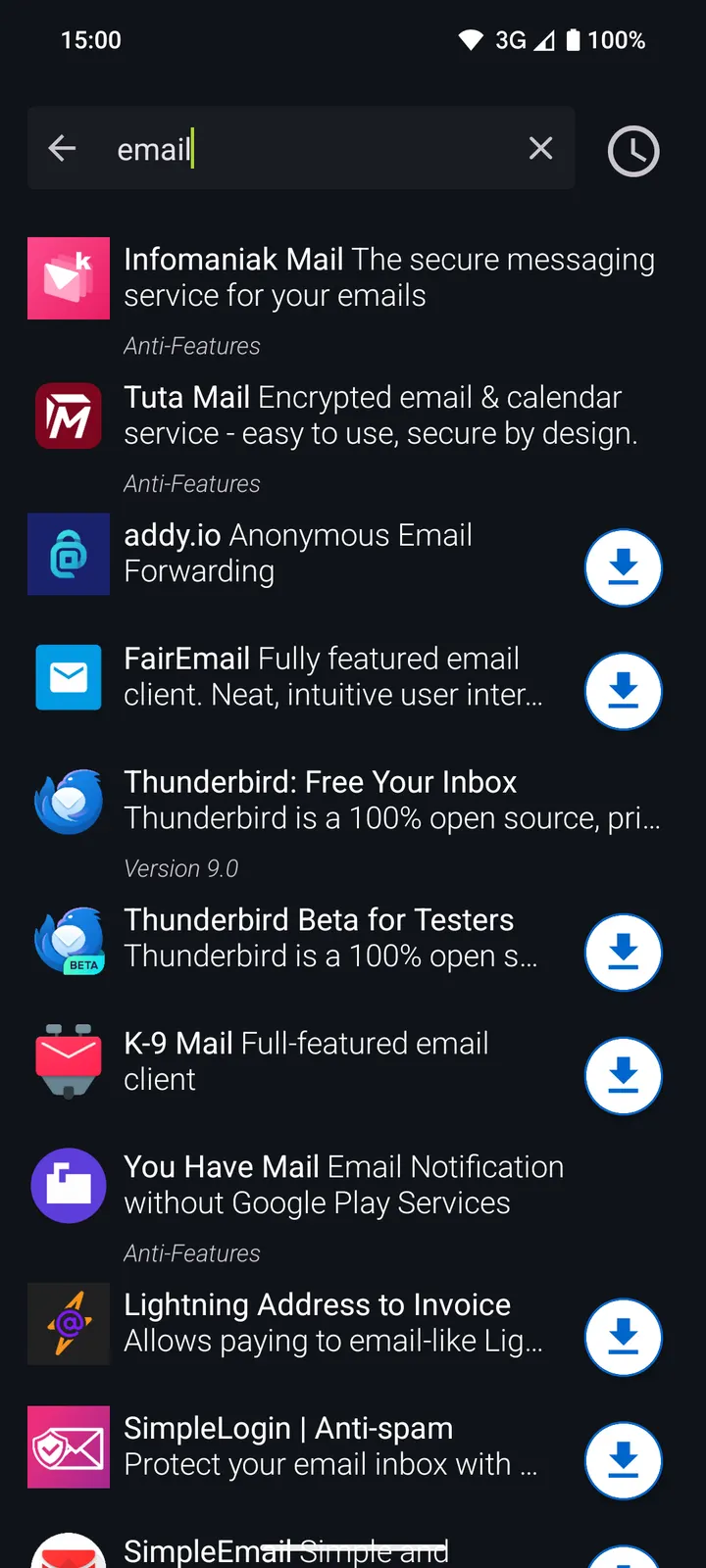
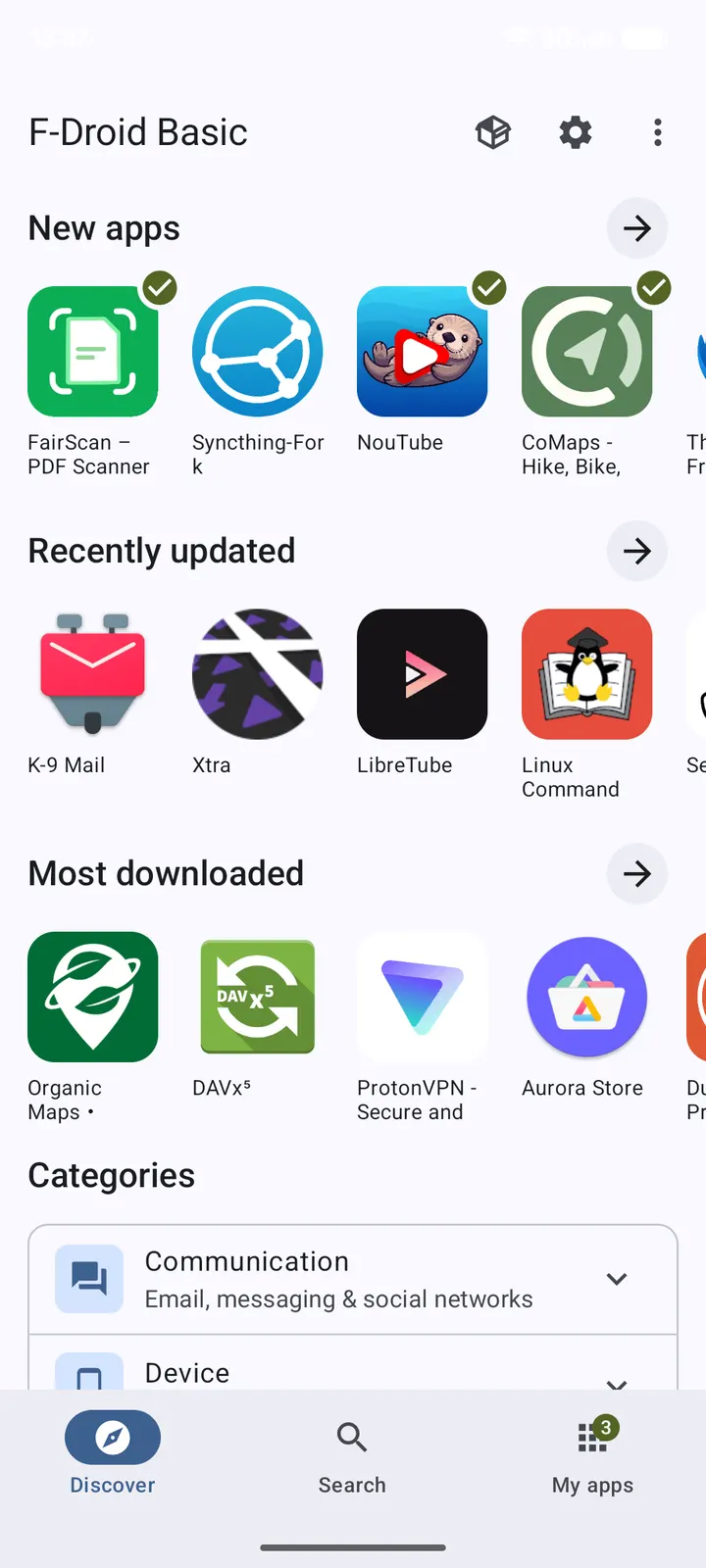
Apps that are incompatible with your device can be filtered out, so the lists show what will actually run. Discovery works through categories and searchable descriptions. Each listing links to related URLs such as donation pages and source code.
The store sits in the app-stores category and is tagged as a system-level app store and updater.
Checks to make before installing the 2.0.2 APK
The file is 12 MB and requires Android 7.0 or later. The package ID is org.fdroid.fdroid, and the last update was October 12, 2026. The SHA-256 checksum is 19d51fad482239f6df6a99120e34513667e9a86d136dafdc4a211a68c3327b52.
Because F-Droid installs other apps, your device will ask you to allow installs from the source you used to get the APK. The source code is public at gitlab.com/fdroid/fdroidclient under GPL-3.0-or-later, so you can inspect what you are running. Alternatives include Aurora Store, Droid-ify, Neo Store, ObtainX and RepoStore.
F-Droid pros and cons
Pros
- Free and with no ads
- Source code is public under GPL-3.0-or-later
- Checks repository index signatures and APK hashes
- Optional automatic updates and tracking of older and beta versions
- Small 12 MB download
Cons
- Requires Android 7.0 or newer
- The default repository carries only libre software, so many popular apps may not be listed
- Version 2.0.2 is the current release
- No Google Play rating or install count is available
Is F-Droid safe?
TopDown APK hosts the unmodified APK for F-Droid, and the SHA-256 checksum is listed so you can verify your download. The app is published by F-Droid under the GPL-3.0-or-later licence, with source code open for inspection. It checks repository index signatures and APK hashes before installing apps. No independent security review is available, so the checksum and public source are the evidence you have.
How to install F-Droid
- Download the APK with the button on this page and wait for it to finish.
- Compare the file with the SHA-256 checksum shown here if you want to confirm it arrived intact.
- Open the file on your phone and allow installs from this source when Android asks.
- Finish the install, then open F-Droid from your app drawer.


