
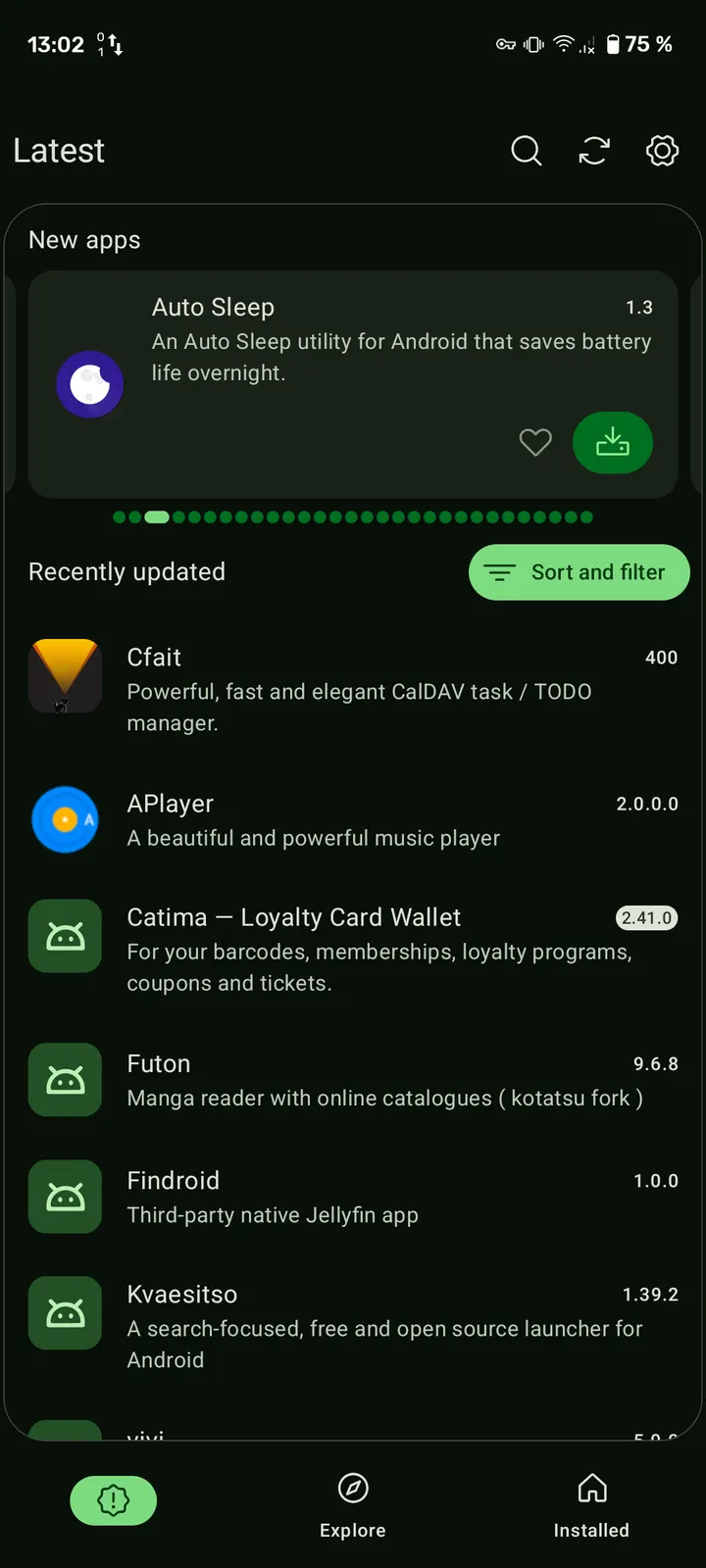
Droid-ify and Neo Store both read F-Droid repositories, but Neo Store comes from a different lineage: it is a direct modification of Foxy-Droid, built by Antonios Hazim. It installs and updates open-source apps, weighs 5.6 MB and costs nothing.
Free, no ads, GPL licence
Neo Store is free and carries no ads. Its code is released under GPL-3.0-or-later, and the source is public on GitHub under NeoApplications, so anyone can read or modify it.
Repository syncing and plain Android components
The client focuses on quick syncing of F-Droid repositories. Its interface avoids cards and decorative animations, and it relies on standard Android components with few dependencies. That choice likely keeps the package small.
The package ID is com.machiav3lli.fdroid and the category is app stores.
Version 1.3.3 and maintenance record
The current version is 1.3.3, updated on October 27, 2026. The first release dates to July 10, 2022, so the project has been maintained for several years. It requires Android 8.0 or newer.
Neo Store pros and cons
Pros
- Free with no ads
- Open source under GPL-3.0-or-later with a public GitHub repository
- Small 5.6 MB package
- Fast repository syncing and a plain interface with no cards
- Updated on October 27, 2026
Cons
- Requires Android 8.0 or newer
- Version 1.3.3 is the current release
- Tied to F-Droid style repositories, so it is not a Google Play replacement
Is Neo Store safe?
The APK we keep is the unmodified file. Its SHA-256 checksum is 185816d13dcb9f9fe399adaca15d98c7ea243065f83103628fb31a50d4bc1b46, and the signature details are stored with it. Since Neo Store is GPL-3.0-or-later with public source, its code can be inspected by anyone.
How to install Neo Store
- Download the APK with the button on this page and wait for it to finish.
- Compare the file with the SHA-256 checksum shown here if you want to confirm it arrived intact.
- Open the file on your phone and allow installs from this source when Android asks.
- Finish the install, then open Neo Store from your app drawer.


