
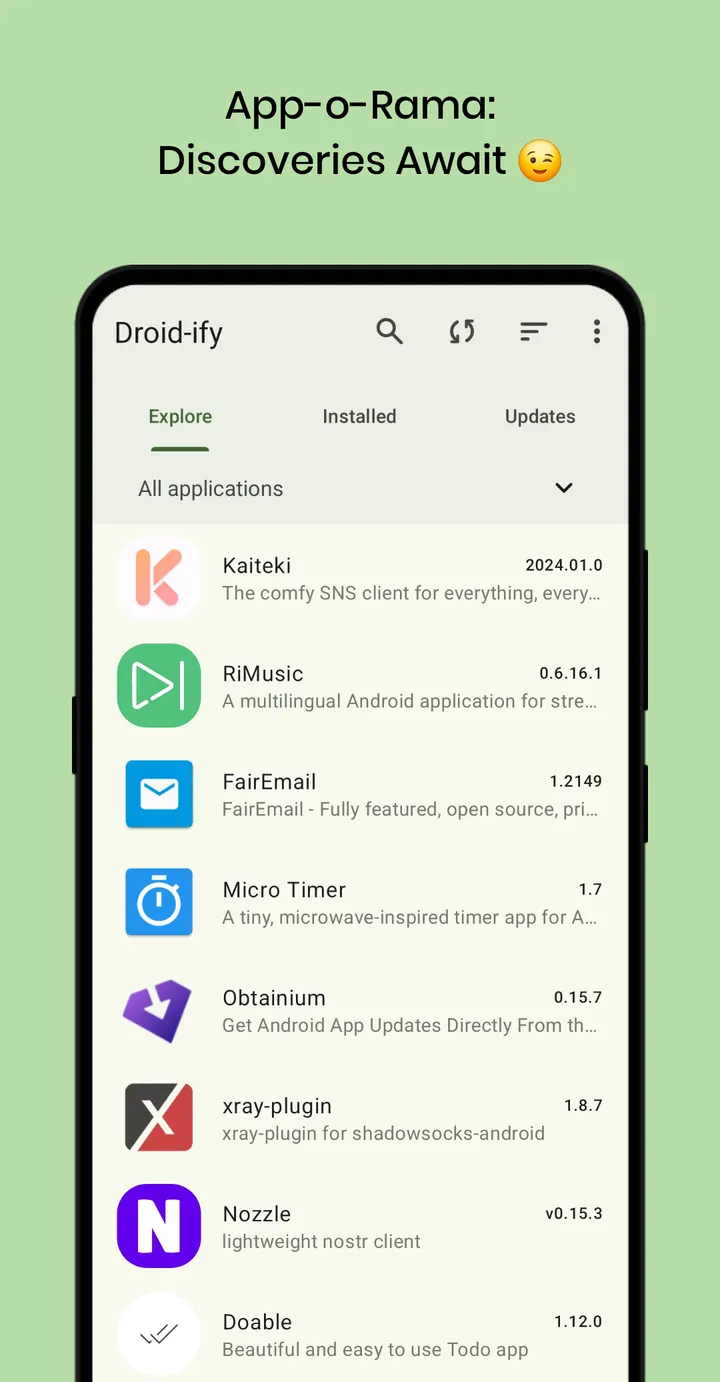
Droid-ify is a free, open-source client for F-Droid repositories, built by Iamlooker and currently at version 0.7.8. It needs Android 6.0 or newer and the APK is 5.7 MB. The app carries no ads and costs nothing.
Who a lightweight F-Droid client suits
Droid-ify fits people who already install free software from F-Droid repositories and want a cleaner front end for it. The developer describes it as a clutter-free client, and the tags in the catalog point the same way: open-source, app store and updater, no ads.
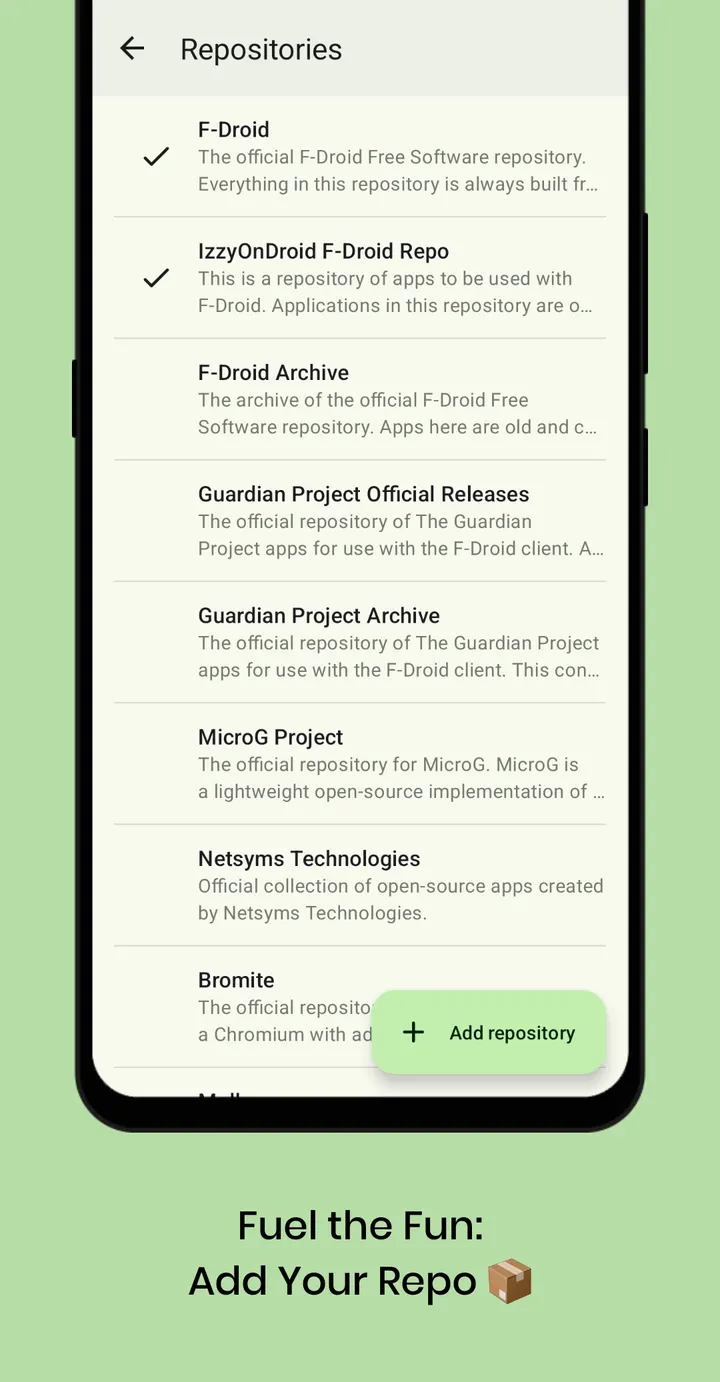
It also suits anyone who wants to add extra repositories. The app lets you add a custom repo with one tap.
Install methods, background updates and offline use
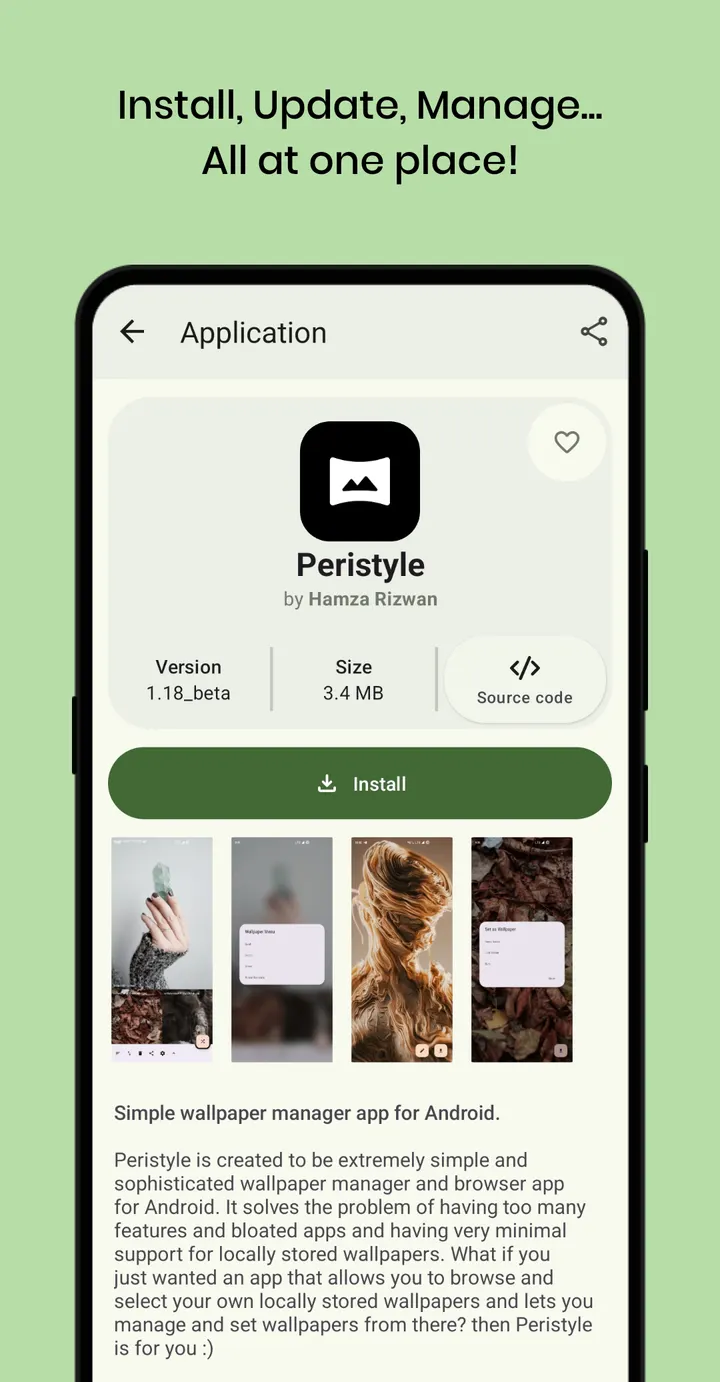
You browse apps from F-Droid repositories and install them from inside Droid-ify. Three installation methods are listed: Session, Root and Shizuku. Root and Shizuku only matter if you already use them on your device.
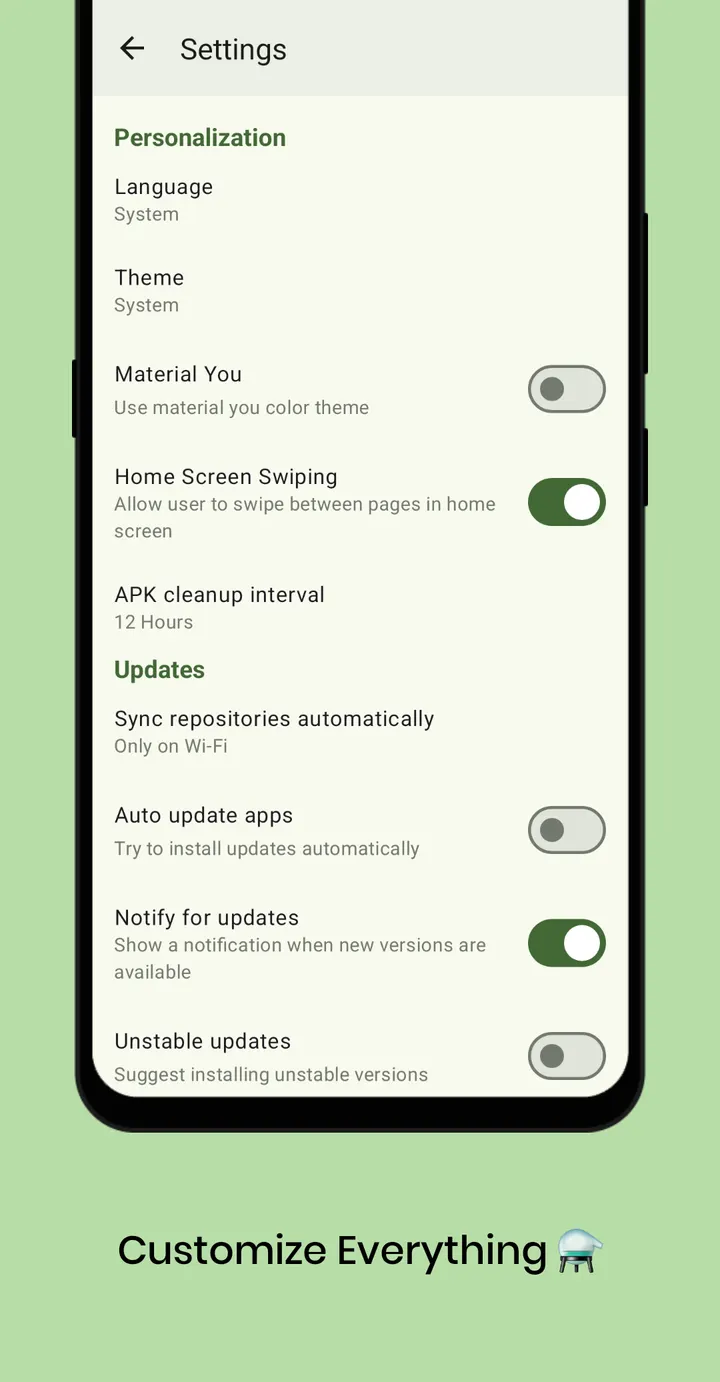
Updates can run automatically in the background. After the first sync, the app works offline, so the catalog stays browsable without a connection. The interface is translated into 63 languages, including English, German, French, Spanish and Chinese.
Limits: no ratings data and a narrow scope
Droid-ify is not a general-purpose store. It reads F-Droid style repositories, and what you can find depends on the repos you enable.
The screenshots and the source code on GitHub are available for checking what the app does before installing.
Droid-ify pros and cons
Pros
- Free, with no ads
- Open source under GPL-3.0-or-later, with code on GitHub
- Small download at 5.7 MB
- Supports Session, Root and Shizuku installs
- Adds custom repositories with one tap
Cons
- Requires Android 6.0 or newer
- Limited to what the enabled repositories carry
- Depends on the repositories you enable for what you can find
Is Droid-ify safe?
We host the unmodified APK for Droid-ify, and the file has a published SHA-256 checksum (bb23d12e8b82a5cba906e61def49dc39c11468d2333633a72e107ca422e8f879) so you can verify your download. The code is public under GPL-3.0-or-later, which allows independent inspection. The publisher is Iamlooker, with a project site at droidify.eu.org. Apps you install through it come from whichever repositories you add, so those sources carry their own risk.
How to install Droid-ify
- Download the APK with the button on this page and wait for it to finish.
- Compare the file with the SHA-256 checksum shown here if you want to confirm it arrived intact.
- Open the file on your phone and allow installs from this source when Android asks.
- Finish the install, then open Droid-ify from your app drawer.


