
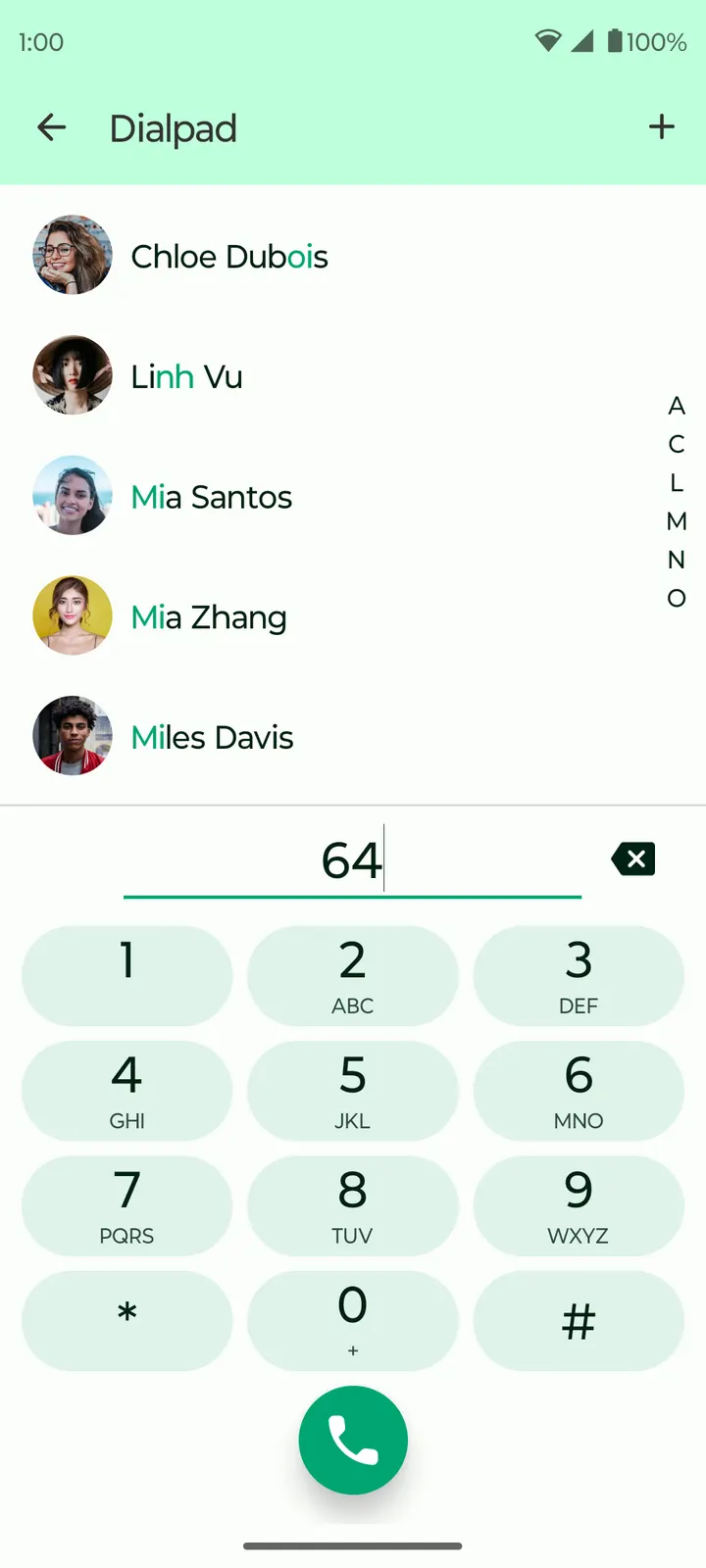
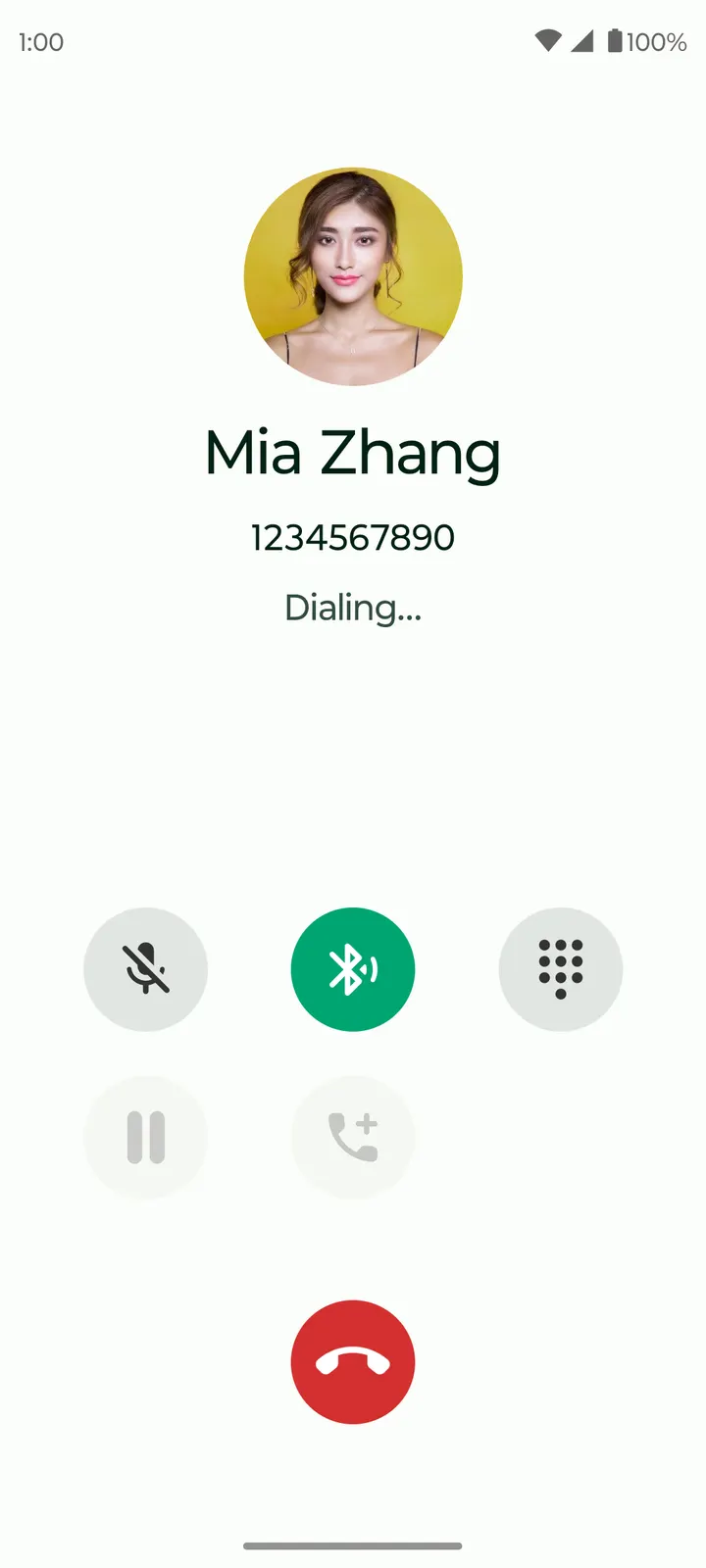
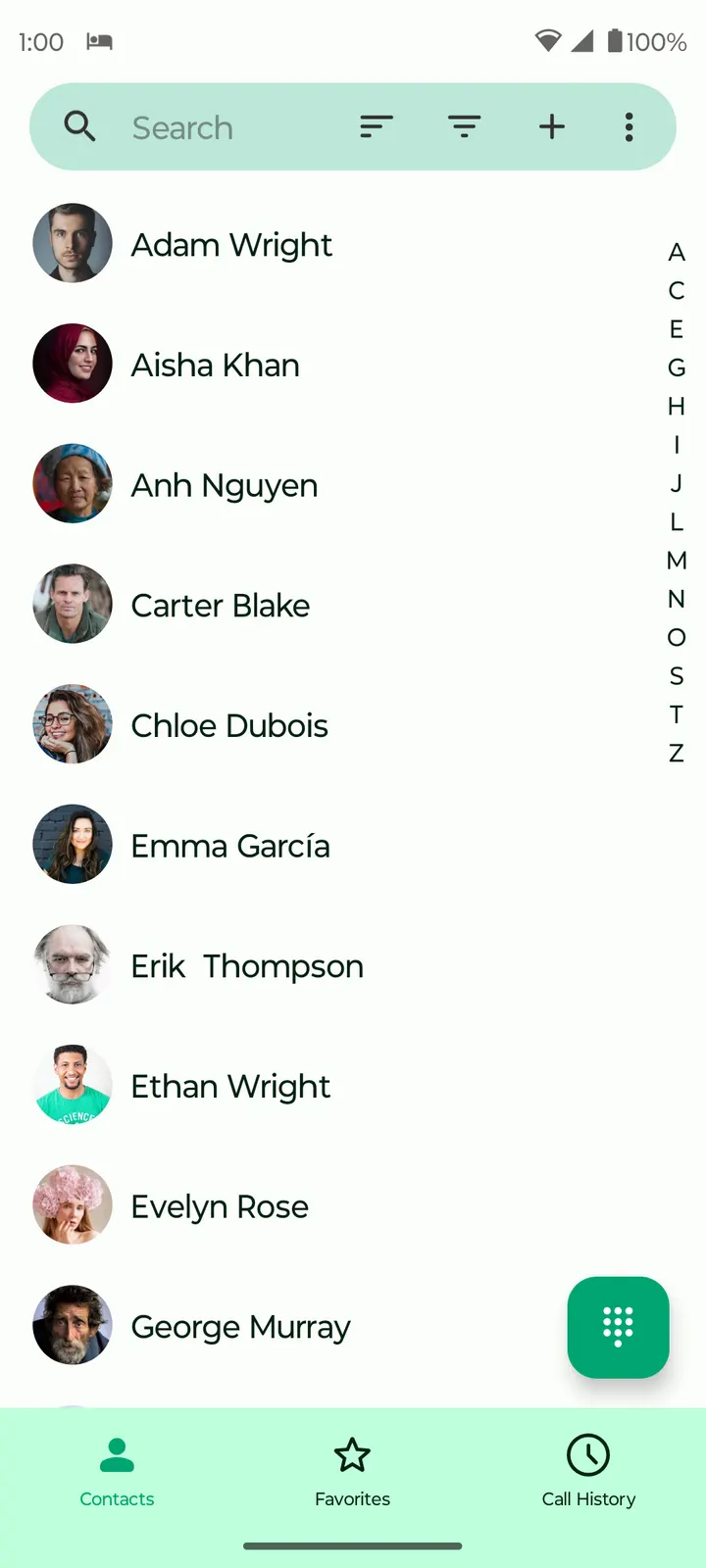
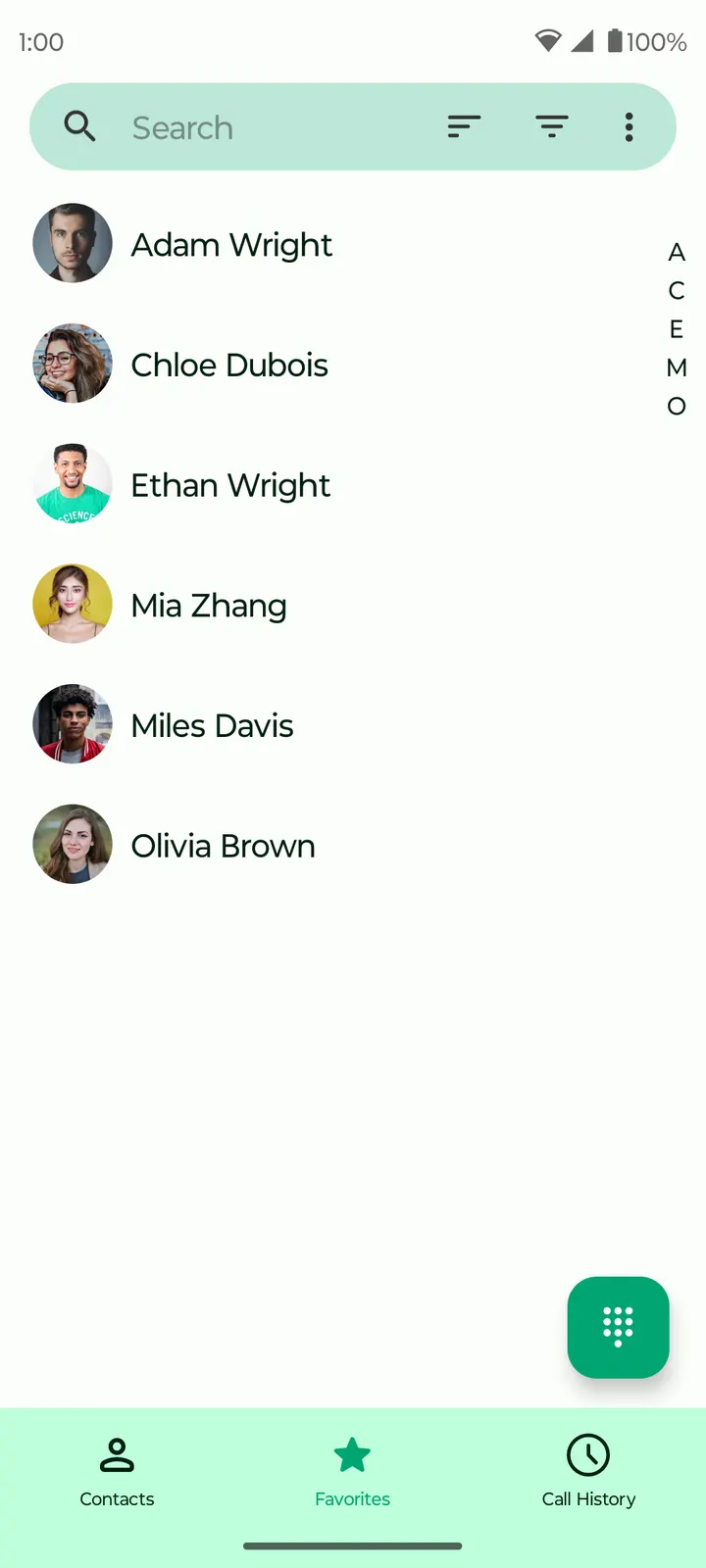
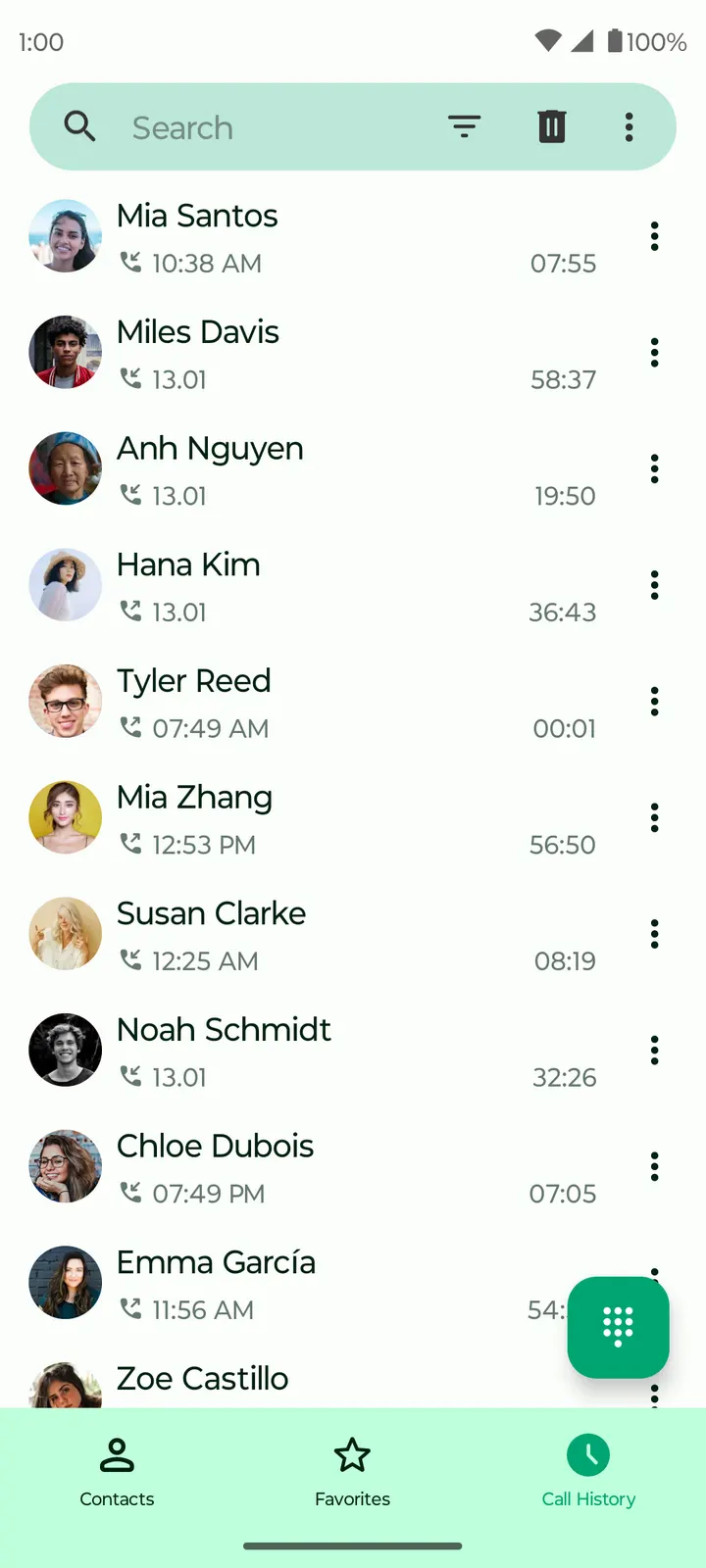
Unlike WhatsApp, which our catalog lists as an alternative, Fossify Phone is a phone app whose complete source code is public under the GPL-3.0-only licence. It comes from the developer Fossify, costs nothing and shows no ads. Version 1.11.1 needs Android 8.0 or newer and takes up 8.7 MB. We host the unmodified APK, so the file you download is the one the checksum below describes.
Checking the file and setting up Fossify Phone 1.11.1
Start with the file itself. TopDown APK serves the unmodified Fossify Phone APK, and the SHA-256 checksum is d1ad08467034e5138a6e68f03b6e150f0bb010dfcbf490ff3d2bd4822b755728. Compare it against your downloaded copy before installing.
The package ID is org.fossify.phone. Check that it matches on the install screen, and confirm your phone runs Android 8.0 or later, because older versions are not supported. The installer is small at 8.7 MB, so it should not strain storage or a slow connection.
There is no description of a setup wizard or a list of required permissions here. The developer describes the app as free of ads and intrusive permissions. Once installed, read the permission prompts yourself and decide if each one is acceptable to you.
What the open code and the ad-free build give you
The strongest point is transparency. The source is published on GitHub at FossifyOrg/Phone, and the licence is GPL-3.0-only. Anyone can read what the app does, and that is a different position from closed apps where you rely on the publisher's word.
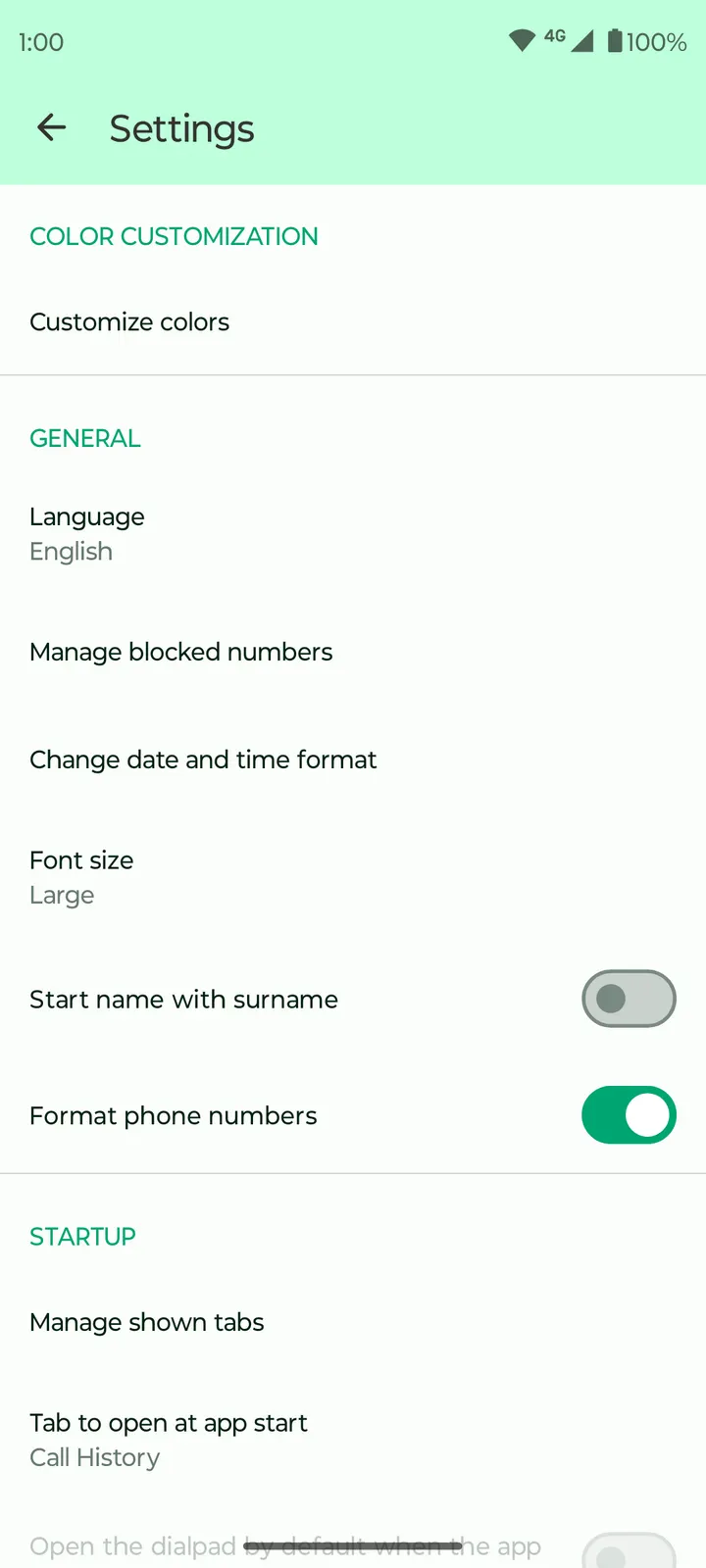
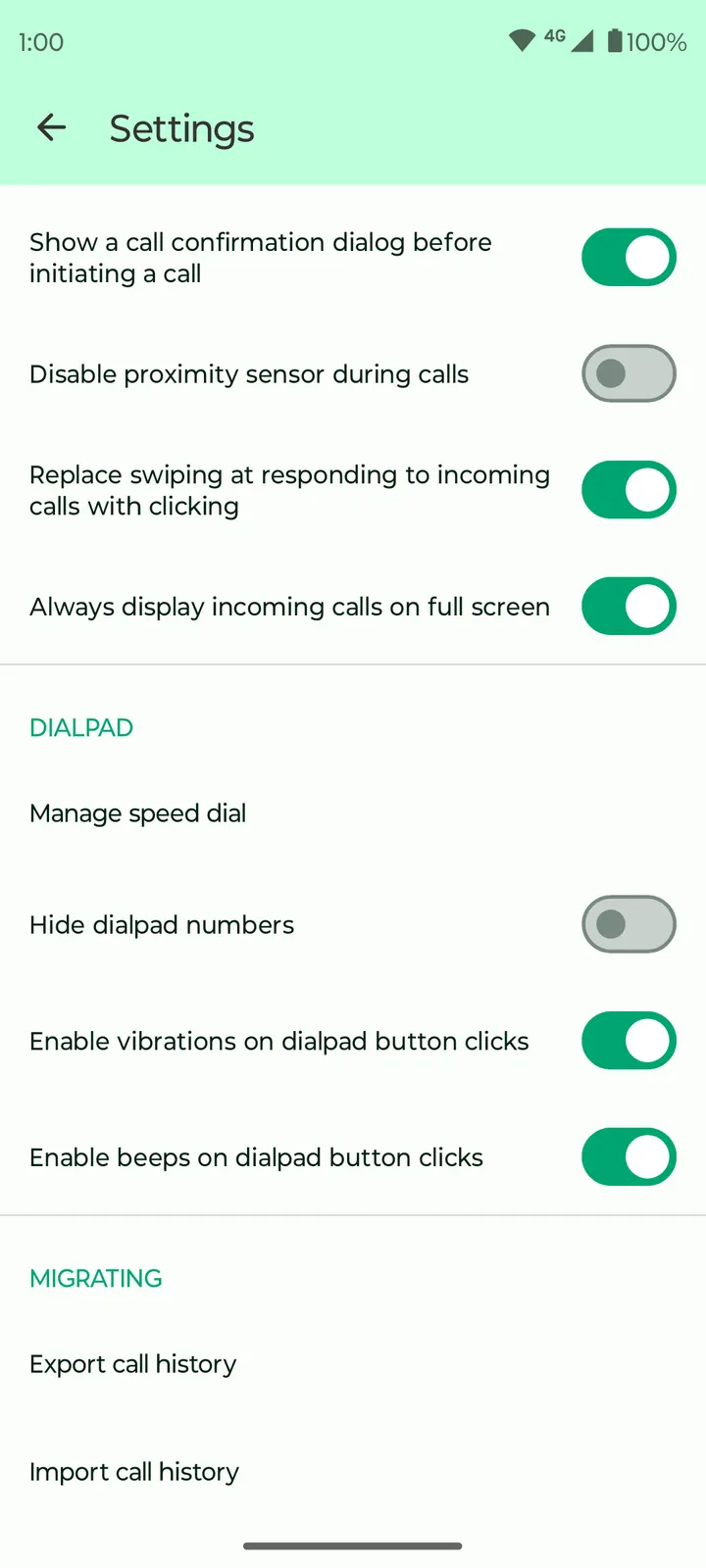
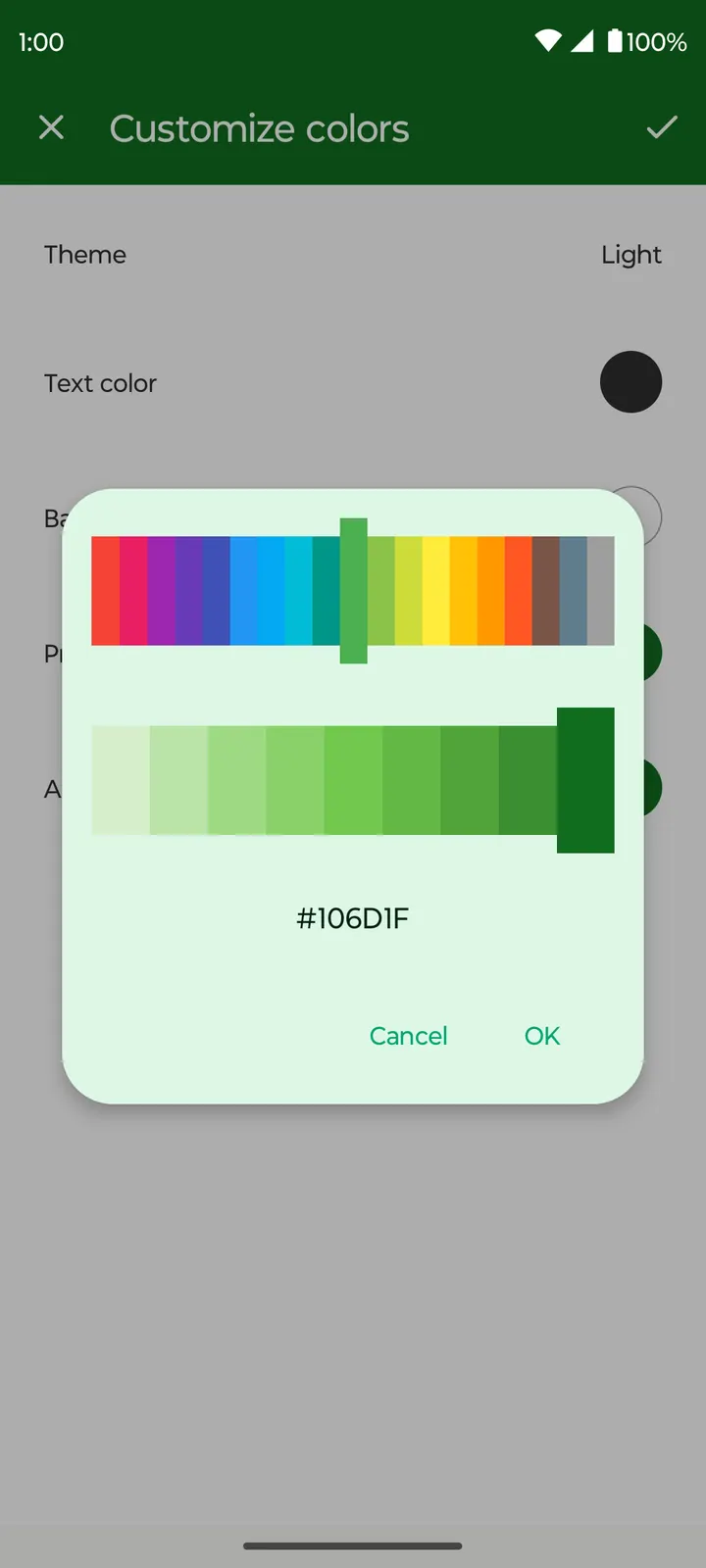
The app is free and shows no ads. Fossify tags it as open-source, phone-and-sms and no-ads, which places it as a plain calling and messaging utility rather than a social platform. The developer also points to customisation, including themes and functional settings.
The developer also claims light resource use and a smooth interface. Those are the developer's own statements, not benchmark or battery results, so treat them as claims rather than results.
The first release dates from January 22, 2024, and the latest update arrived on February 4, 2026. That shows the project has been maintained for over two years.
When Messenger or WhatsApp fits better than this phone app
Fossify Phone is a phone app in the plain sense. If your contacts reach you mostly through internet-based chat, then Messenger or WhatsApp, both listed as alternatives in our catalog, may match your habits better. Do not expect it to replace a social platform.
Someone who wants feature claims backed by ratings should also pause. There is no Google Play rating and no Google Play install count for this app, so there is no public score to lean on here. You would be judging it by the source code, the licence and your own trial.
People who need a cloud-linked service across several devices should check the project's GitHub page or the Fossify site at fossify.org before committing, since syncing is not covered here.
Fossify Phone pros and cons
Pros
- Source code is public on GitHub under the GPL-3.0-only licence
- Free to install with no ads shown
- Small 8.7 MB package that runs on Android 8.0 and newer
- Updated as recently as February 4, 2026, after a January 22, 2024 first release
- We host the unmodified APK with a published checksum
Cons
- No Google Play rating or install count is available, so there is no public score
- Version 1.11.1 has no published changelog
- Performance and battery claims come from the developer's text and are not backed by measurements
- Android 8.0 is the minimum, so older phones are excluded
Is Fossify Phone safe?
No safety problem is reported for this app. The APK is served unmodified from TopDown APK, and its SHA-256 checksum is published on the page so you can verify your copy. The licence is GPL-3.0-only, the developer is Fossify, and the code can be read on GitHub. That is useful context, but it is not a guarantee, so review the permissions Android requests during install.
How to install Fossify Phone
- Download the APK with the button on this page and wait for it to finish.
- Compare the file with the SHA-256 checksum shown here if you want to confirm it arrived intact.
- Open the file on your phone and allow installs from this source when Android asks.
- Finish the install, then open Fossify Phone from your app drawer.


