
Amaze File Manager is another open-source option for browsing storage, and Fossify File Manager sits in the same camp while keeping its focus narrow. It is a free file explorer from the developer Fossify, listed in the file managers category with no ads. Version 1.6.3 is 9.6 MB and was last updated on October 27, 2026.
Fossify and the GPL-3.0 source on GitHub
The app comes from Fossify, which runs a site at fossify.org and publishes its code under the FossifyOrg account on GitHub. The file manager is licensed GPL-3.0-only, and the source repository is public. The first release was on January 15, 2024.
The package ID is org.fossify.filemanager. The app has no in-app purchases and no ads. It also points to community pages on Reddit and Telegram.
Home folder, locks and the storage analysis tool
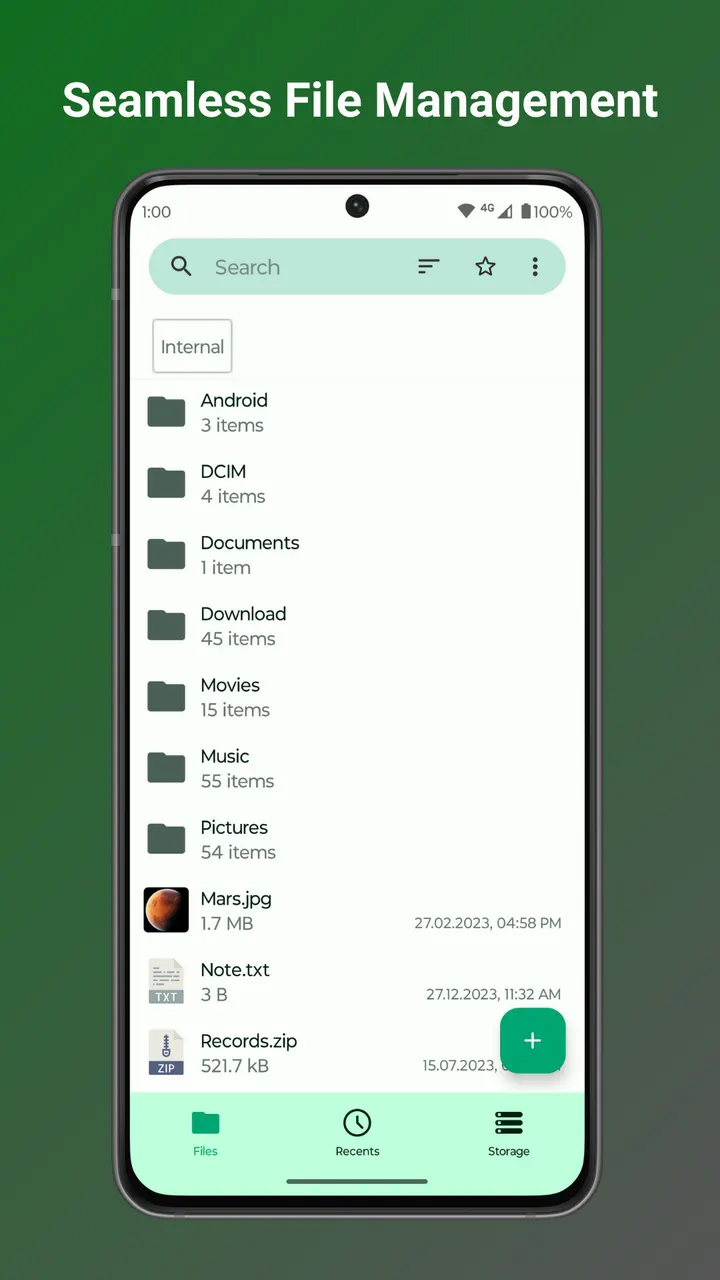
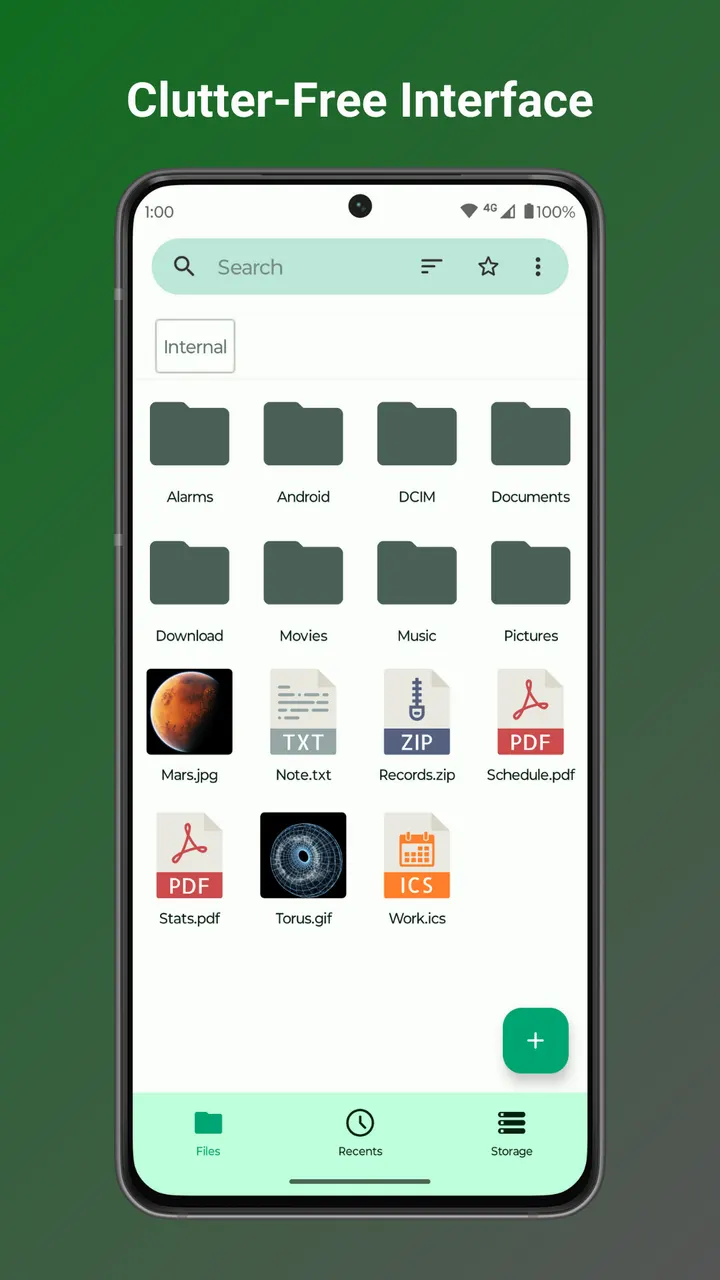
Day-to-day handling covers compression, file transfer, search and sorting. You can set a custom home folder and add favorite shortcuts, so the folders you use most are one tap away. Desktop shortcuts for files and folders are also described.
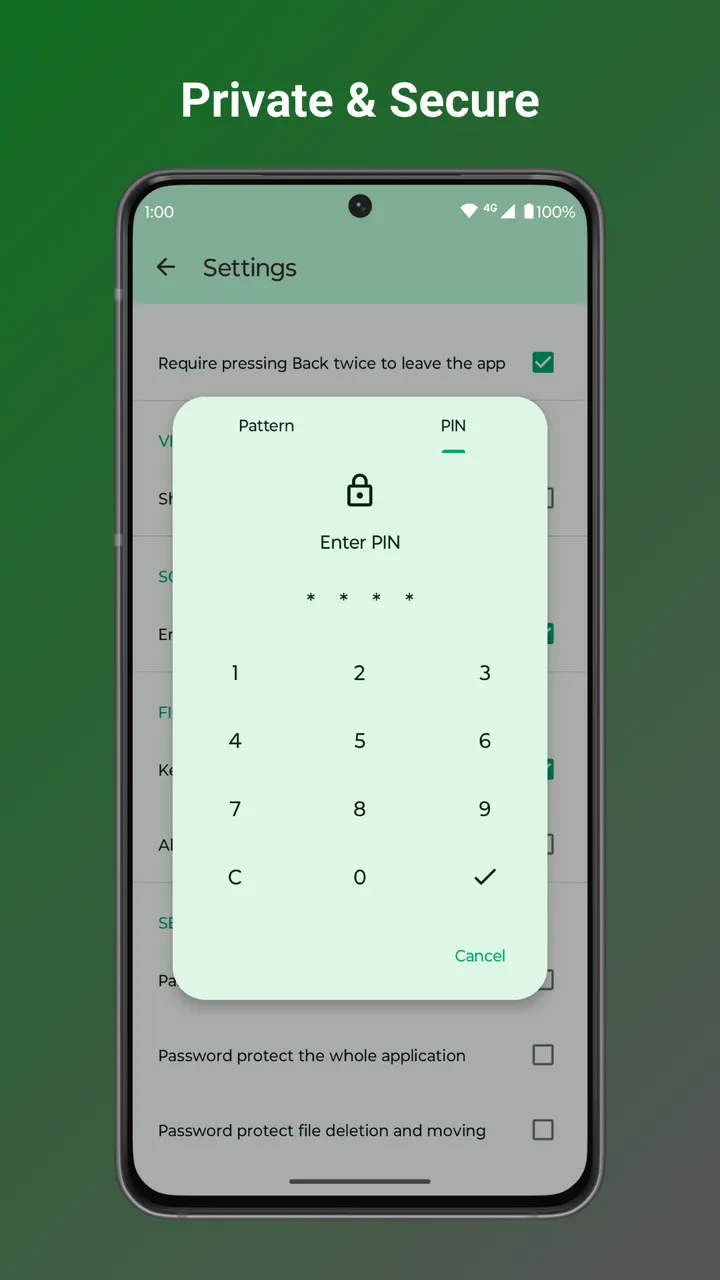
Privacy tools are a notable part of the list. Hidden items or the whole app can be locked with a password, pattern or fingerprint. The app needs no internet access, so files stay on the device.
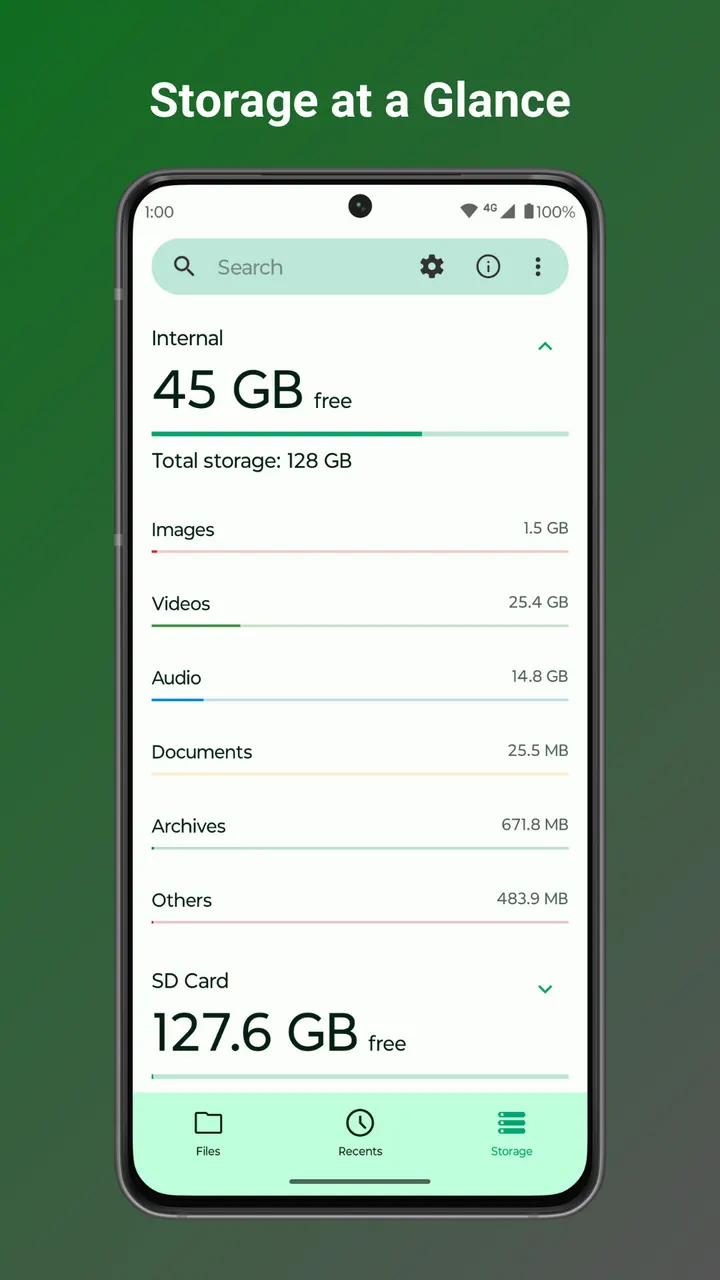
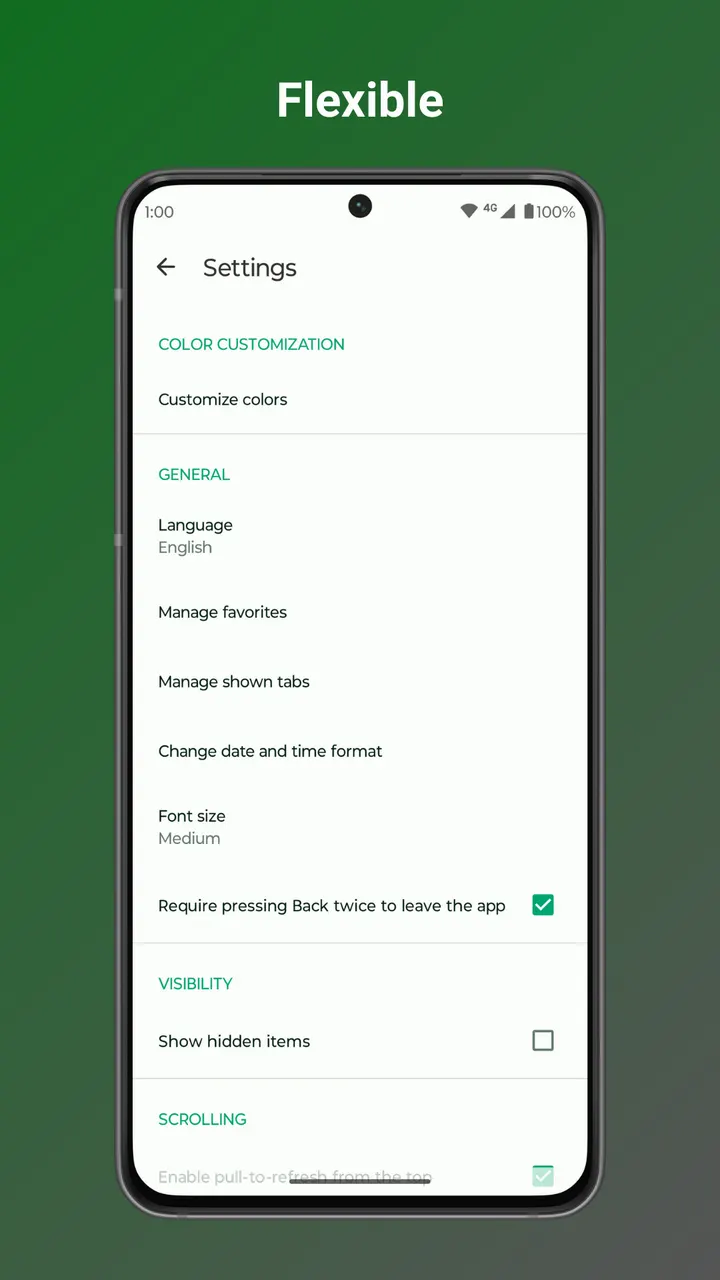
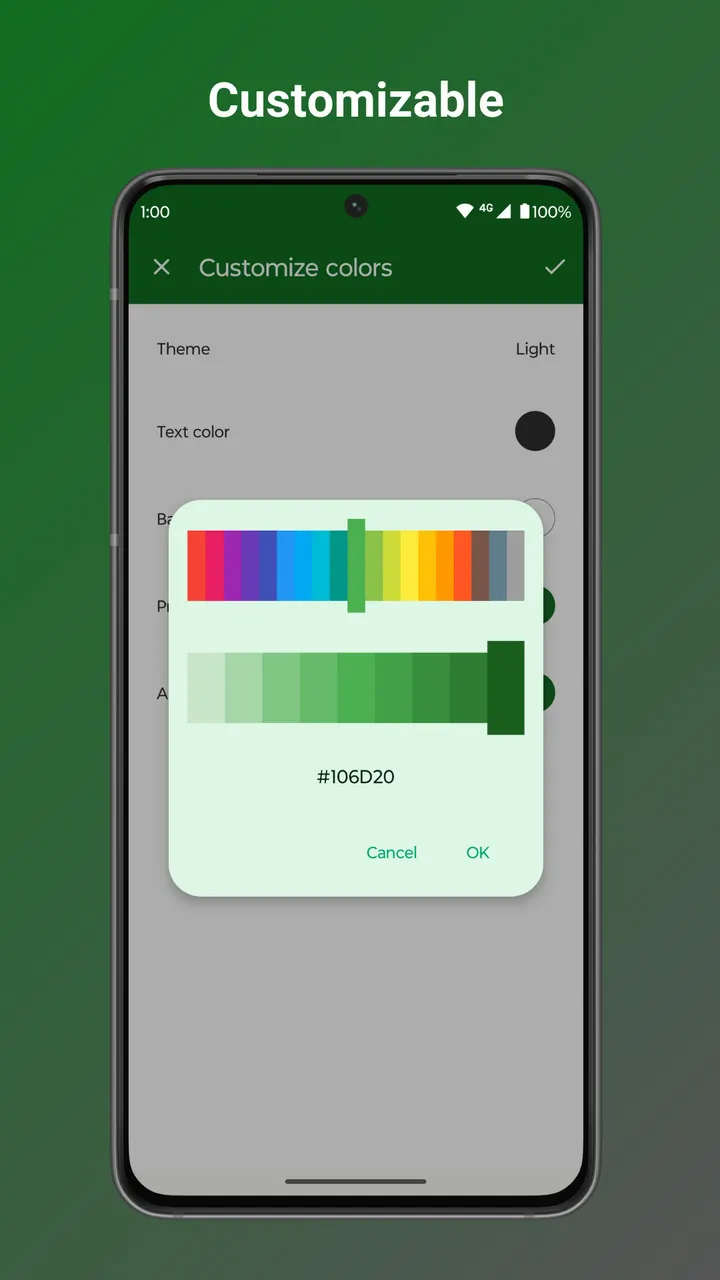
For space problems, a built-in storage analysis tool helps find large files, and compression can shrink files and folders. A light editor handles reading and editing documents with zoom gestures, and printing is mentioned too. Colors, themes and icons can be changed, and root files, SD cards and USB devices are covered.
Android 8.0 minimum and a small 9.6 MB install
Fossify File Manager needs Android 8.0 or newer. At 9.6 MB it is light on storage, which suits an app meant to help free up space.
Alternatives include Amaze File Manager, Files by Google, Google Drive, Microsoft OneDrive, APK Explorer & Editor and FilePipe. Note that Drive and OneDrive are cloud services, while this app works on local storage.
The hosted APK and its SHA-256 checksum
The APK for version 1.6.3 is kept here unmodified. Its SHA-256 checksum is 9ba65c2ab8ca612fd90d8eba5320572ed1e1f99f2c6139244c7e05ef9a377d36. After downloading, hash the file on your device and compare the result with that value to confirm it matches the original.
Fossify File Manager pros and cons
Pros
- Free, with no ads
- Open source under GPL-3.0-only, with public code on GitHub
- Locks by password, pattern or fingerprint for hidden items or the whole app
- Built-in storage analysis and compression to free space
- Small 9.6 MB package that works without internet access
Cons
- Requires Android 8.0 or newer
- No Google Play rating or install figures available
- Release notes for version 1.6.3 are not published
Is Fossify File Manager safe?
The unmodified APK is stored here with its SHA-256 checksum, so you can check the download against the value on this page. Fossify releases the app under GPL-3.0-only and keeps the source code public on GitHub. It has no ads and works without internet access. No independent security review is part of what we can point to.
How to install Fossify File Manager
- Download the APK with the button on this page and wait for it to finish.
- Compare the file with the SHA-256 checksum shown here if you want to confirm it arrived intact.
- Open the file on your phone and allow installs from this source when Android asks.
- Finish the install, then open Fossify File Manager from your app drawer.


