
Gboard ties its suggestions to Google's services, while ClaviRom, from developer Martin Huber, takes the opposite route: an open-source keyboard that never asks for internet access. It is an adaptation of HeliBoard, which itself builds on AOSP and OpenBoard. Version 3.8.1 needs Android 5.0 or later and weighs 15.8 MB.
Romansh spell check on a HeliBoard base
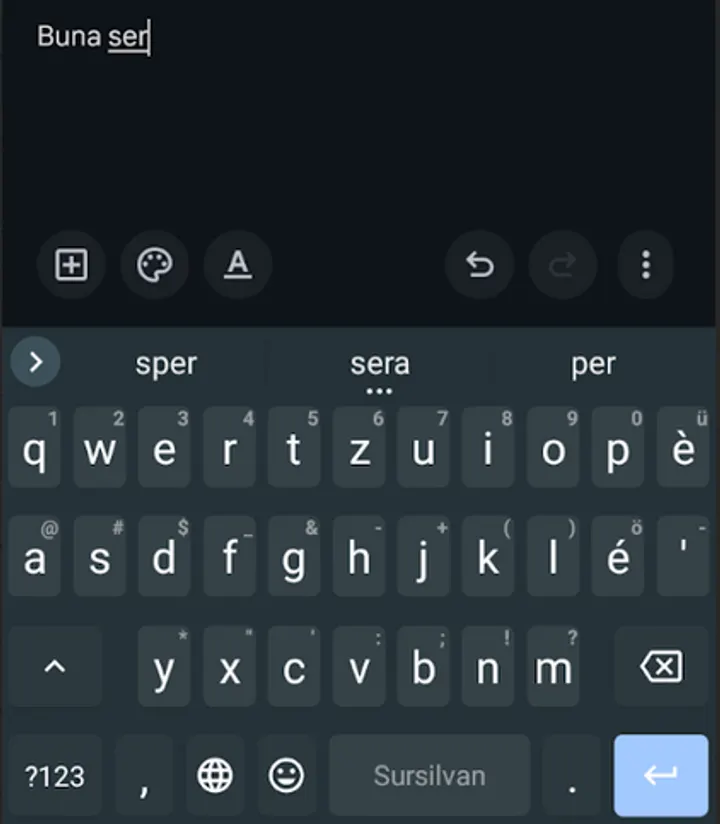
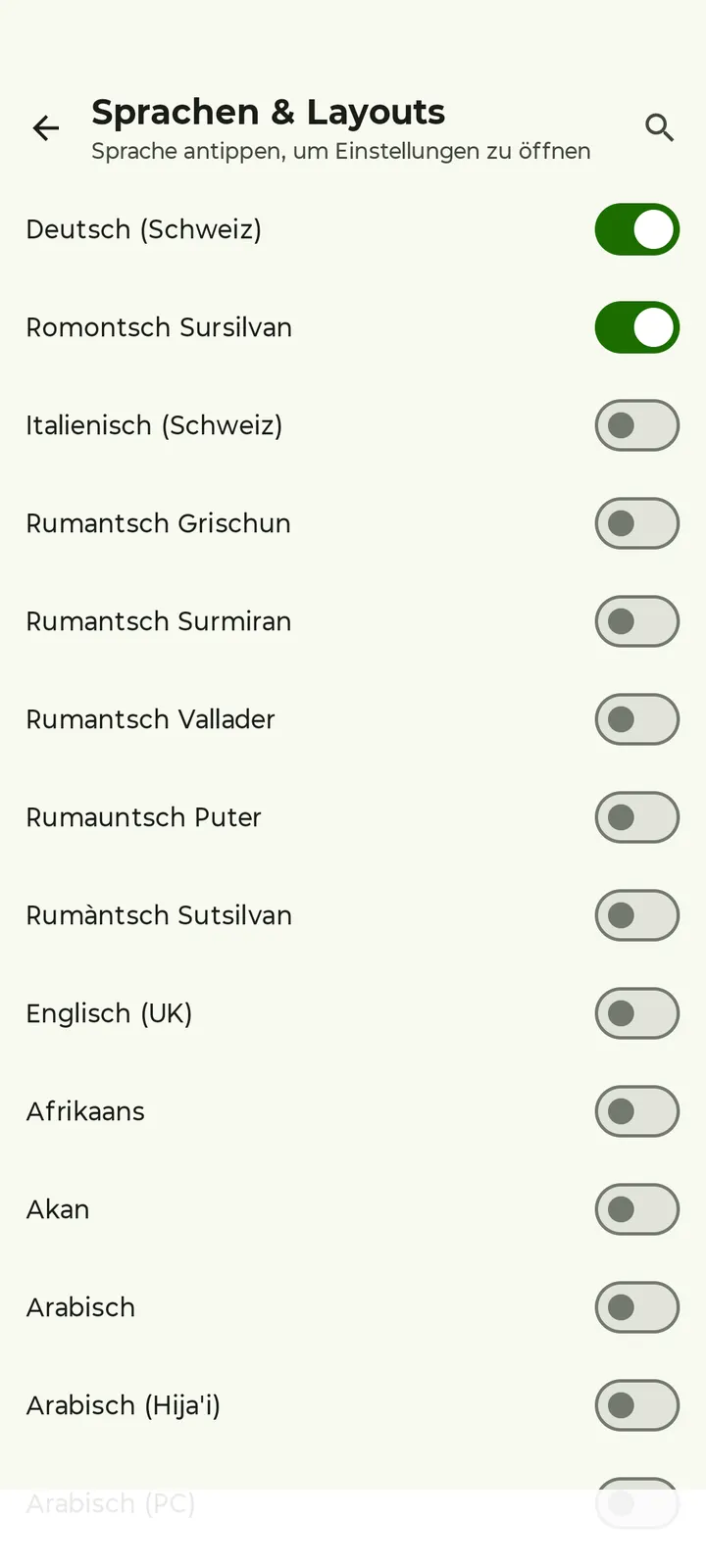
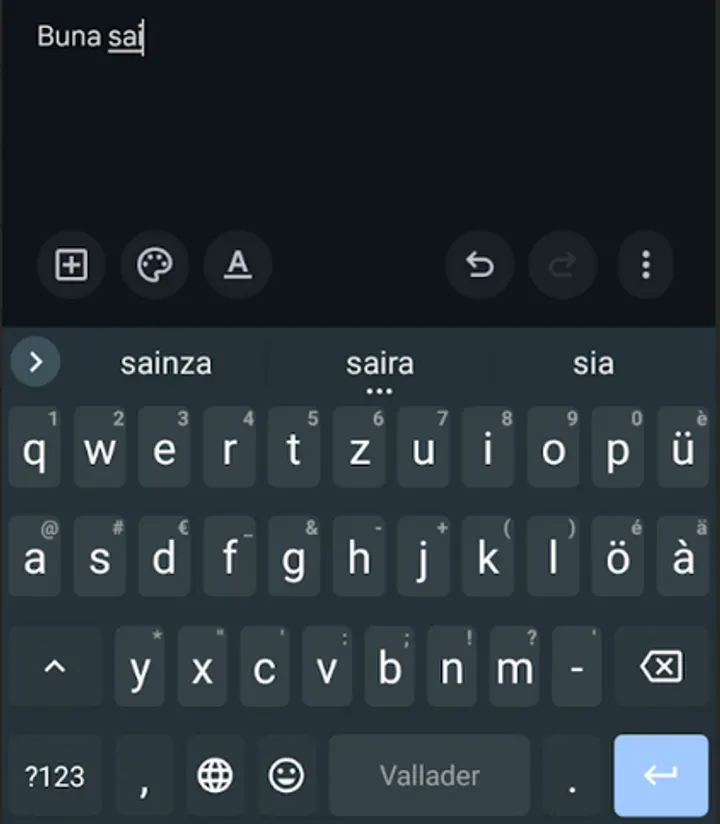
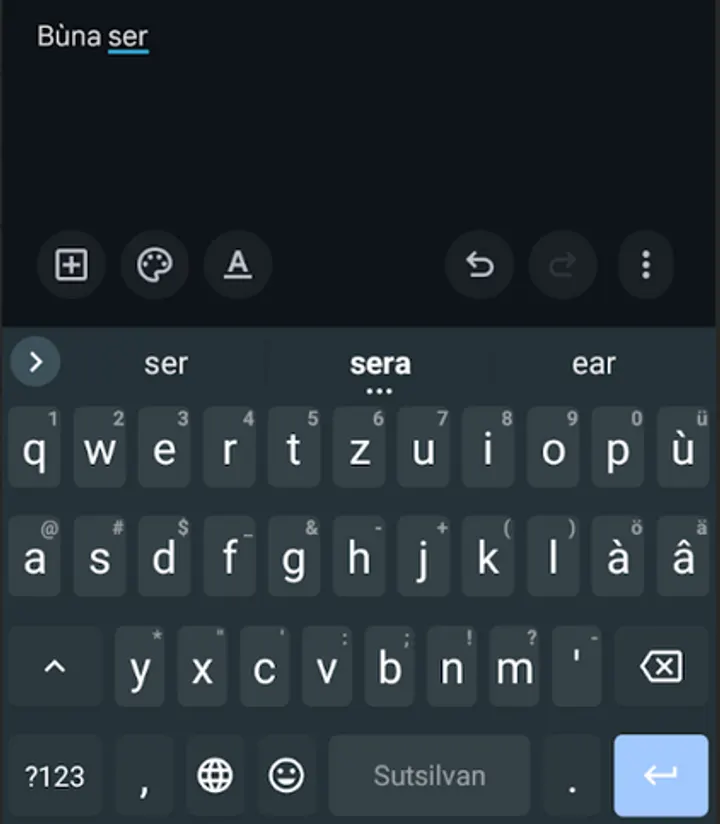
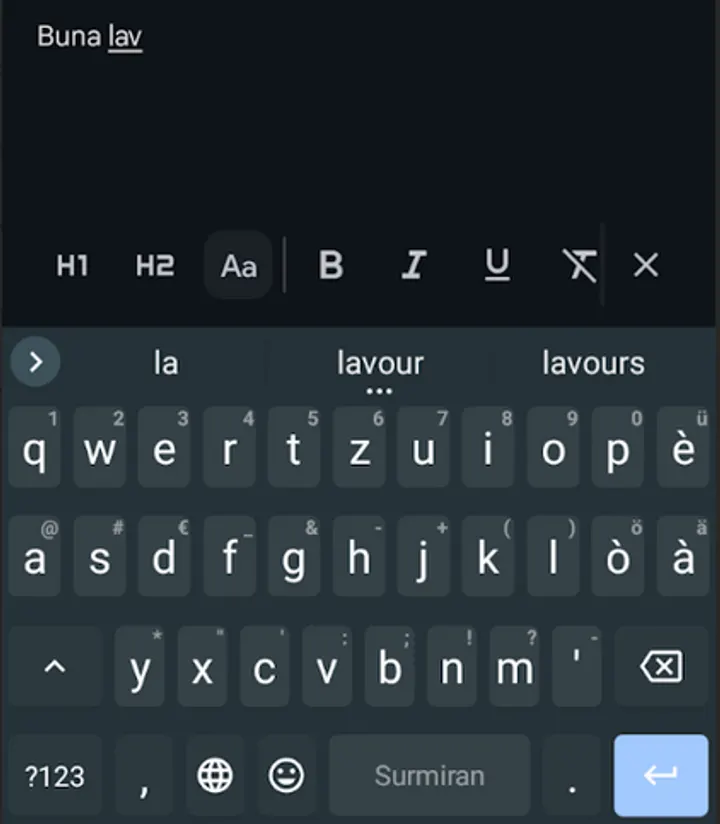
The one thing that defines ClaviRom is language support for Swiss Romansh. It adds spell check and next-word suggestions for Puter, Surmiran, Sursilvan, Sutsilvan, Vallader and Rumantsch Grischun. Few keyboards cover these idioms, and this one treats them as the main purpose.
The rest comes from HeliBoard. You can add dictionaries for suggestions and spell check, either self-built or from the Codeberg repository linked in the store text, where quality may vary. Dictionaries for emojis or scientific symbols can also feed suggestions.
Setting up and typing day to day
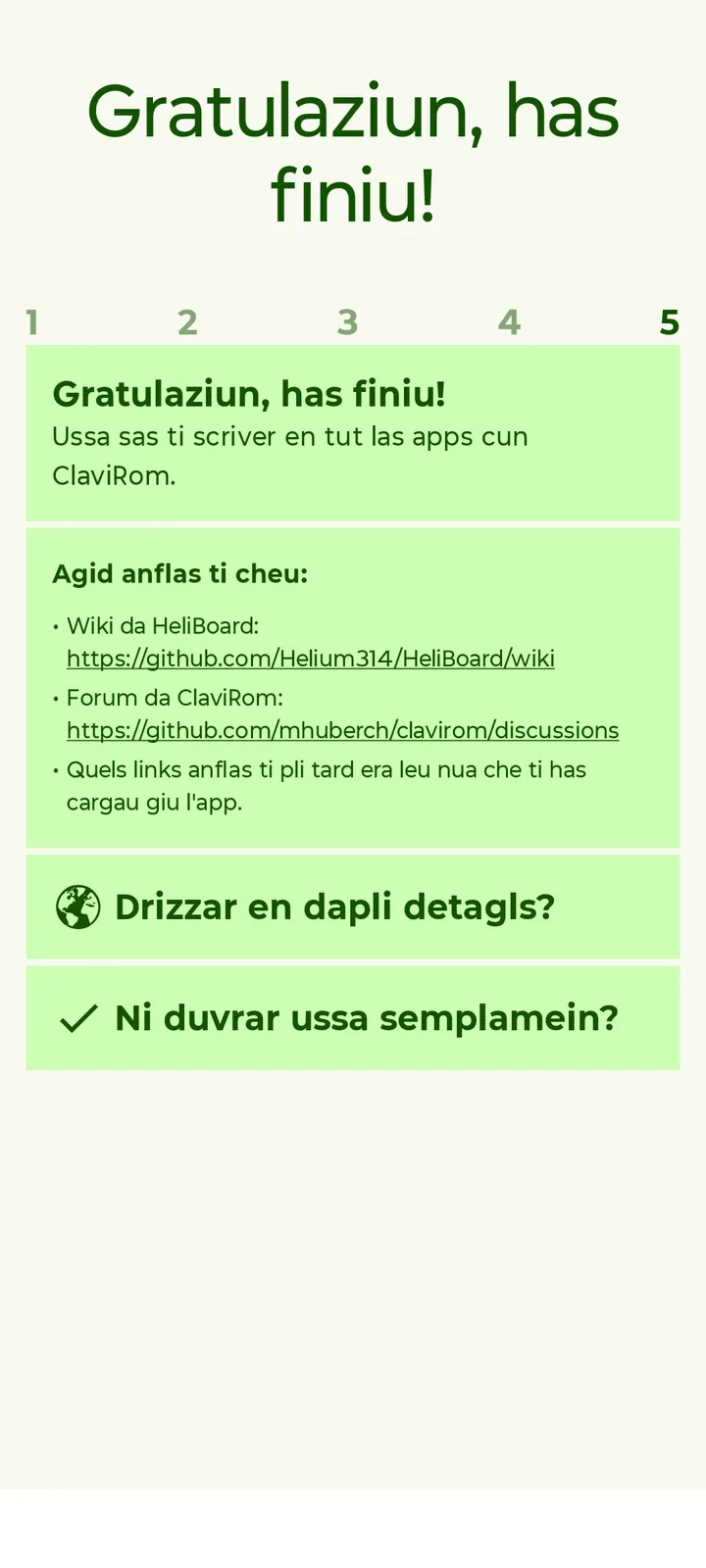
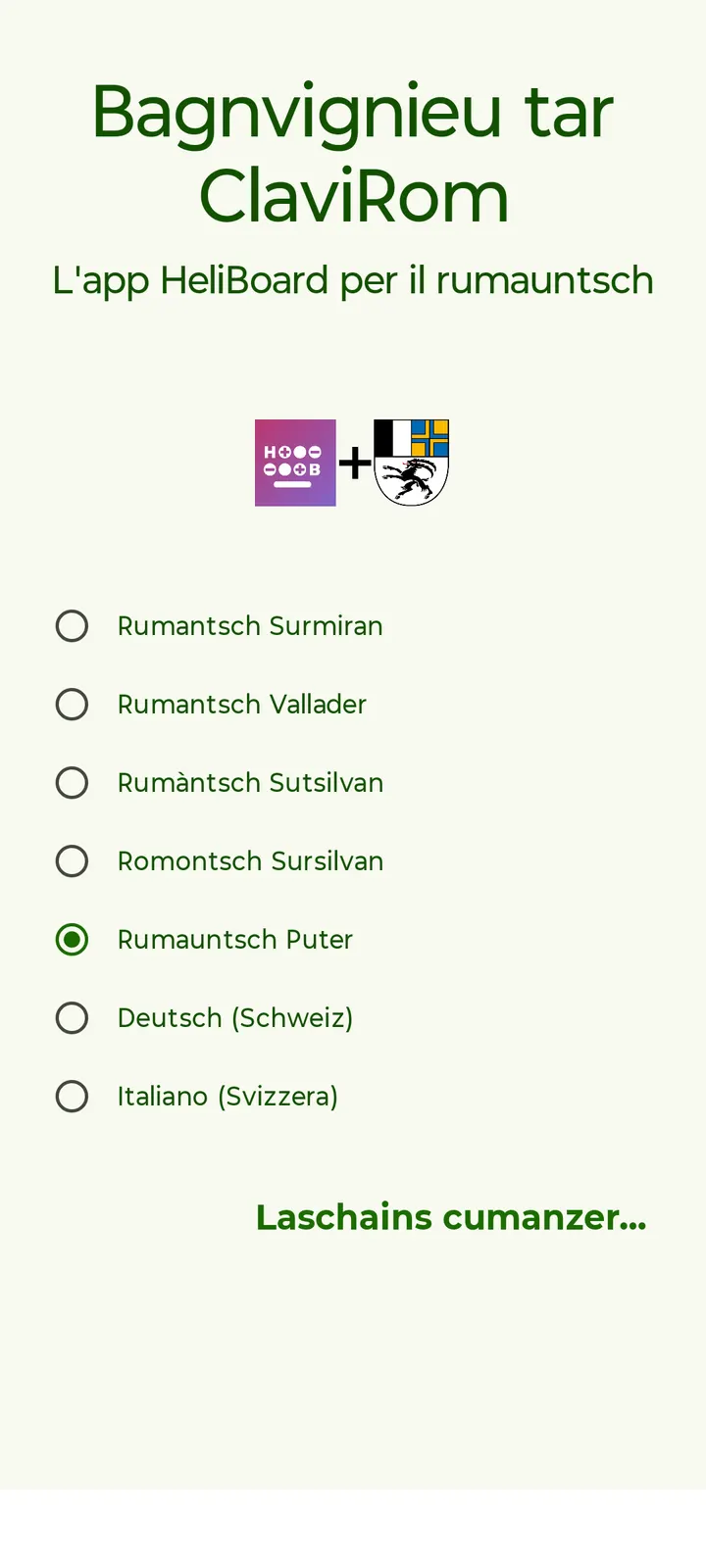
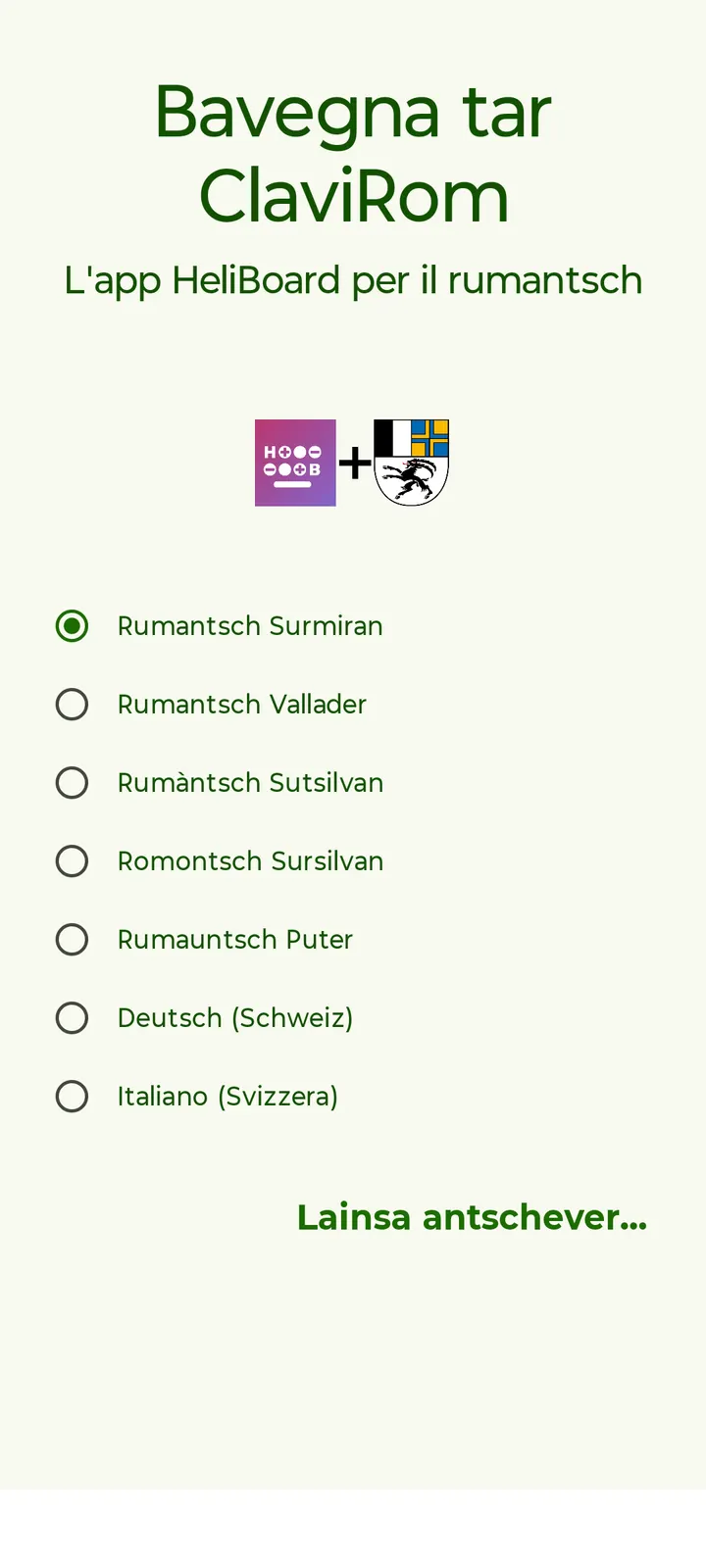
A first run starts with a welcome wizard written in Romansh, which walks you through enabling the keyboard. After that, daily use looks like any modern keyboard with extra controls. Themes can change style, colors and background image, follow the system day/night setting on Android 10 and later, and use dynamic colors on Android 12 and later.
Layouts for symbols, numbers and function keys can be customized. Custom language layouts only work when the use system languages option is turned off. Multilingual typing, clipboard history, one-handed mode and a number pad are included. A split keyboard appears only if the screen is large enough.
Settings and learned word data can be backed up and restored, which helps when you move to a new phone.
Against Gboard, Fossify Keyboard Beta and LeanType
Compared with similar apps, ClaviRom's difference is the combination of Romansh dictionaries and a strict offline design. Gboard, Fossify Keyboard Beta, BroadBoard, Keyboard Switcher, Kinetica and LeanType are all alternatives.
Glide typing is the notable gap. It works only with a closed-source library that the app does not include, because no compatible open-source option exists. You can extract it from GApps packages or download it separately, which cuts against the app's open-source stance.
What's new in 3.8.1
Version 3.8.1 was released on July 20, 2026.
ClaviRom pros and cons
Pros
- Spell check and next-word suggestions for six Romansh idioms
- No internet permission, so it works fully offline
- No ads and no price; the licence is GPL-3.0-only
- Themes, custom layouts, clipboard history and one-handed mode
- Backup and restore of settings and learned words
Cons
- Glide typing needs a separate closed-source library that is not bundled
- Custom layouts require turning off the system languages option
- Split keyboard only works on large enough screens
- Extra dictionaries from the experimental section may vary in quality
Is ClaviRom safe?
ClaviRom is a keyboard, so it sees everything you type, which makes its design choices relevant. It asks for no internet permission and runs fully offline, it shows no ads, and its code is open on GitHub under GPL-3.0-only. To check the APK you download, compare its SHA-256 checksum with a660e59857566e3c757be53c7aeff42936107a41e640cb195a6bd84a254d372d.
How to install ClaviRom
- Download the APK with the button on this page and wait for it to finish.
- Compare the file with the SHA-256 checksum shown here if you want to confirm it arrived intact.
- Open the file on your phone and allow installs from this source when Android asks.
- Finish the install, then open ClaviRom from your app drawer.


