
Fossify File Manager and Files by Google are common picks for browsing storage, and Amaze File Manager sits in the same space with a different pitch: it is open source, free and carries no ads. Team Amaze develops it, and the version listed here is 3.11.4, updated on October 18, 2026. This page covers the project, what the app does and what your device needs to run it.
A GPL-licensed project from Team Amaze
Amaze File Manager is published by Team Amaze under the GPL-3.0-or-later licence, and its source code is public on GitHub. The developer also runs a website at teamamaze.xyz. The package ID is com.amaze.filemanager, and the app is free with no ads.
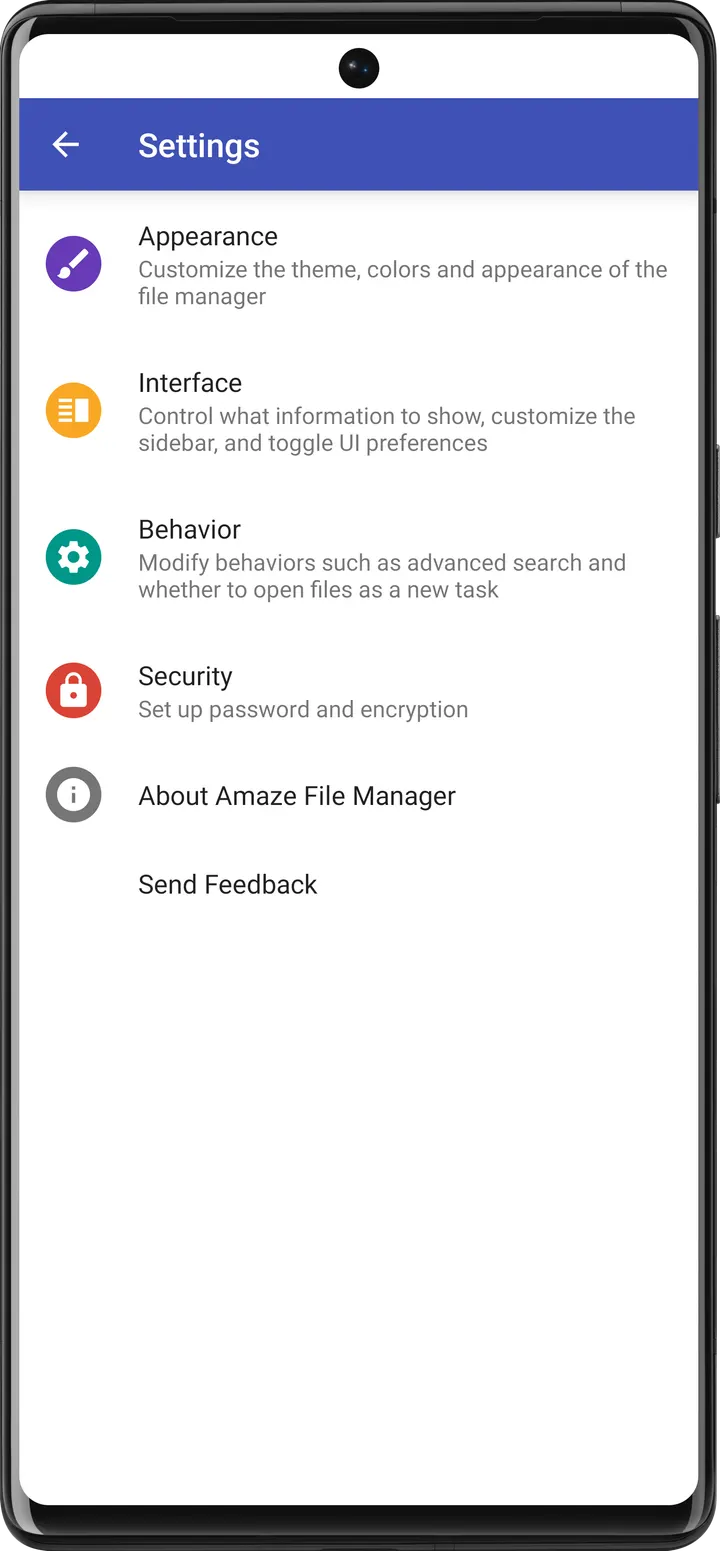
The developer calls it light and smooth and says it follows Material Design guidelines. The tags attached to it are open-source, app manager, cloud storage and file sync, file encryption and vault, and no ads.
Tabs, an app manager and a root explorer
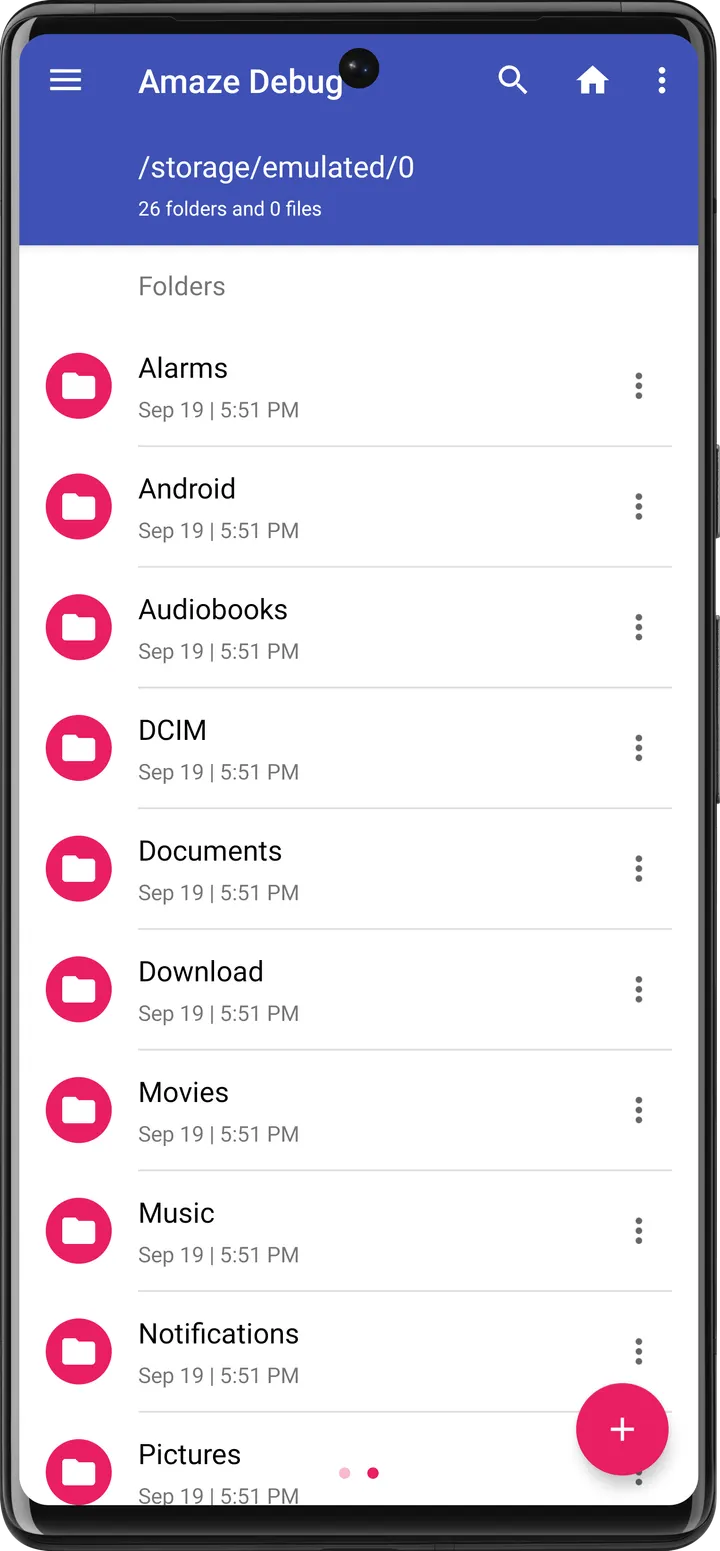
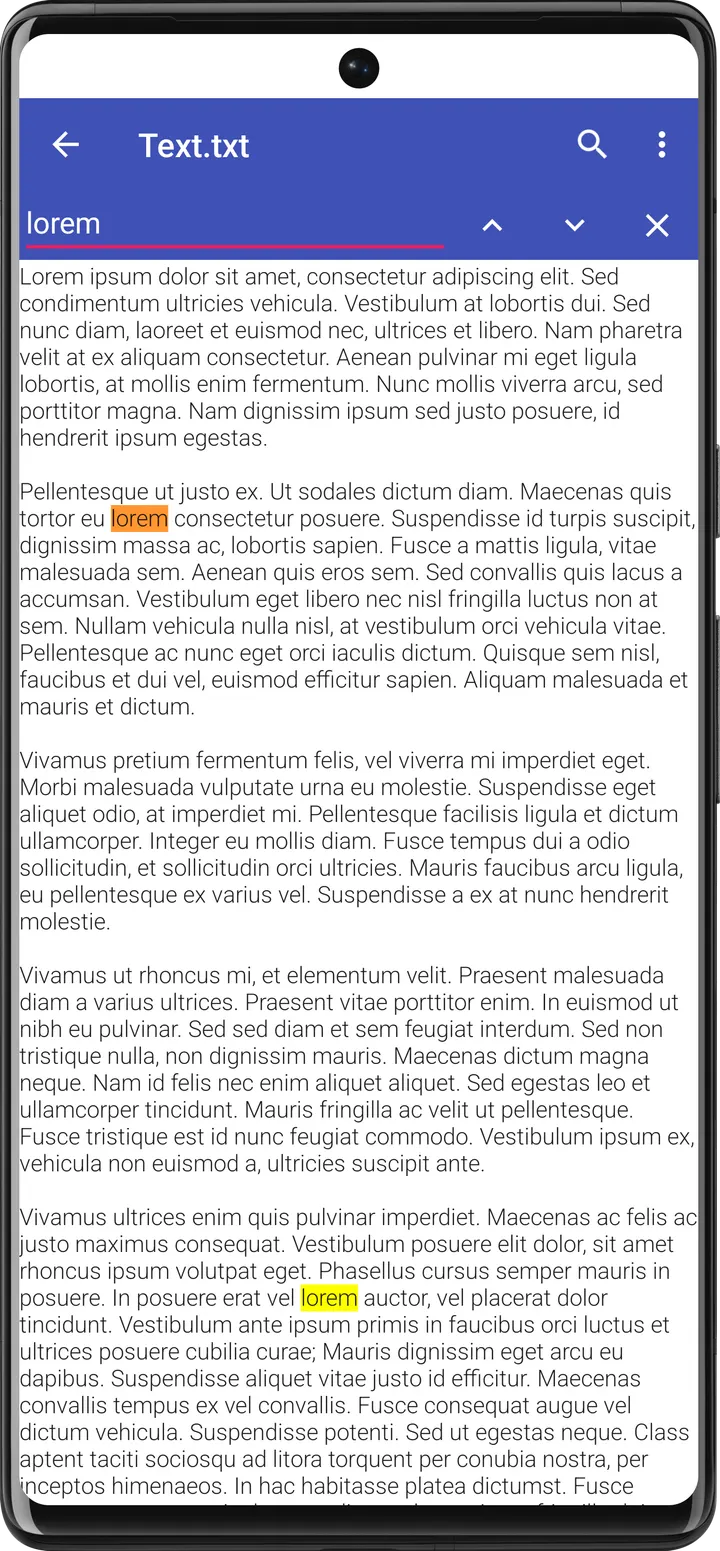
The basics are covered: cut, copy, delete, compress and extract. Multiple tabs let you keep several folders open at once, and a navigation drawer gives quick access to locations. History, bookmarks and file search are also built in.
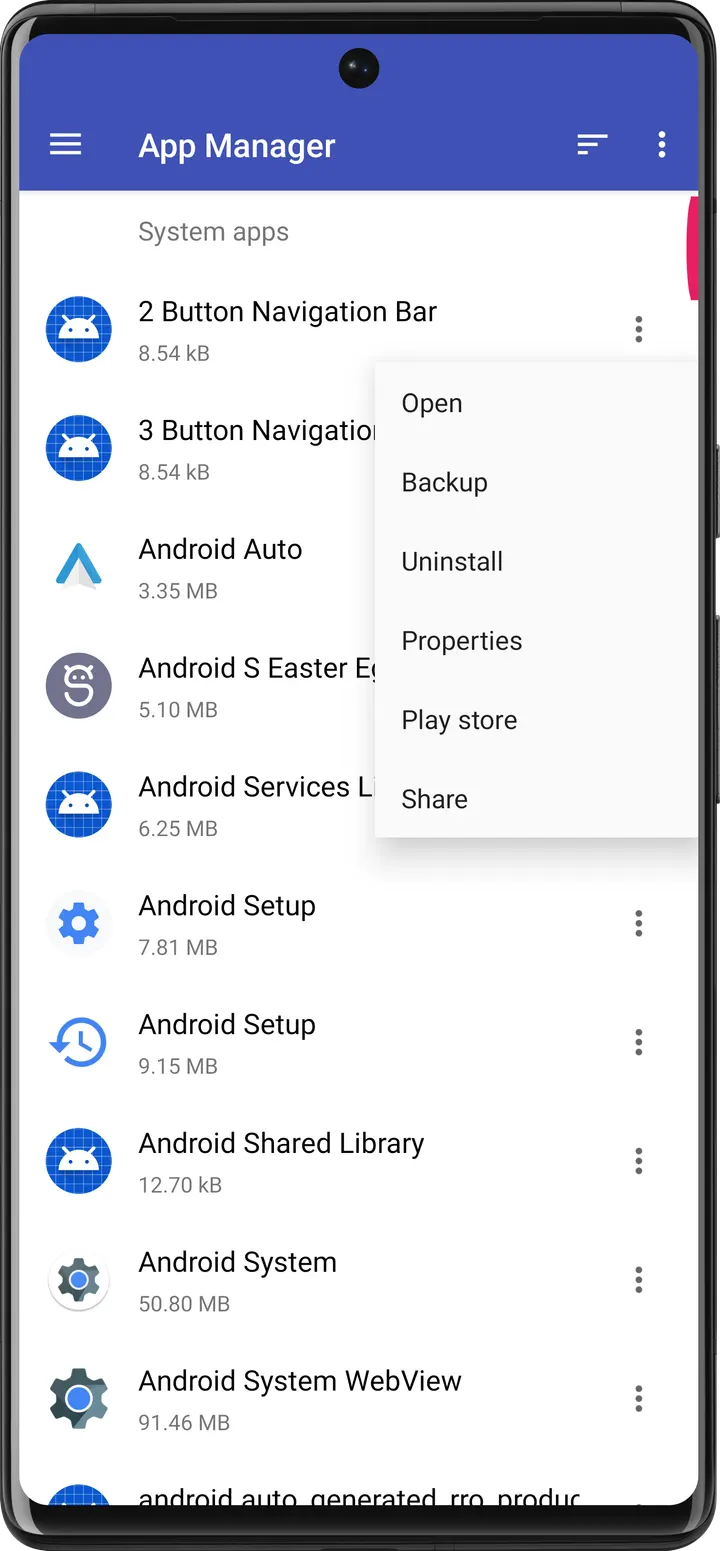
The App Manager can open, back up or uninstall installed apps directly. Users with rooted devices get a root explorer for deeper access to the file system.
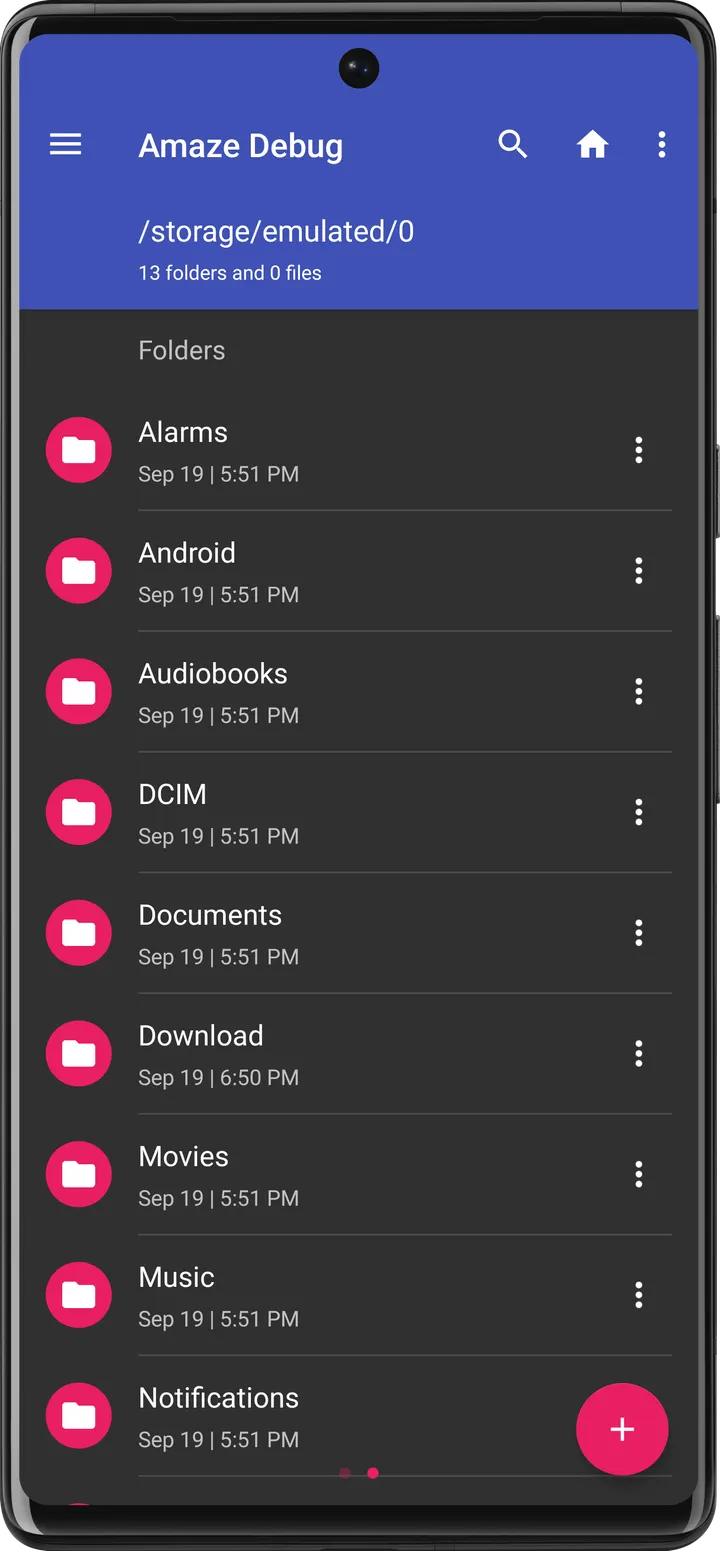
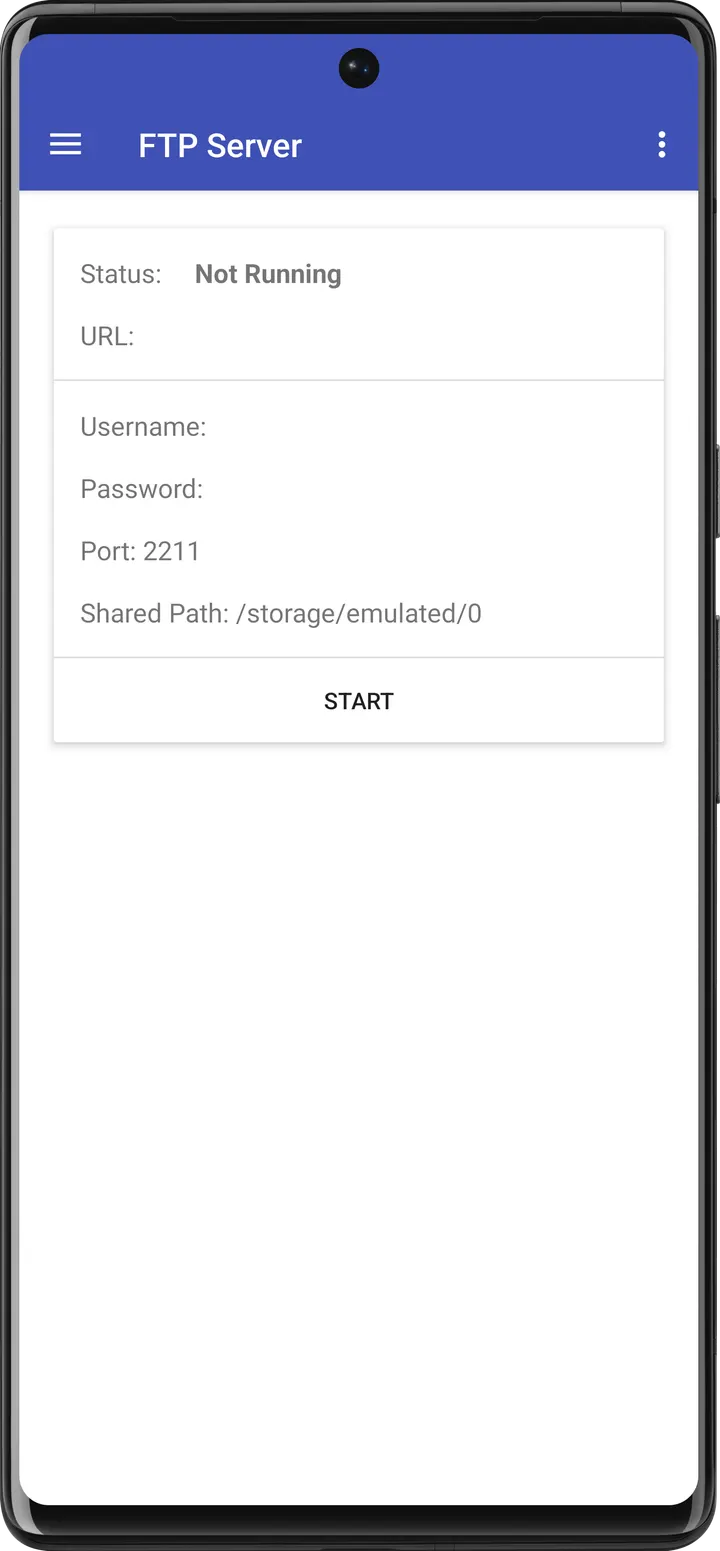
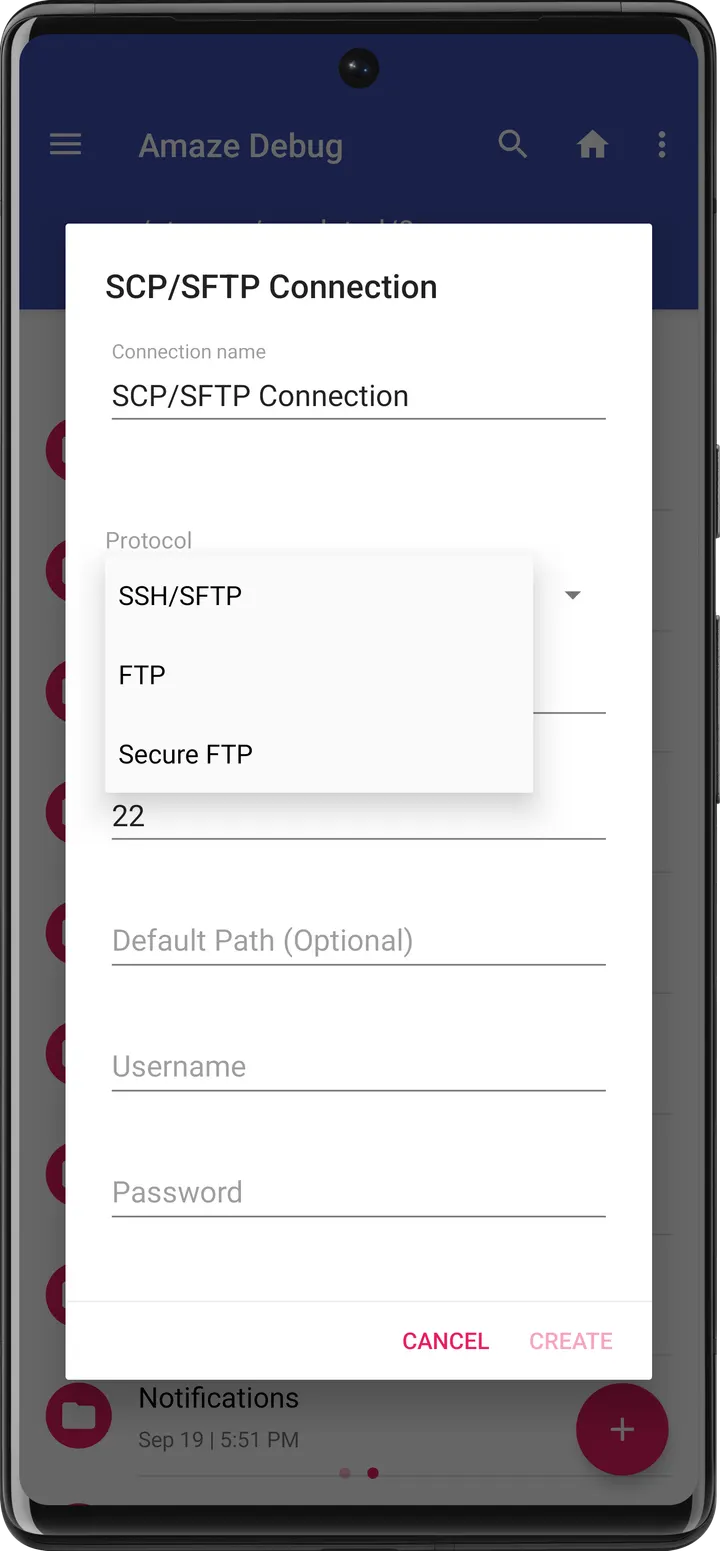
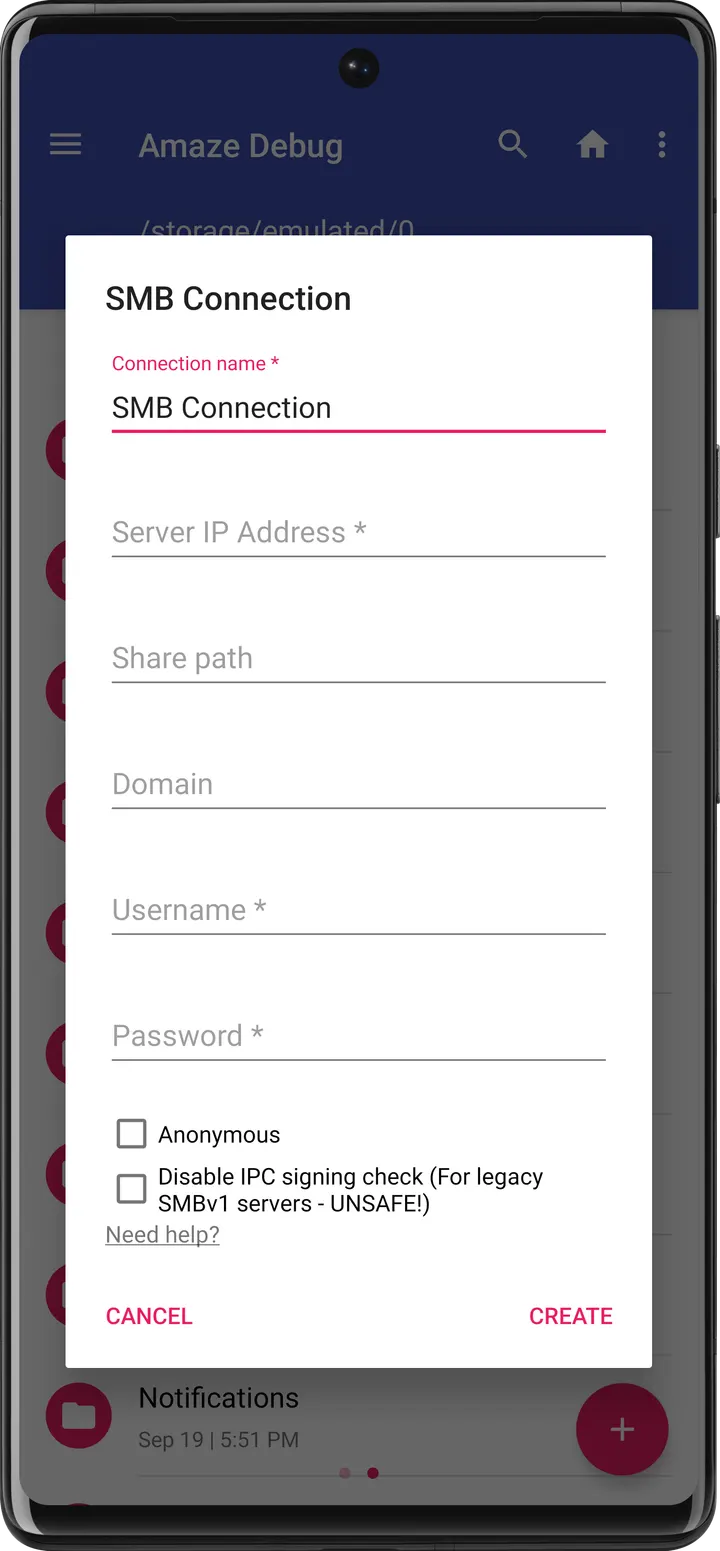
The app adds further tools. These include AES encryption and decryption of files, and readers for databases, ZIP and RAR archives and APK files. A text editor and FTP client support are also included. Cloud access covers SMB, SSH, FTP and SFTP, and the developer says this requires an additional plug-in. Several themes are supported.
Android 6.0 and a 12.2 MB download
The app needs Android 6.0 or newer. The APK is 12.2 MB, which is small for a tool with this many functions. It was first released on September 18, 2022, and the current build is 3.11.4.
The developer mentions Jellybean 4.3 as a threshold for encryption and cloud features, but the minimum for this build is Android 6.0, so that older figure does not change what you need.
Amaze File Manager pros and cons
Pros
- Free, with no ads
- Open source under GPL-3.0-or-later, with code on GitHub
- Built-in App Manager for backup and uninstall
- AES file encryption and readers for ZIP, RAR and APK files
- Small 12.2 MB package
Cons
- Cloud services such as SMB, SSH, FTP and SFTP need an additional plug-in
- Requires Android 6.0 or newer
- Current version is 3.11.4
Is Amaze File Manager safe?
We host the unmodified APK for this app, which is a Tier A listing, and the SHA-256 checksum is 627b8cd6a5f750dc8315ebb0fadeddfea8ff76700922049d4dbf0ca22f3397fd. The publisher is Team Amaze, and the code is open under GPL-3.0-or-later, so anyone can inspect it. The app shows no ads. No independent security review is available.
How to install Amaze File Manager
- Download the APK with the button on this page and wait for it to finish.
- Compare the file with the SHA-256 checksum shown here if you want to confirm it arrived intact.
- Open the file on your phone and allow installs from this source when Android asks.
- Finish the install, then open Amaze File Manager from your app drawer.


