
Google Drive and Microsoft OneDrive tie you to a vendor's servers, while Simple Nextcloud talks only to the Nextcloud server you set up yourself. It is a deliberately small file client from developer Niels Mündler-Sasahara, released on September 20, 2026 as version 1.0.5. The app is free, carries no ads, and is published under the MIT licence. The download is 12.7 MB.
First steps after installing the 1.0.5 build
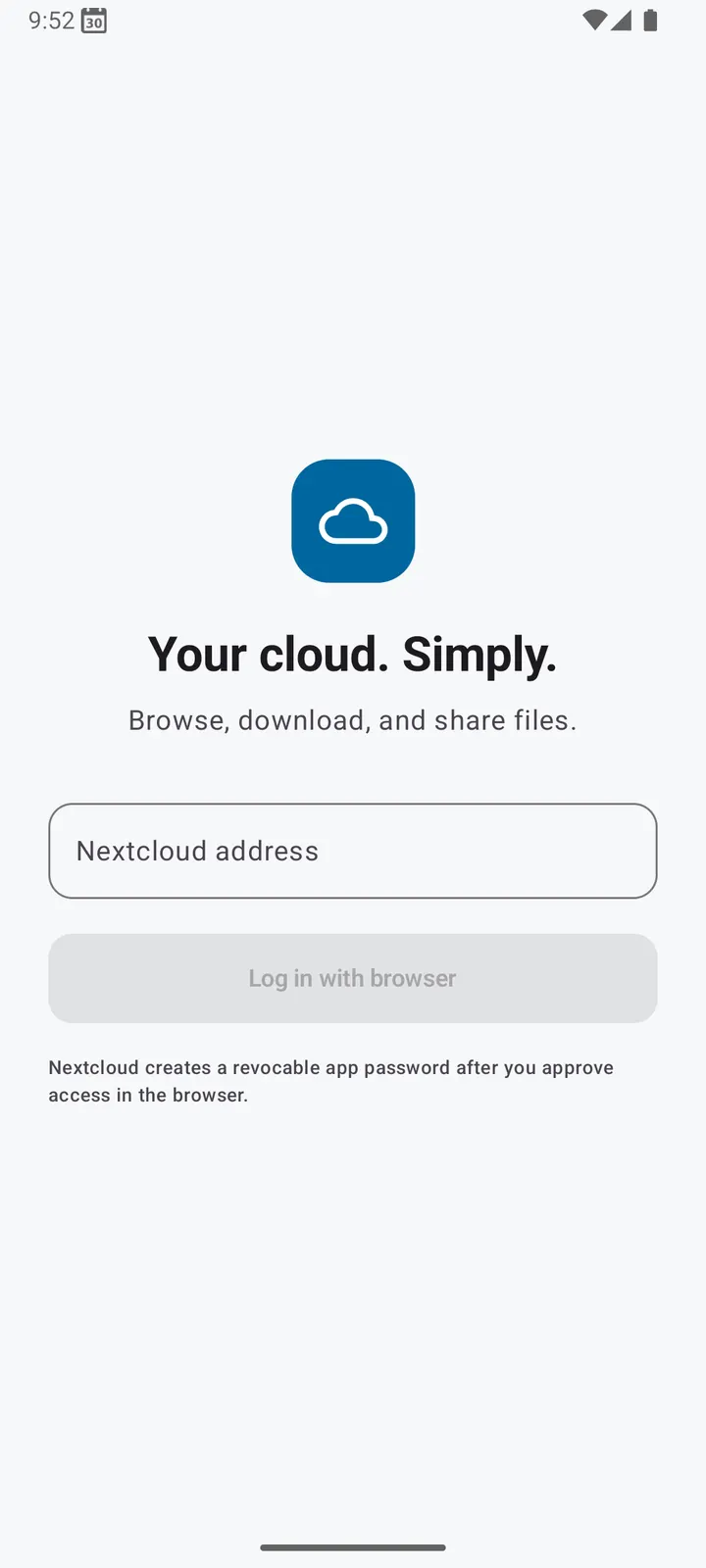
The app needs Android 8.0 or newer. Before you open it, have the address of your own Nextcloud server ready, because the app connects directly to the server you configure and has no other backend.
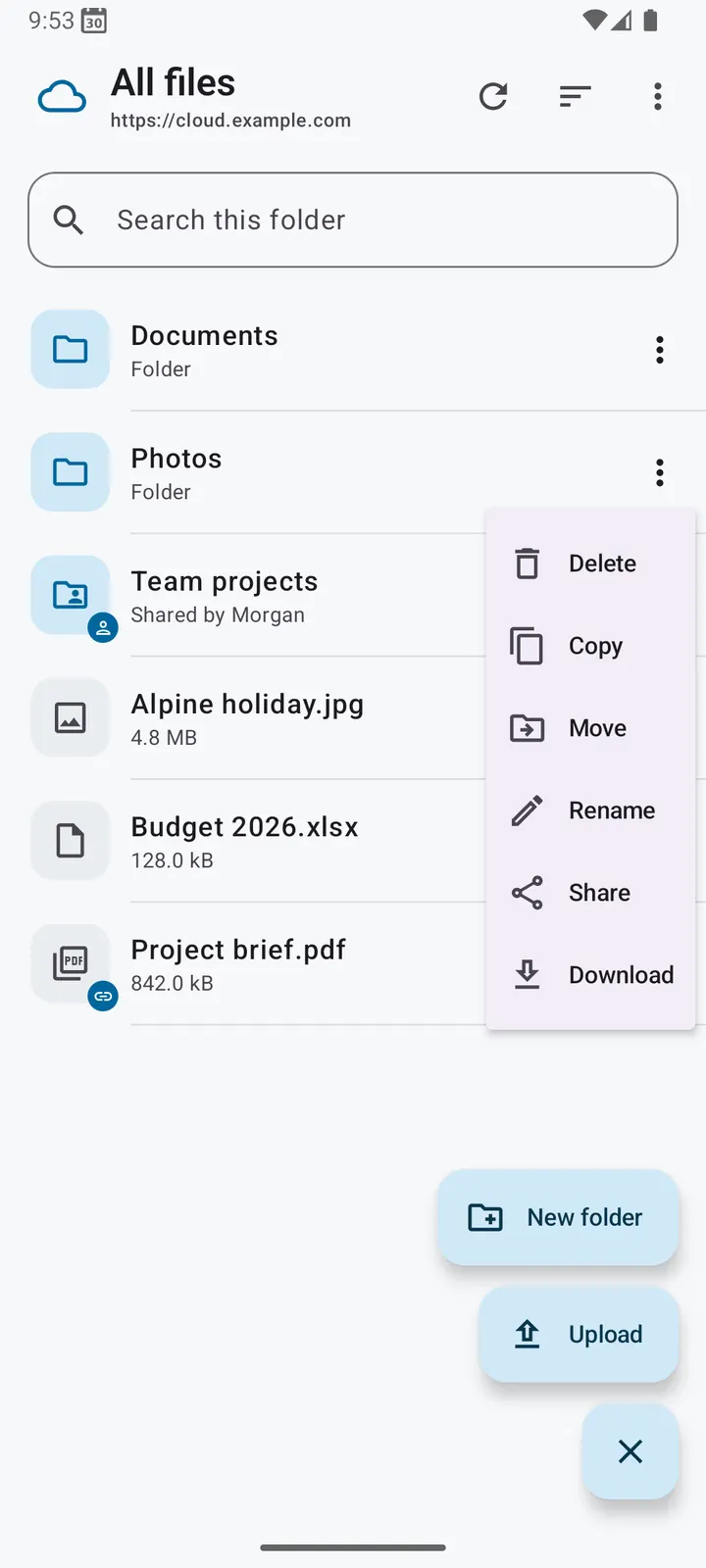
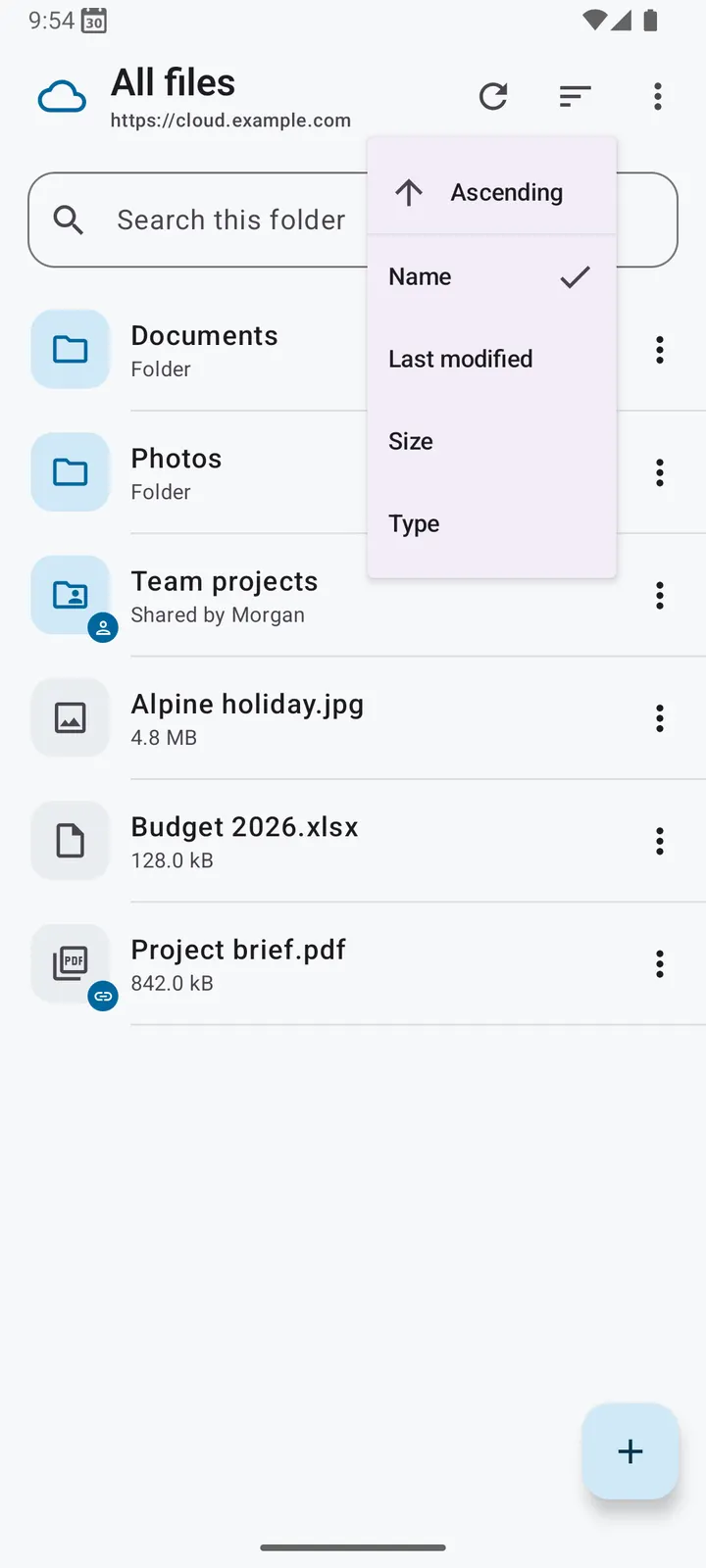
Once connected, you land in a folder browser where you can open folders and view images. Image previews and folder metadata are cached to keep browsing responsive. Uploaded files are not copied into a second hidden store, unlike the official Nextcloud client.
To verify the download, the package ID is de.nielstron.simplenextcloud and the SHA-256 checksum is 514223b015a0b6a75fe78c88a812503fb46020c9ee651db28a50050aca2601d6.
No second copy of uploaded files
The main point of difference is how uploads are handled. According to the developer, the official Nextcloud client keeps a second, hidden copy of each uploaded file. Simple Nextcloud does not do this, so uploading a large file does not leave a duplicate on your phone's storage.
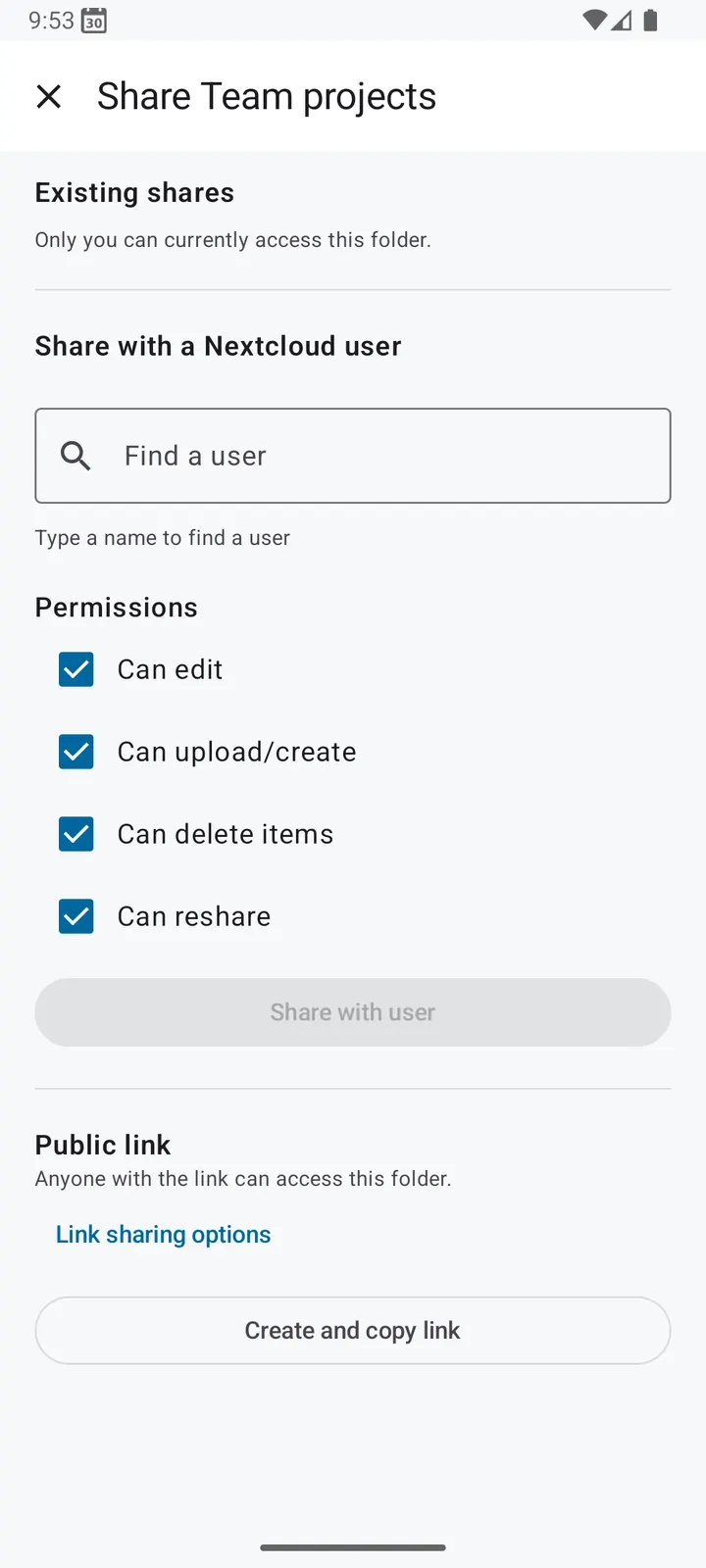
File operations cover the everyday set. You can upload and download single files or whole folders, and move, copy, rename, create and delete files and folders. Sharing works with other Nextcloud users or through public links.
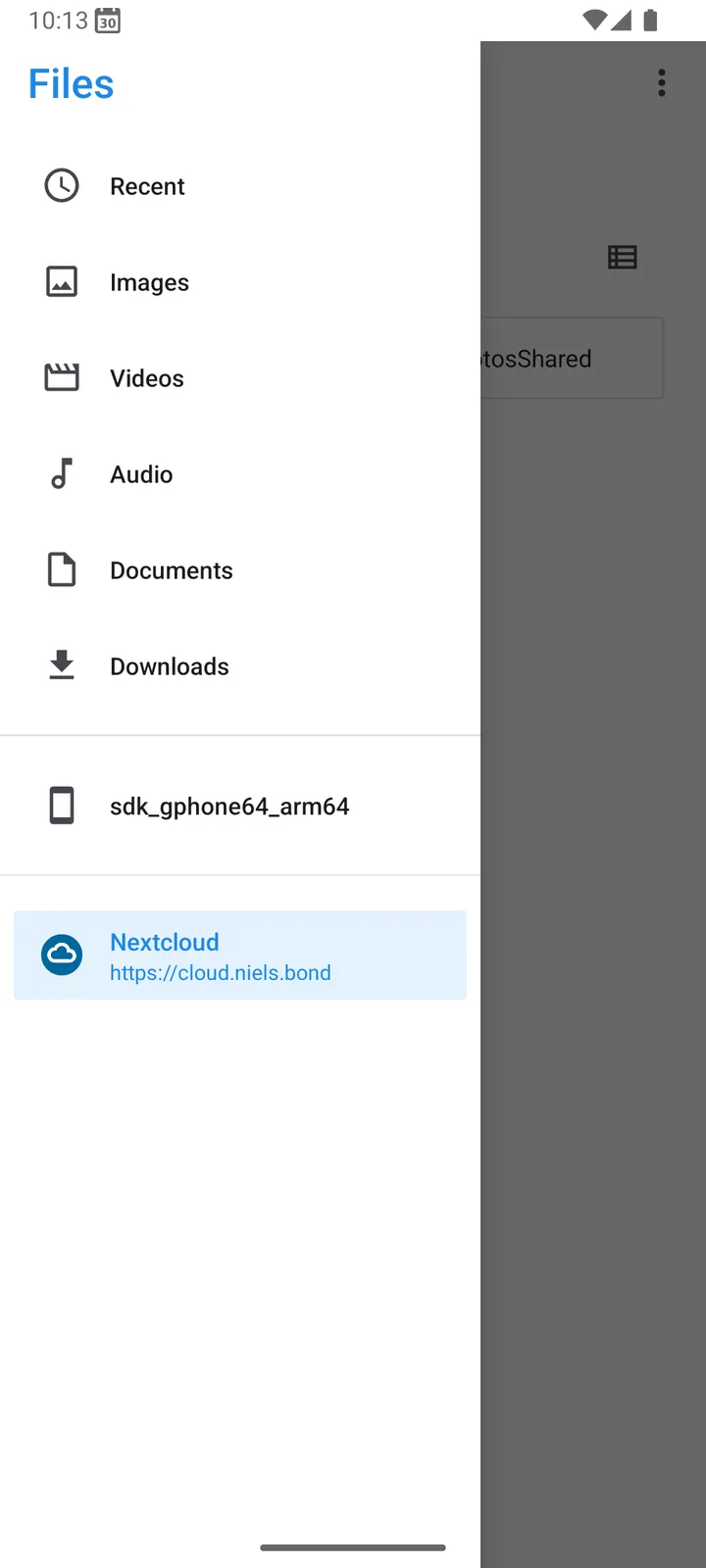
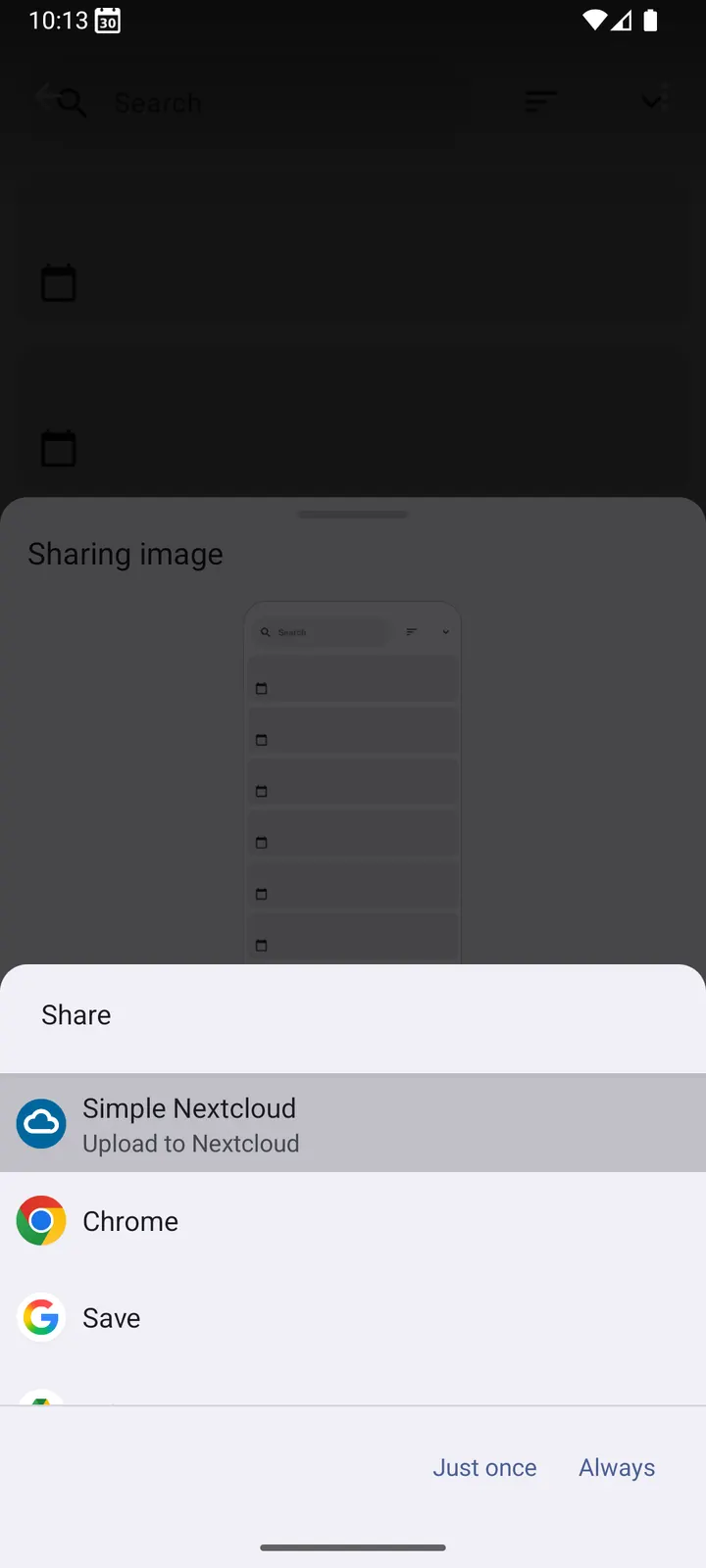
Two Android integrations extend this. Files can be sent to Nextcloud from the system share sheet, and Nextcloud can appear as a storage provider in Android's system file picker, so other apps can open files from your server.
When Amaze or Fossify fit better
Simple Nextcloud only works with Nextcloud. If your files sit on a phone's local storage, a local manager such as Amaze File Manager, Fossify File Manager or Files by Google is the more natural choice. Those are listed as alternatives for the file manager category.
If you keep files with Google or Microsoft, Google Drive and Microsoft OneDrive are the matching clients. This app does not offer features such as offline sync or automatic photo backup, so anyone who needs them should look at the other options.
What's new in 1.0.5
Version 1.0.5 was released on September 20, 2026 and updated on September 21, 2026.
Simple Nextcloud pros and cons
Pros
- Does not keep a second hidden copy of uploaded files
- Connects directly to your own Nextcloud server
- No ads, analytics or tracking, according to the developer
- Free and open source under the MIT licence
- Small 12.7 MB package
- Works with Android's share sheet and system file picker
Cons
- Works only with Nextcloud servers
- Version 1.0.5 is a recent first-generation release, with a release date of September 20, 2026
- No offline sync or automatic photo backup
- Requires Android 8.0 or newer
Is Simple Nextcloud safe?
The file is kept unmodified, with a SHA-256 checksum you can compare against your download. The source code is public on GitHub under the MIT licence, so anyone can inspect it. The developer states the app has no advertising, analytics or tracking, and it only talks to the server you enter.
How to install Simple Nextcloud
- Download the APK with the button on this page and wait for it to finish.
- Compare the file with the SHA-256 checksum shown here if you want to confirm it arrived intact.
- Open the file on your phone and allow installs from this source when Android asks.
- Finish the install, then open Simple Nextcloud from your app drawer.


