

Google Drive suits anyone with a Google account who wants files reachable from a phone, a tablet and other devices. Google LLC publishes it, and it is distributed through Google Play. Google Play lists over 10 billion installs, a 4.3 rating from 10.9 million ratings, an Everyone content rating and no ads. The listing was last updated on November 3, 2026.
15GB shared with Gmail and Photos
The defining feature is the storage arrangement. A Google account gets 15GB, and that space is split between Drive, Gmail and Google Photos. Heavy email or a large photo library therefore eats into the room left for documents.
More space comes through Google One, bought as an in-app purchase. Plans start at $1.99 per month in the US for 100 GB, and plans and prices vary by region. The app itself is free to install.
A typical session: scan, search, share
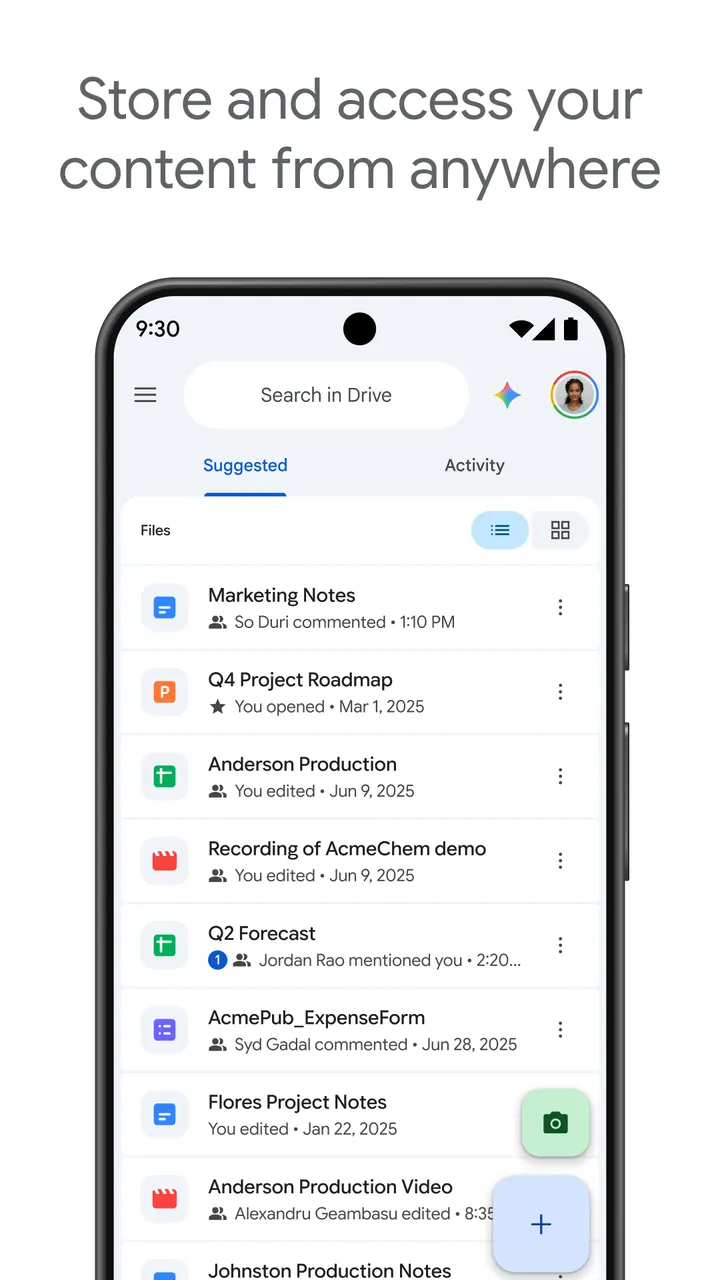
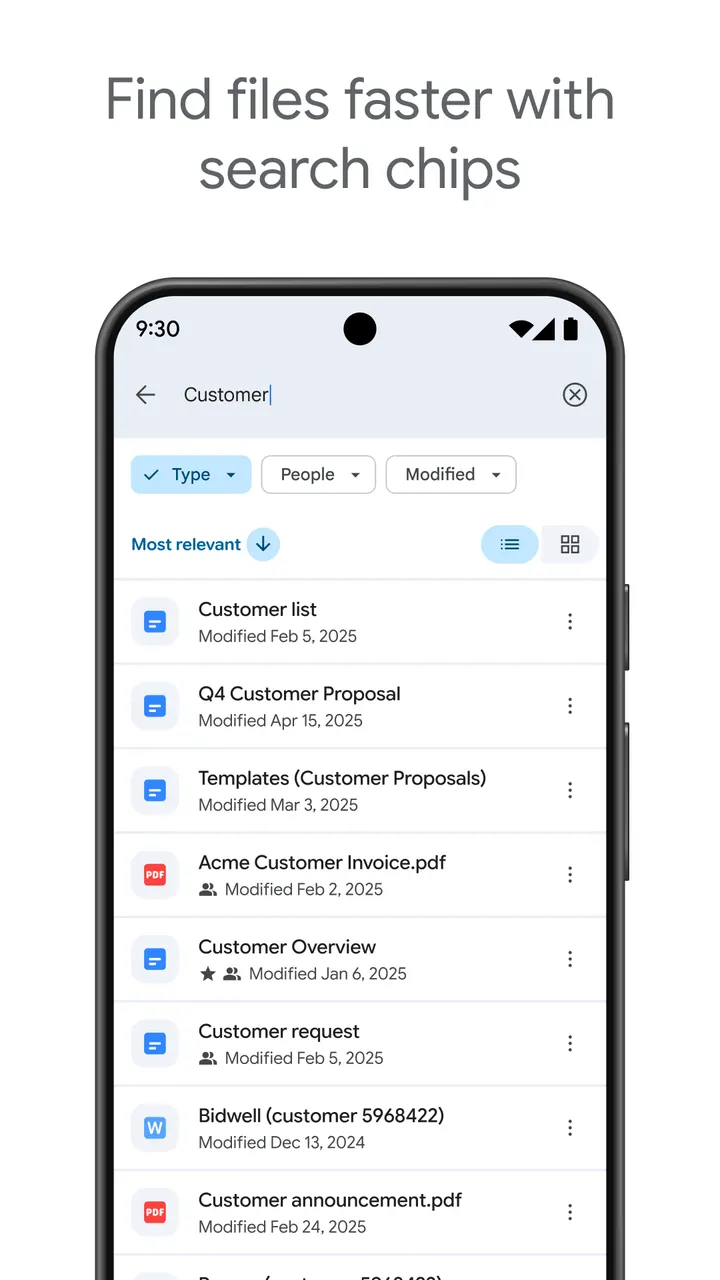
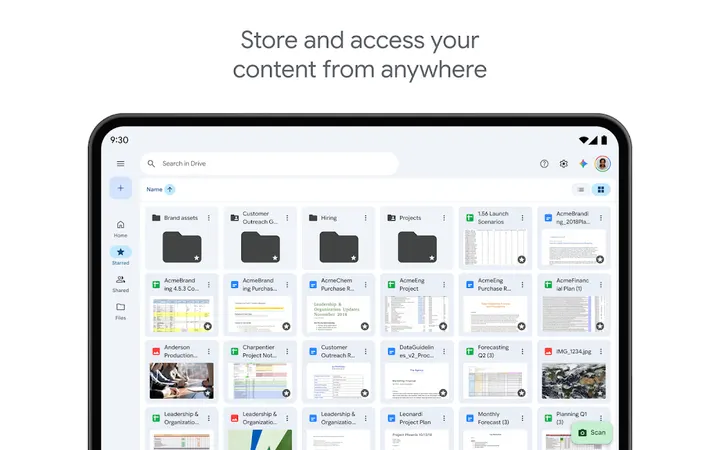
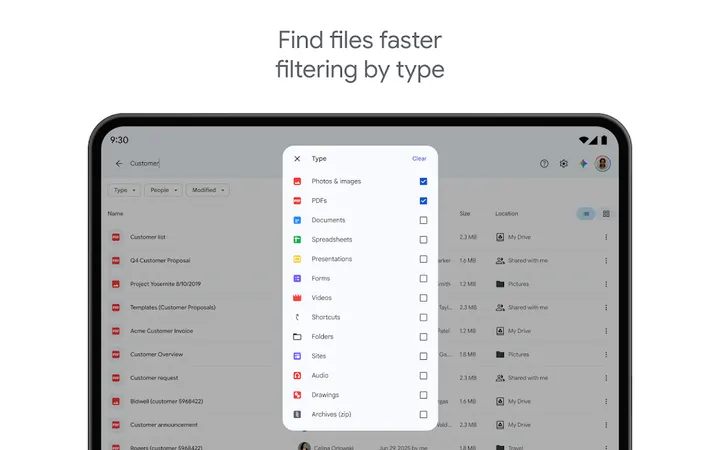
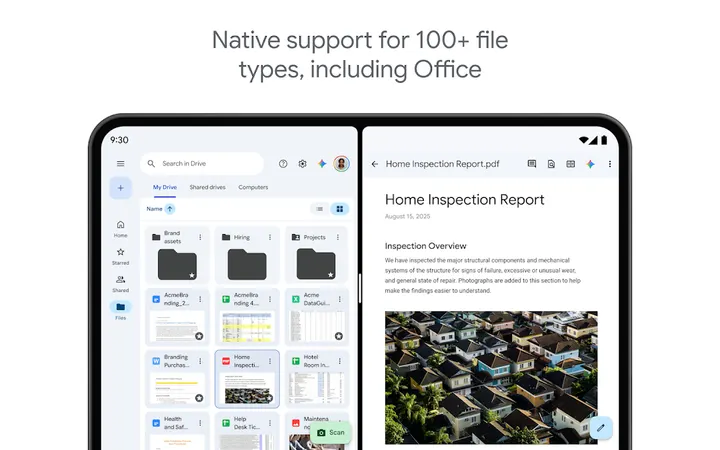
Drive opens on recent and important files, which saves digging through folders. Search works on file names and on content, and results can be filtered by type or last modified date. The app handles more than 100 file types, including PDFs, Office files and videos.
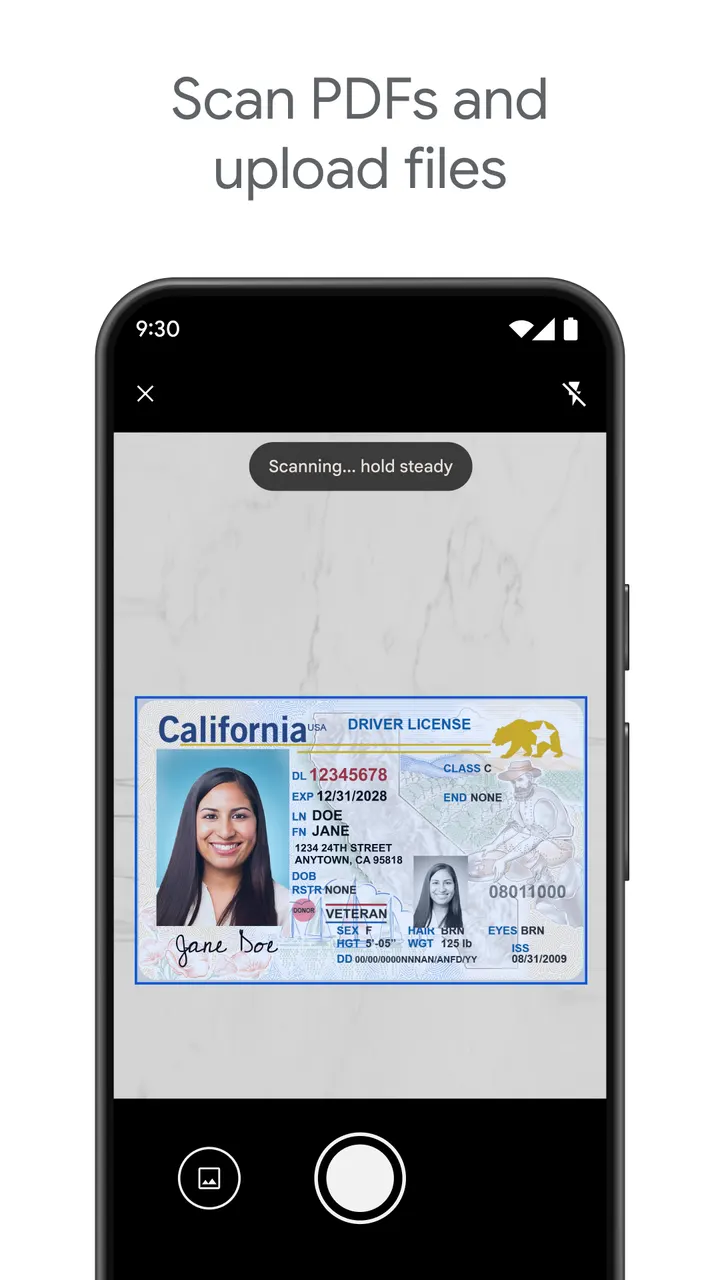
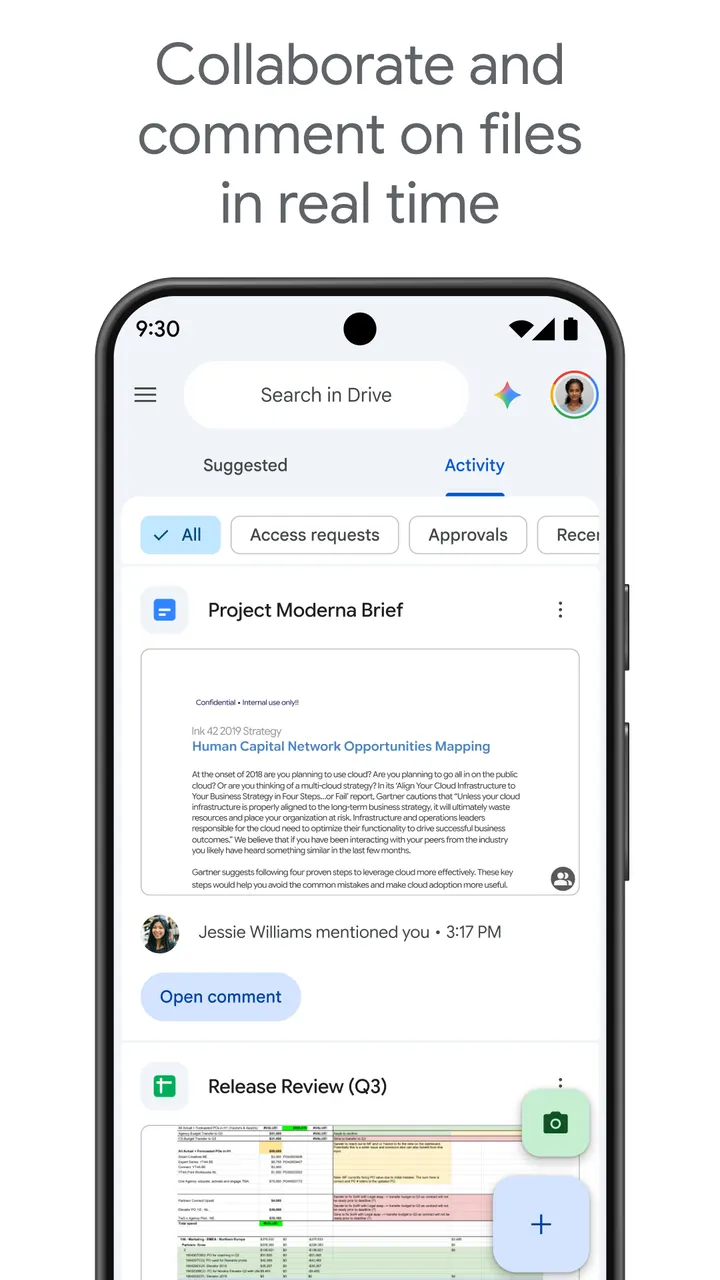
The camera can turn a paper page into an uploaded document. Sharing lets you set permissions on single files or whole folders. The listing also mentions offline viewing, notifications about activity on your files, and a side-by-side view with drag and drop for Android tablets.
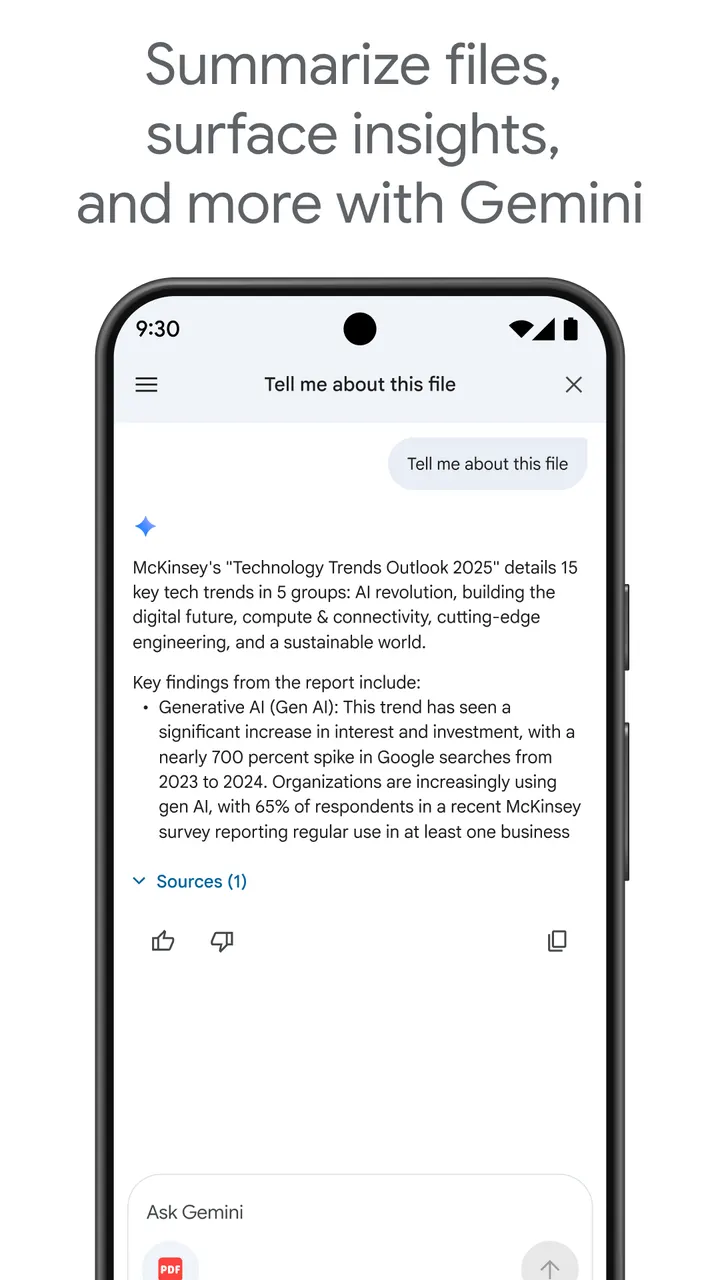
Google Workspace subscribers get extra functions. These include AI summaries of file contents, shared drives for team material, sharing with groups inside an organization, admin security controls and electronic signature requests.
Drive against OneDrive and the file managers
The alternatives fall into two groups. Microsoft OneDrive is the direct cloud rival, while Amaze File Manager, Fossify File Manager and Files by Google focus on managing what sits on the device. APK Explorer & Editor and FilePipe cover narrower jobs.
Drive is built around an online account, so the choice mostly depends on which account ecosystem you already use. It handles 100+ file types, from PDFs and Office files to videos, and lets you scan paper documents with the camera and set permissions on shared folders.
Google Drive pros and cons
Pros
- No ads, and the app is free to install
- Handles more than 100 file types, including PDFs, Office files and videos
- Camera scanning turns paper documents into uploaded files
- Search covers file names and content, with filters for type and last modified date
- Permissions can be set on shared files and folders
Cons
- The 15GB of free storage is shared with Gmail and Google Photos
- Extra storage needs a Google One in-app purchase, starting at $1.99 per month for 100 GB in the US
- AI summaries, shared drives and e-signature requests require a Google Workspace subscription
Is Google Drive safe?
Google LLC is the publisher, and the app comes through Google Play under the package com.google.android.apps.docs. Google Play shows an Everyone content rating and no ads. A Google privacy policy and terms of service are linked and cover how your data is handled. No independent security review is available.
How to install Google Drive
- Press the Google Play button on this page.
- Check the listing in the Play Store and press Install.
- Open Google Drive when the install finishes. Updates arrive through Google Play.


