
Amaze File Manager and Fossify File Manager are community-style alternatives focused on browsing folders, while Files by Google adds cleanup suggestions and offline sharing on top of basic file handling. It is free, carries no ads and has no in-app purchases. Google Play shows over 5 billion installs and a 4.5 rating from 9.1 million ratings.
A Google-made tool that started in 2017
Google LLC develops Files by Google, and its project site is filesgo.google.com. The first release came out on November 30, 2017, and the latest update on record is dated October 27, 2026. The package ID is com.google.android.apps.nbu.files.
On Google Play it sits in the file managers category with an Everyone content rating. Catalog tags also describe it as a tool that works offline and shows no ads.
Cleanup, search and Quick Share in one app
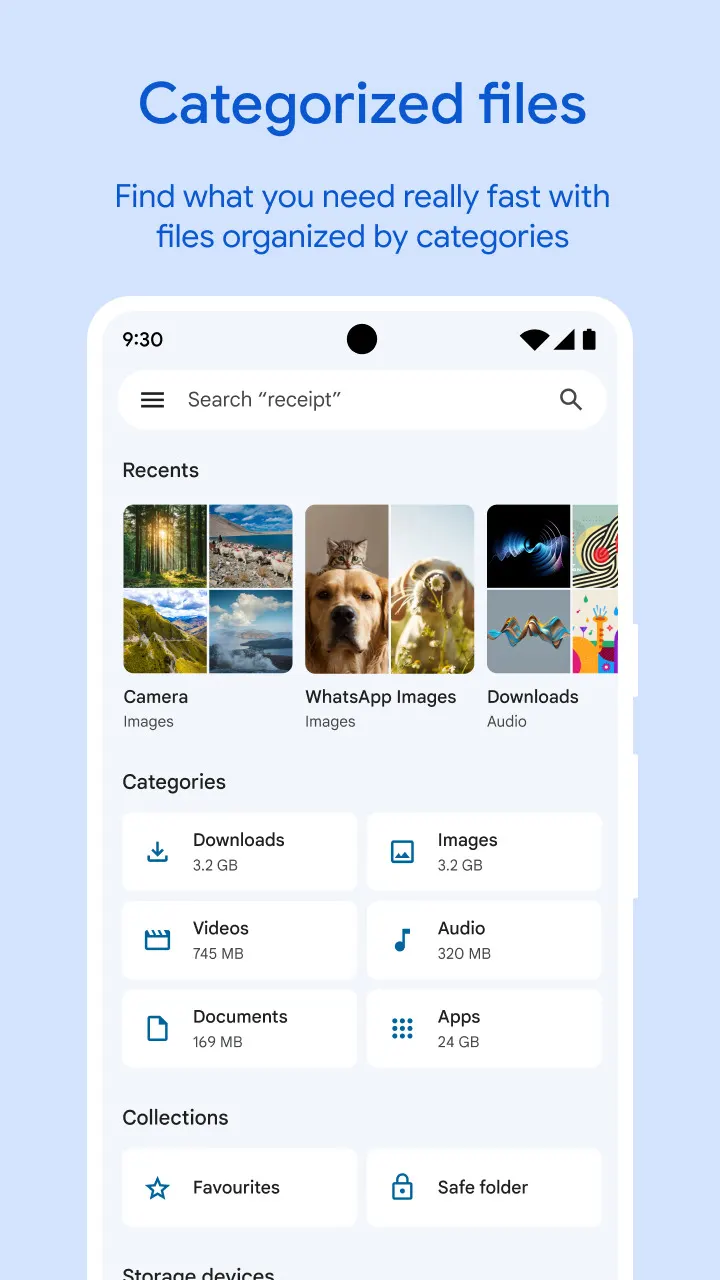
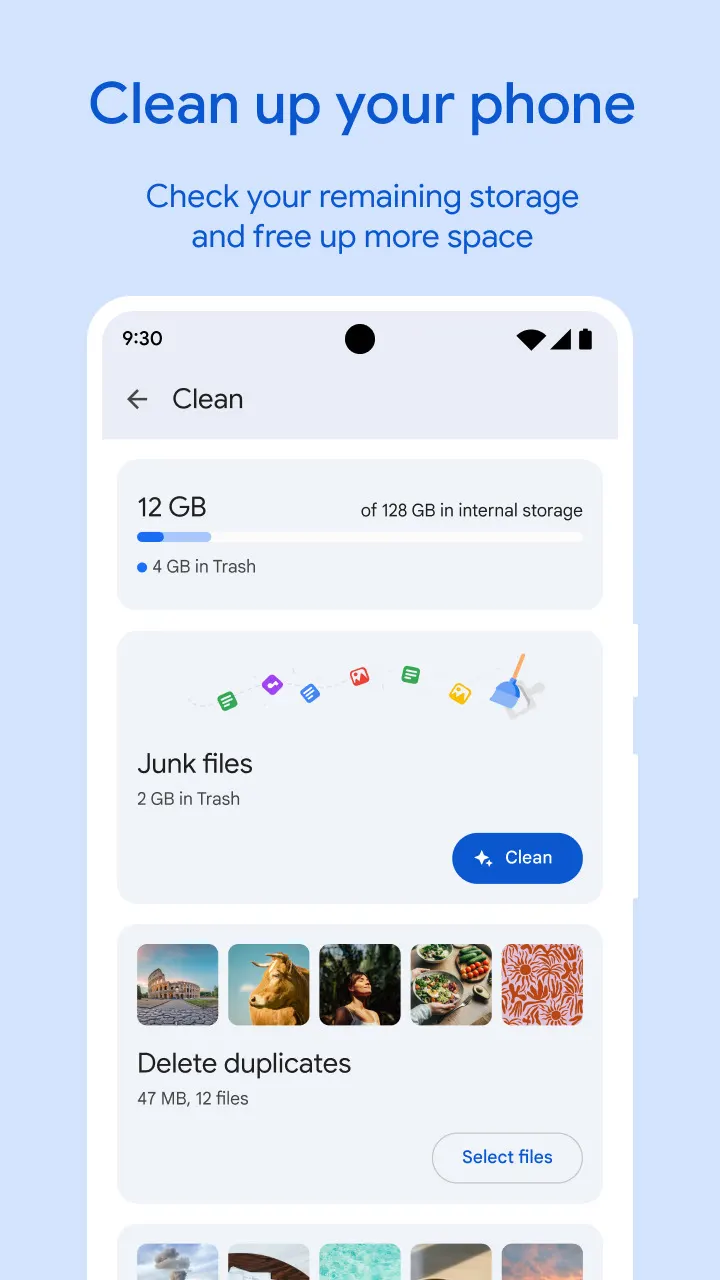
The main job is freeing space. The app shows how much room is left on the device, an SD card and a USB drive, then points to old photos from chat apps, duplicate files and cache that can be cleared. Files can also be sorted by size to see what takes up the most room.
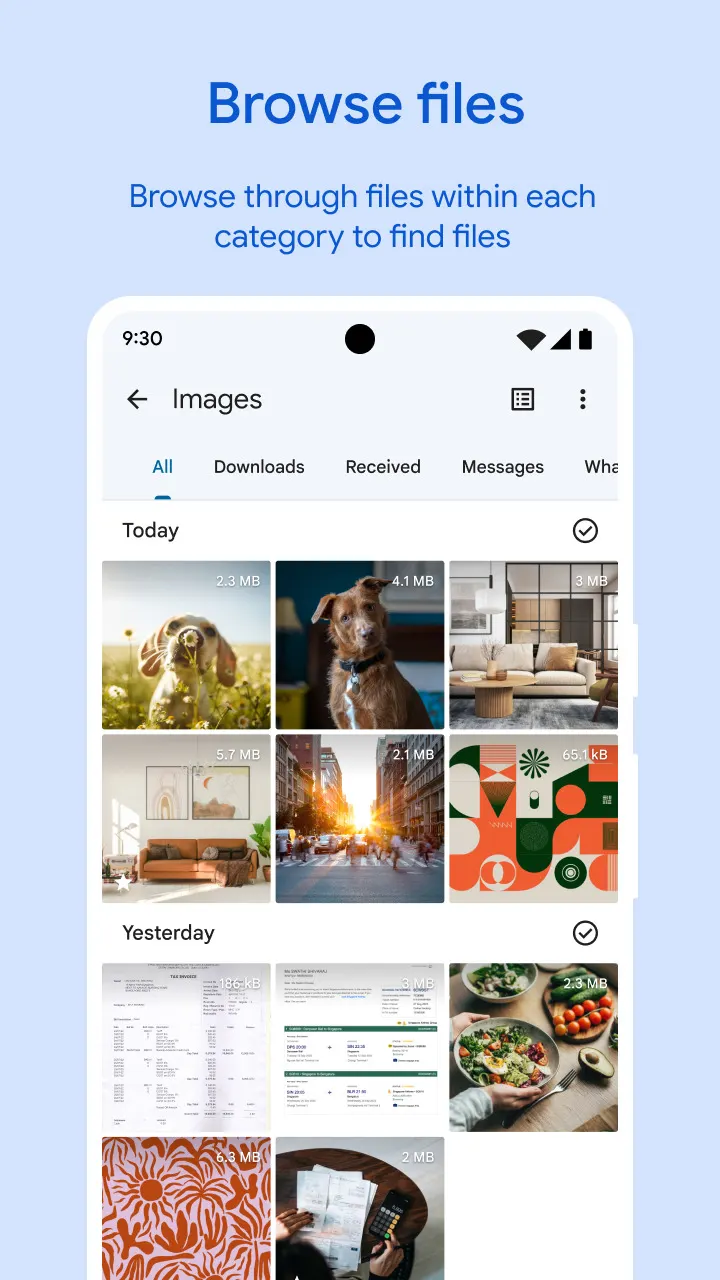
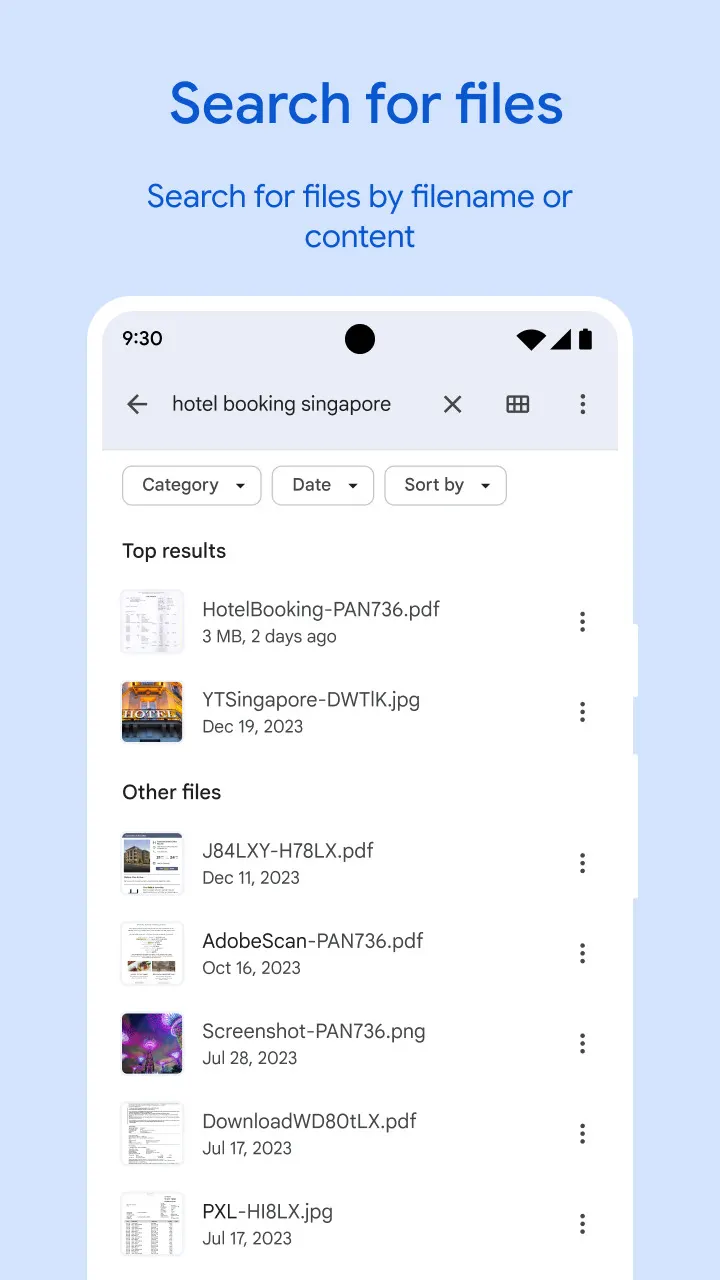
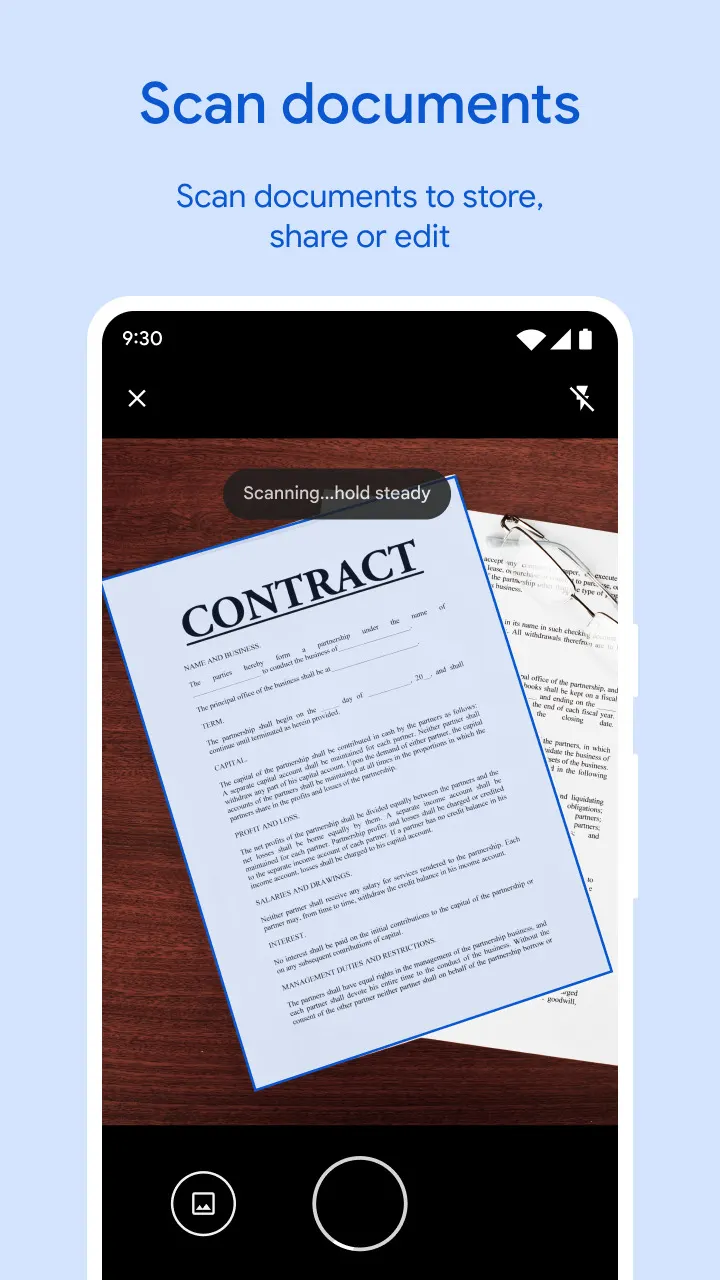
Search and browsing cover photos, videos, documents and GIFs. Quick Share sends photos, videos and apps to nearby Android and Chromebook devices without an internet connection, at speeds up to 480 Mbps. Transfers use end-to-end encryption.
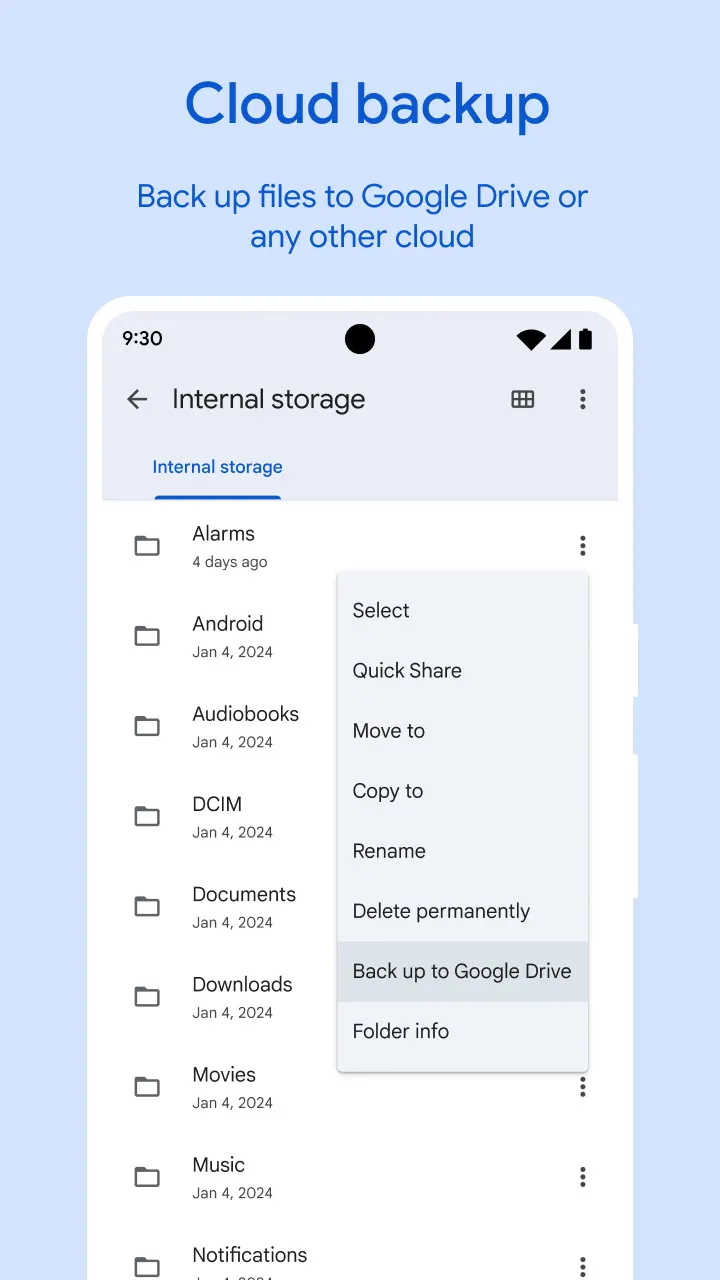
A separate locked area accepts a PIN or pattern that can differ from the device lock. Built-in playback handles music and video with controls such as playback speed and shuffle. Files can be moved to Google Drive or an SD card, or shared to other cloud storage apps. Recommendations are described as improving the more the app is used.
Android 8.0 and a footprint under 20 MB
The app needs Android 8.0 or newer. The current version is 1.13003.1002253400.1-release. The developer says it uses less than 20 MB of storage on the device, which suits phones that are already short on space.
This page covers Android only.
Files by Google pros and cons
Pros
- Free with no ads and no in-app purchases
- Quick Share works offline at up to 480 Mbps with end-to-end encryption
- Shows space on the device, SD card and USB drive
- Separate PIN or pattern lock for sensitive files
- Uses less than 20 MB of storage, according to the store description
Cons
- Requires Android 8.0 or newer
- Recent changes are not documented
- Cloud backup centers on Google Drive, with other services reached only through sharing
Is Files by Google safe?
Files by Google is published by Google LLC. It carries no ads and no in-app purchases, and its content rating is Everyone. Beyond cleaning and browsing, it can lock files behind a non-device lock and share them offline through Quick Share, so nothing has to travel over a mobile connection.
How to install Files by Google
- Press the Google Play button on this page.
- Check the listing in the Play Store and press Install.
- Open Files by Google when the install finishes. Updates arrive through Google Play.


