

You photograph a receipt, scan it into a PDF, and send a link to a colleague who has no account. That kind of quick handoff is what Dropbox from Dropbox, Inc. is built around. The app is listed on Google Play, where it has over 1 billion installs and a 4.4 rating from about 2.3 million ratings.
A cloud drive first, a file manager second
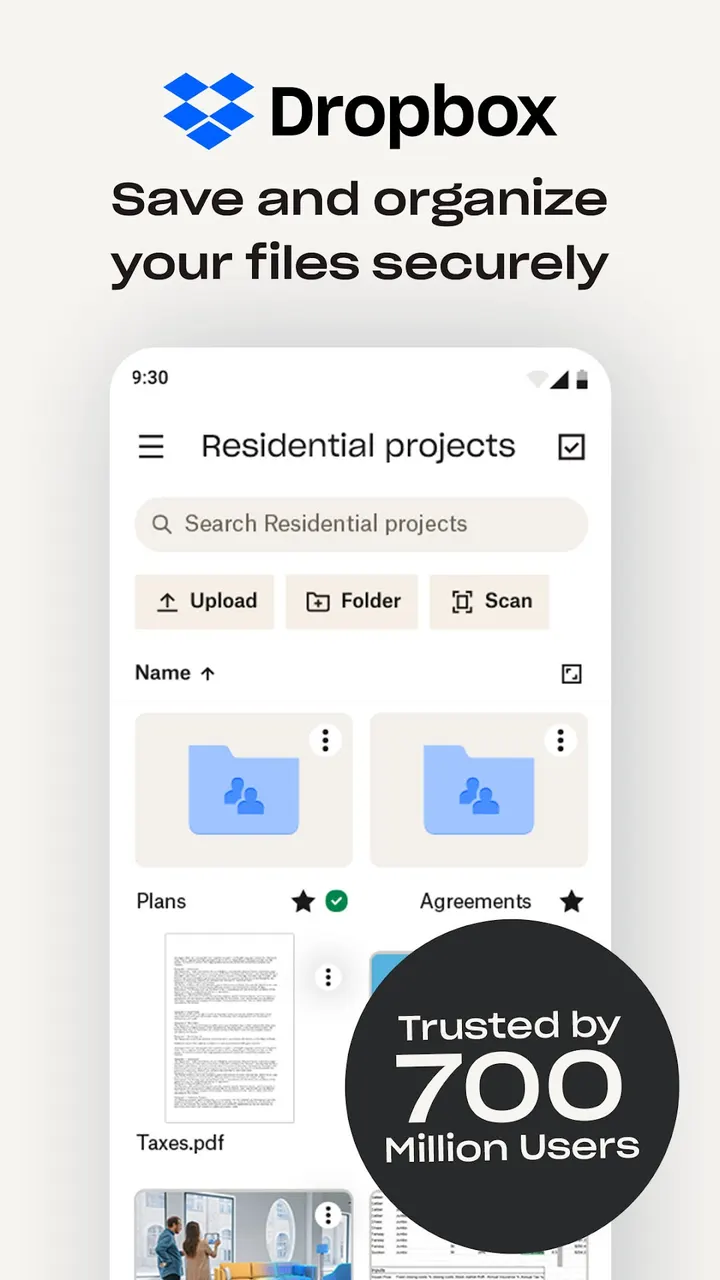
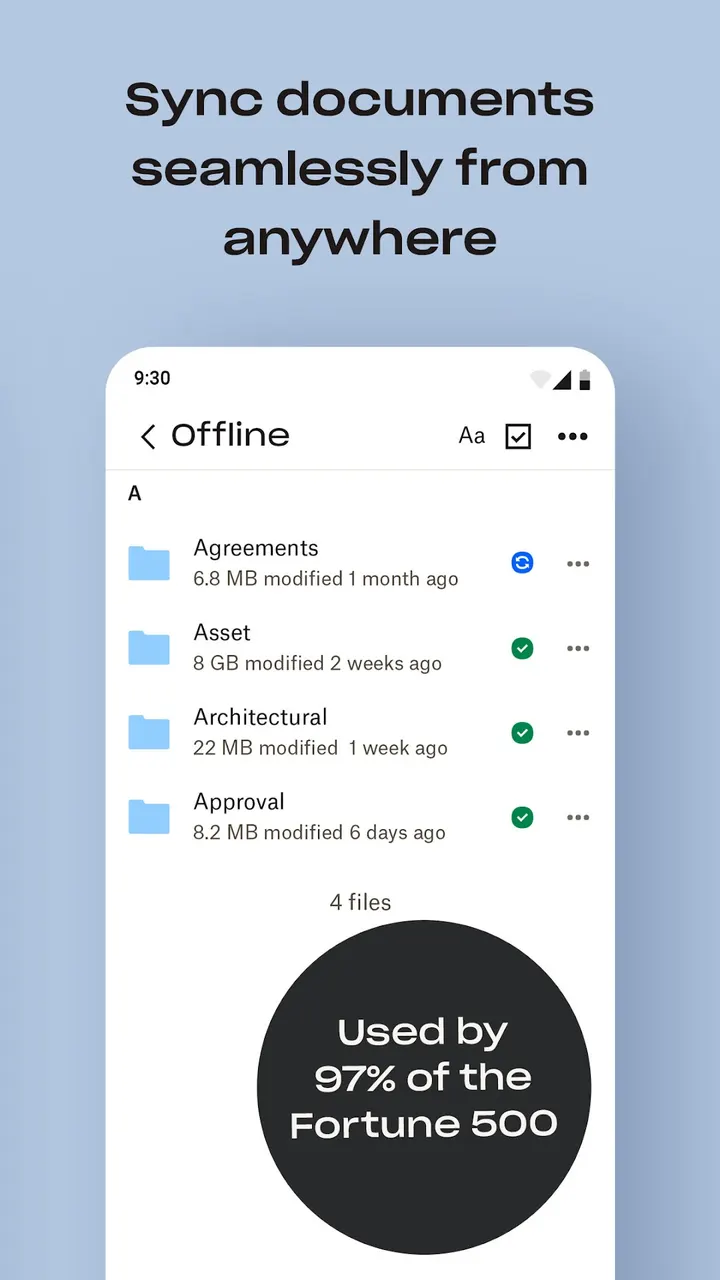
Dropbox keeps files in an online account and gives you access to them from the phone. It sits in the file-managers category, but it works with account storage rather than the files on the device itself. Any file in the account can be opened offline once you choose it, and the app previews over 175 file types without extra software.
The listing is free to install, has no ads, and carries an Everyone content rating. In-app purchases exist, mainly for the paid Plus plan.
What a session looks like: upload, scan, share link
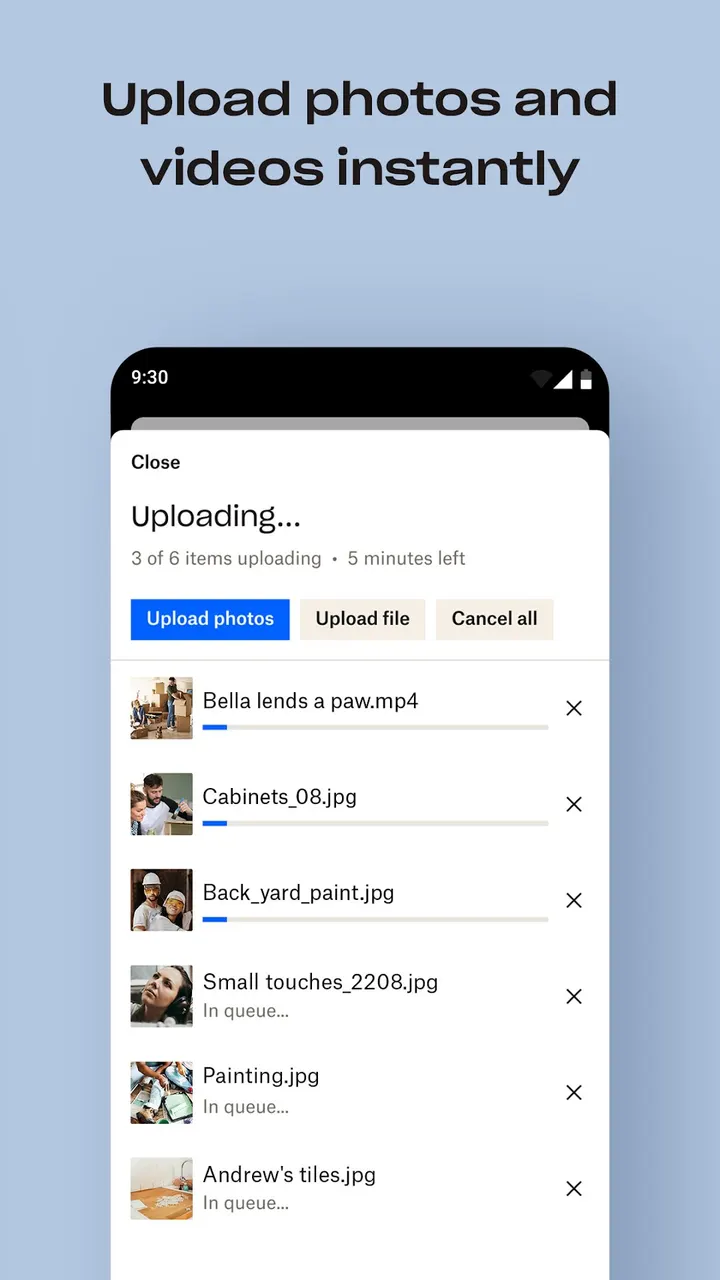
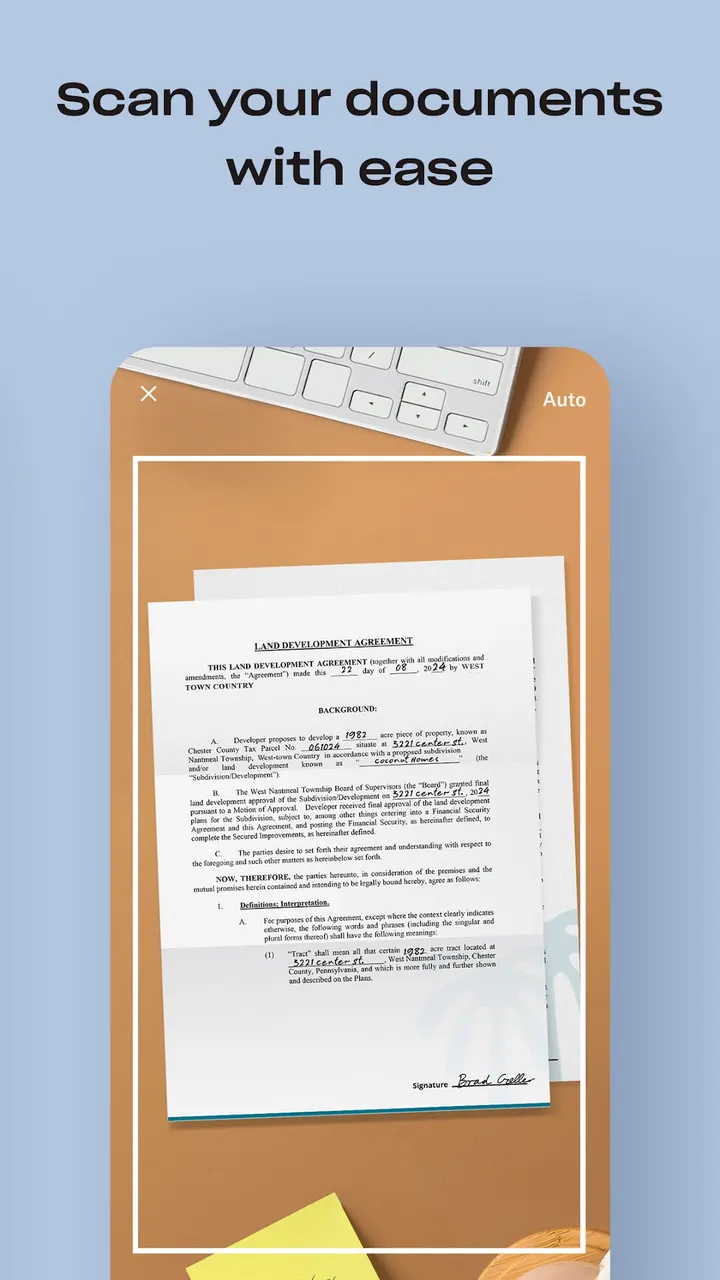
A typical visit starts with the camera roll. Photos and videos can upload automatically to the cloud, which also doubles as a way to move pictures off the phone. The built-in scanner turns documents, receipts, IDs and photos into PDFs you can view and send.
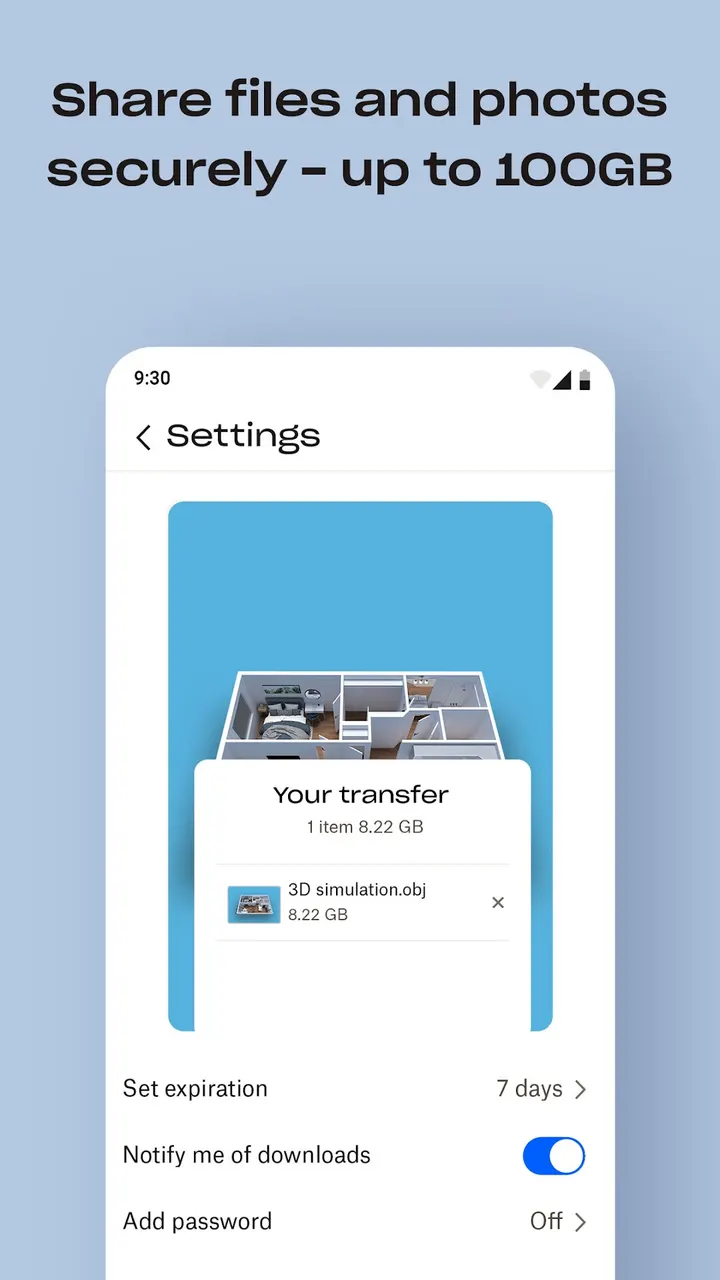
Sharing is done by link, so the recipient does not need a Dropbox account. This is the route for large files. On a PC or Mac, folders can sync to Dropbox as a computer backup, and version history and file recovery let you restore older versions or deleted files.
The Plus plan adds Dropbox Passwords, Dropbox Vault and Dropbox Rewind, which rolls back files, folders or an account for up to 30 days. A free Plus trial with 2 TB of space is available. The price is shown before payment and is billed through your Google Play account.
Dropbox against Google Drive, OneDrive and local managers
Google Drive and Microsoft OneDrive are the closest alternatives, since both are also cloud storage tied to an account. Dropbox differs in its sync from a PC or Mac and the link sharing for people without accounts. Storage allowances and pricing against those apps are not compared here.
Amaze File Manager, Fossify File Manager and Files by Google are aimed at browsing and organizing files on the device. Pick one of those if you want local file handling rather than an online account.
Dropbox pros and cons
Pros
- No ads in the listing, and free to install
- Automatic camera roll upload to cloud storage
- Preview of over 175 file types, with offline access to chosen files
- Share large files by link with people who have no account
- Built-in scanner that creates PDFs from documents and receipts
Cons
- In-app purchases apply; the advanced features sit on the paid Plus plan
- Needs Android 10 or newer
- Works mainly with account storage, not a full local file manager
- Subscriptions renew monthly or yearly unless auto-renewal is turned off
Is Dropbox safe?
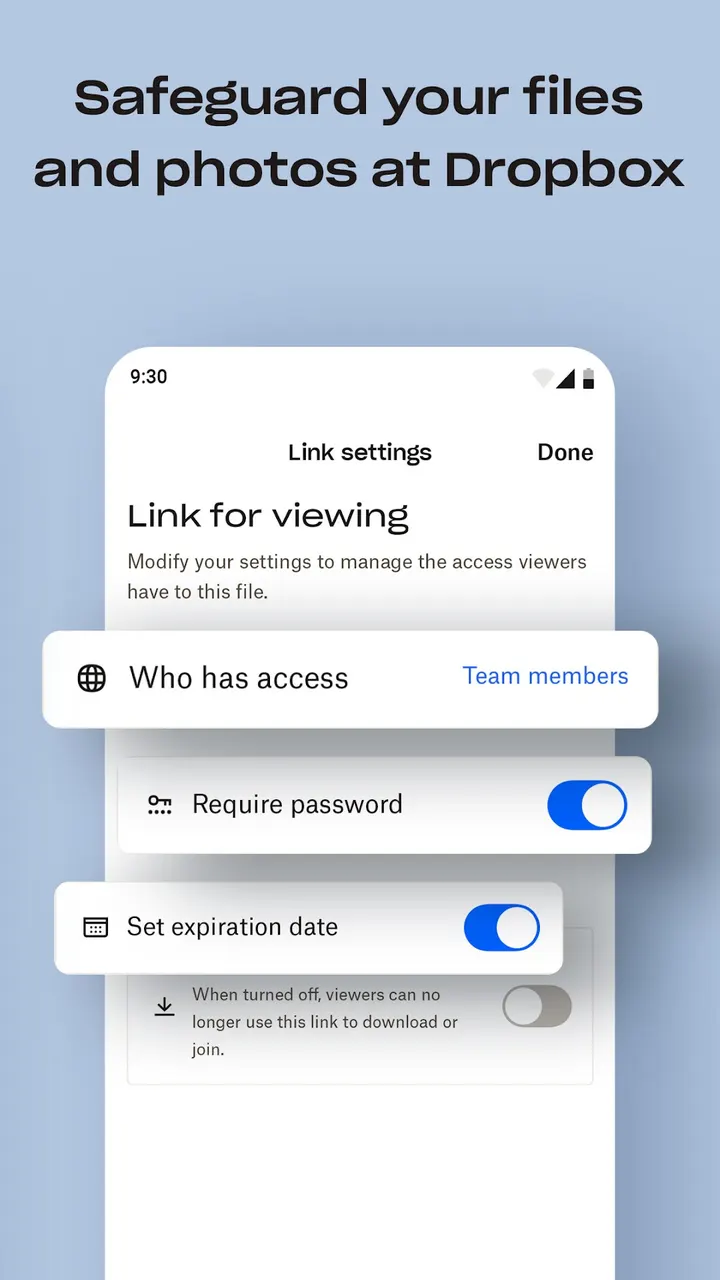
Dropbox is published by Dropbox, Inc., the company behind the service since 2010. The app carries no ads and is rated Everyone, though it does offer in-app purchases for paid storage plans. Before storing sensitive documents, read the privacy policy and terms of service on dropbox.com.
How to install Dropbox
- Press the Google Play button on this page.
- Check the listing in the Play Store and press Install.
- Open Dropbox when the install finishes. Updates arrive through Google Play.


